

Talking videos from a photo
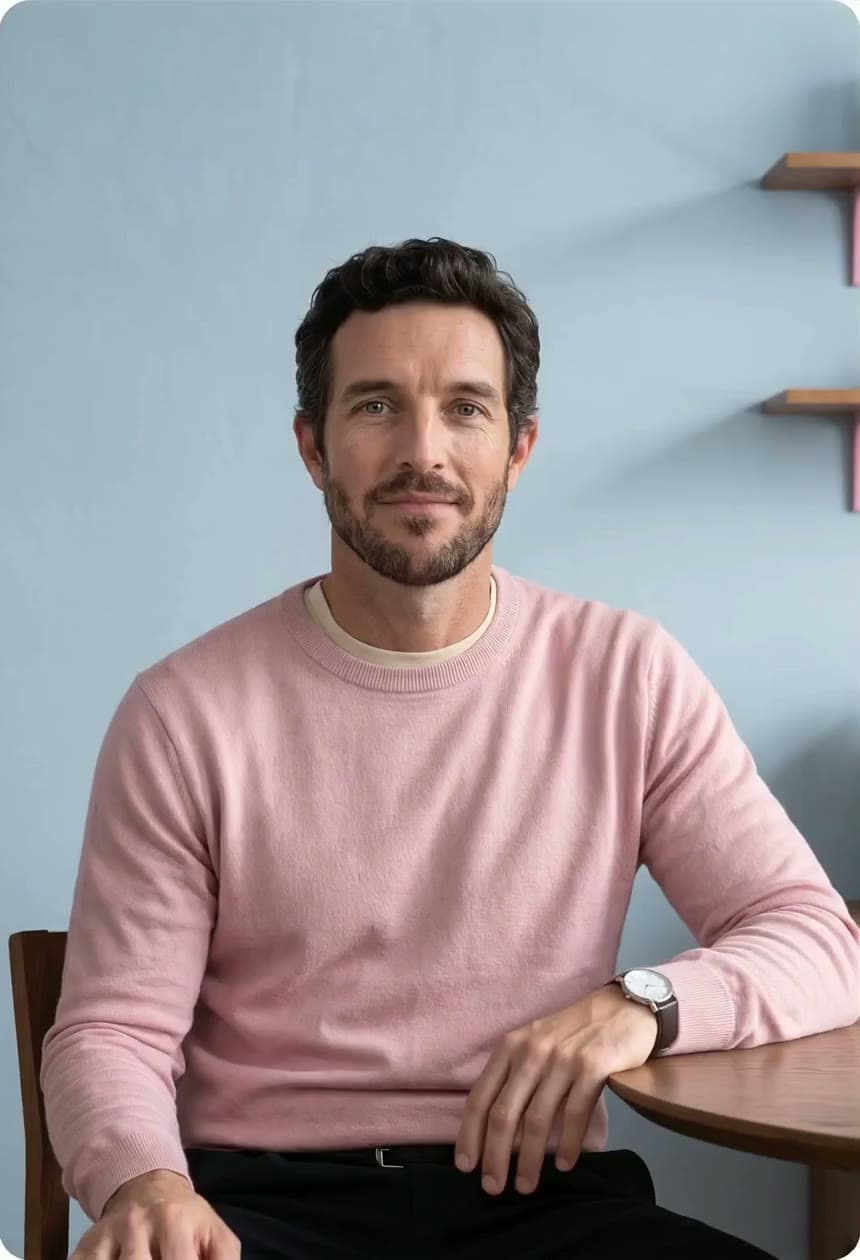
Upload a photo and a script and HeyGen makes it talk. That works on the free plan too.
Present with your Personal Avatar, or turn a prompt or photo into video with sound using HeyGen Video 1, Seedance or Veo. Then edit it all in one place.
Every clip here was AI generated in HeyGen and left exactly as it came out. Filter by style to find a starting point.
 HeyGen Video 1Hotel suitePromptSlow dolly through a quiet hotel suite at golden hour, linen curtains moving in the breeze, a city skyline beyond the window, warm practical lamps, soft room tone.Open in HeyGen
 HeyGen Video 1Café counterPromptProduct shot on a café counter, a barista slides a ceramic cup into frame, steam curling in morning light, shallow depth of field, espresso machine hiss.Open in HeyGen
 HeyGen Video 1Painted anime worldPromptHand-painted watercolor anime. A navy open-wheel race car with one cyan stripe drifts through a hairpin, blue-and-white kerbs, soft summer clouds, low tracking shot from the side, engine roar and tyre squeal.Open in HeyGen
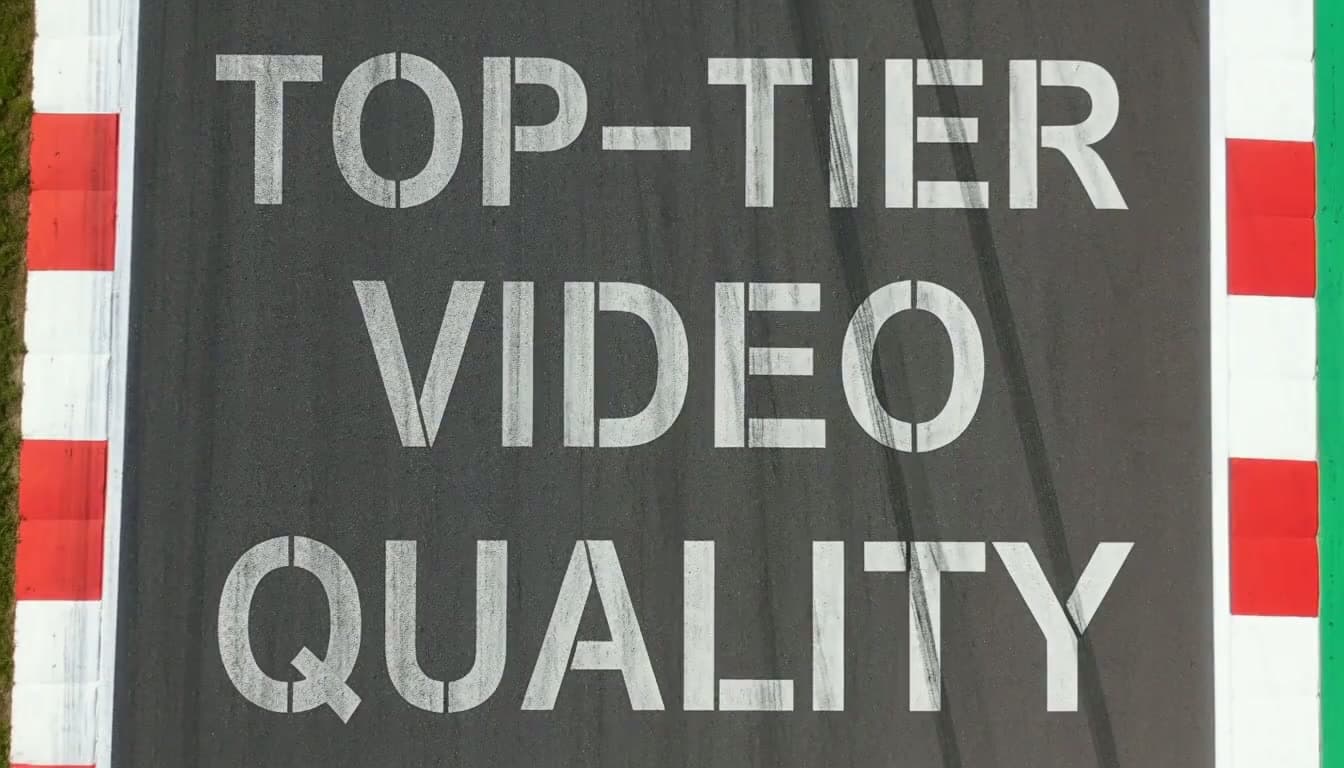
 HeyGen Video 1Pit-wall letteringPromptClose tracking shot along a pit wall as hand-painted lettering reads TOP-TIER VIDEO QUALITY, crew silhouettes behind, late-afternoon sun, distant engine noise.Open in HeyGen
 HeyGen Video 1Showroom carPromptA silver sports car turns slowly on a showroom turntable, long reflections across the paint, soft key light, camera arcs from front three-quarter to profile.Open in HeyGen
 HeyGen Video 1Cel animePrompt1990s cel anime, close-up of a driver lowering a white helmet visor with a cyan stripe, eyes narrowing, speed lines behind, crisp ink outlines and flat colour.Open in HeyGen
 HeyGen Video 1Window seatPromptWindow seat on a morning train, countryside streaking past, a coffee cup trembling on the tray table, warm side light, soft rail clatter.Open in HeyGen
 HeyGen Video 1Boutique railPromptBoutique fashion rail, a hand slides hangers one by one revealing linen shirts in earth tones, soft daylight, gentle hanger clicks.Open in HeyGen
 HeyGen Video 1Screen printPromptMid-century screen print of a city at night, flat inks in pink, teal and yellow, windows flicker on one by one, slow parallax, subtle paper texture.Open in HeyGen
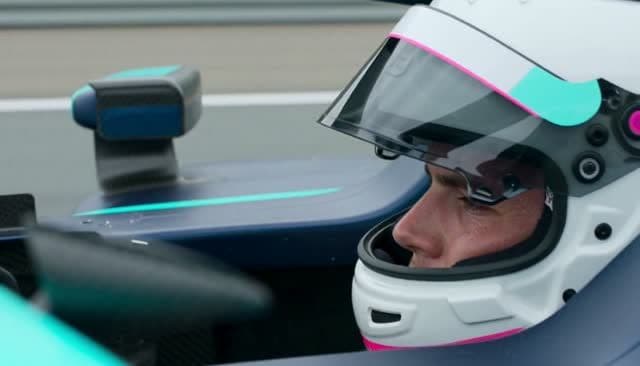 HeyGen Video 1Live-action cinemaPromptLive-action cinema, a racing driver in a white helmet with a cyan stripe sits in the cockpit, visor reflecting the pit lane, anamorphic lens, shallow focus.Open in HeyGen
 HeyGen Video 1Gym at sunrisePromptEmpty gym at sunrise, light rays through tall windows, a kettlebell set down on rubber flooring, dust in the air, low angle, slow push.Open in HeyGen
 HeyGen Video 1Stamped titlePromptRubber-stamp title animation: the words “Not anymore” are stamped onto off-white paper in red ink, slight misregistration, a thud on each stamp.Open in HeyGen
 HeyGen Video 1Lab benchPromptClean lab bench, a gloved hand places a sample vial into a rack, cool blue light, macro detail on the label, quiet hum of equipment.Open in HeyGen
 HeyGen Video 1Plasticine stop-motionPromptPlasticine stop-motion, a clay race driver in a white helmet blinks and grins at camera, visible thumbprints, 12 fps stepped motion, cosy studio light.Open in HeyGen
 HeyGen Video 1Living roomPromptBright Scandinavian living room for a listing, camera glides from the sofa to the window, plants and oak floor, soft afternoon light.Open in HeyGen
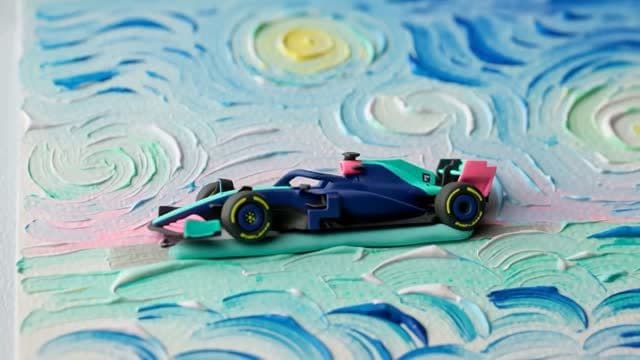
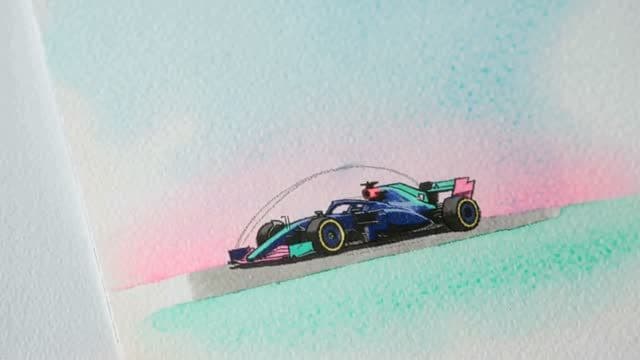 HeyGen Video 1Impasto oilPromptThick impasto oil painting comes alive, swirling sky over a racetrack, palette-knife strokes shift and catch the light, slow push-in.Open in HeyGen
 HeyGen Video 1Letterpress closing cardPromptLetterpress closing card: the brand name presses into thick cotton paper, ink spreading slightly, macro lens, a soft press thunk.Open in HeyGen
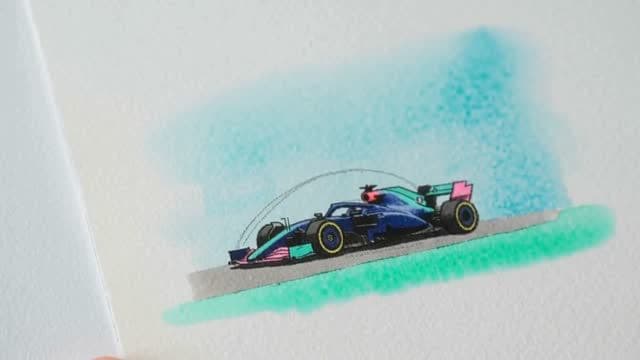 HeyGen Video 1Watercolour washPromptLoose watercolour wash blooms across wet paper and resolves into a racetrack with blue-and-white kerbs, pigment bleeding at the edges.Open in HeyGen
 HeyGen Video 1Machine-shop titlePromptTitle card machined into brushed steel, a CNC bit carves each letter, sparks and metal shavings, industrial overhead light.Open in HeyGen
 HeyGen Video 1Screen-printed titlePromptScreen-printed title “Ten takes”, two ink layers slightly offset, squeegee pass reveals the second colour, paper grain visible.Open in HeyGen
 HeyGen Video 1Cotton-paper printPromptCotton-paper print of an API diagram, ink pressed into deckled paper, raking light shows the emboss, slow overhead slide.Open in HeyGen
An AI video generator turns text prompts, images or footage into new video clips, with no camera or crew. Describe the shot and HeyGen Video 1 creates picture and sound together, in seconds.
 Launch film
Your face, your voice, your ideas, without filming every video. Record once and present in 177+ languages. It’s what HeyGen is known for: digital avatars and multilingual voices.
Fifteen seconds on your webcam is all it takes. After that, pick any outfit or setting, put up to three avatars in a shot, and Avatar V keeps your face, wardrobe and micro-expressions consistent from wide shot to close-up.
Pick up to 10 languages at once. It’s still your voice, the lips still match, and a brand glossary keeps product names right in each one.
Create your personal avatar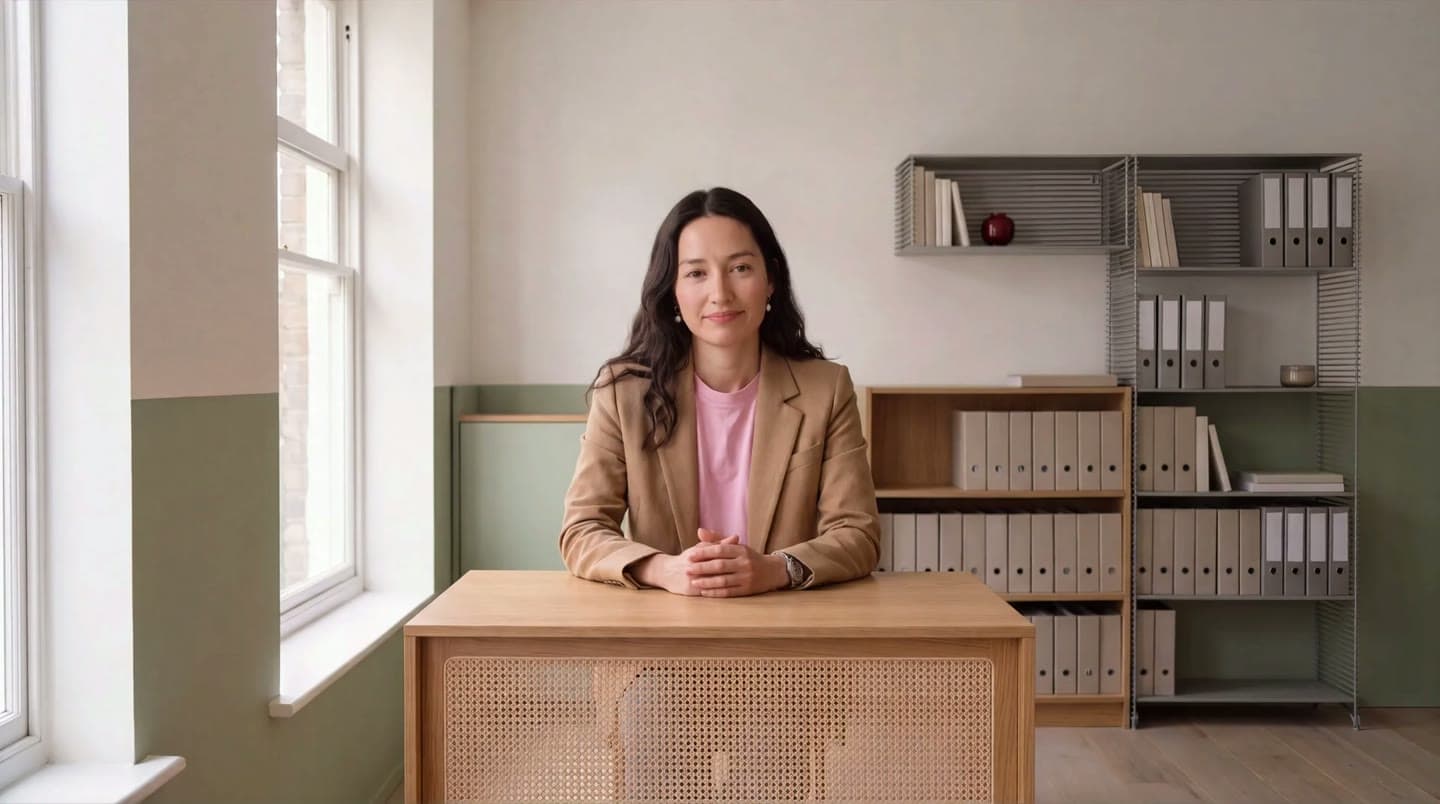 Personal AvatarFinance explainer · English
HeyGen has its own AI video model. Give it a prompt, a photo or a few references and get a 5 to 15 second clip with sound, at a fraction of the cost of the top models it matches.
 Potter at the wheel
Describe the subject, the action, the light and the camera angle, and get a clip made from scratch, 5 to 15 seconds long with HeyGen. Write it the way you’d brief a crew, and the model sticks to the brief: nobody speaks unless you write their lines. You have 32,000 characters, enough for a full shot list.
Text to Video AIWide shot of a potter at a spinning wheel in a quiet studio, a clay vessel rising between the potter's hands as the wheel turns. Shot on an ARRI Alexa Mini LF, 35mm T2.8, locked off on a tripod. Soft window daylight. Fine film grain, true-to-life muted colour, no teal-orange grade, no retouching, no beauty filter, no glamour lighting, real textures and materials. One clear subject, simple uncluttered frame, natural physical motion. Faces small or turned away. No logos, brand names, printed words or badges anywhere in frame. No music.
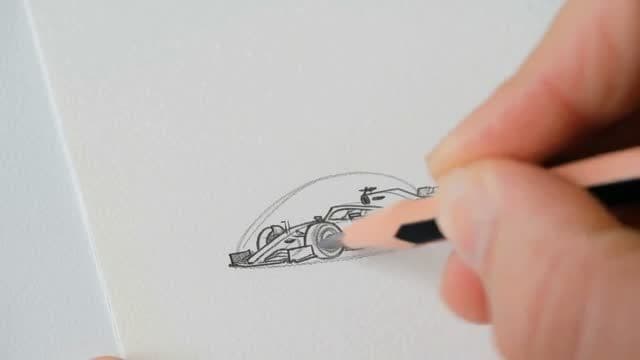 01 · Pencil sketch
Upload a photo, a product shot or an AI-generated image. It becomes the first frame, then comes to life with motion, light and depth. No picture yet? Make one with the built-in AI image generator, using image models like Nano Banana or Seedream on a paid plan.
Image to Video AI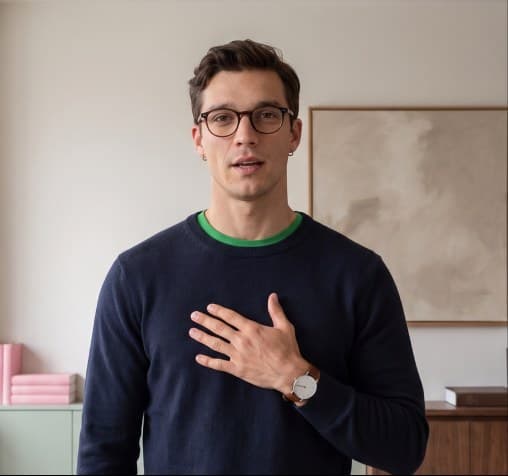
Add one reference photo and the same person turns up in every scene, with the same face, hair and build, from a wide shot at dawn to a close-up at night.
Reference to video AI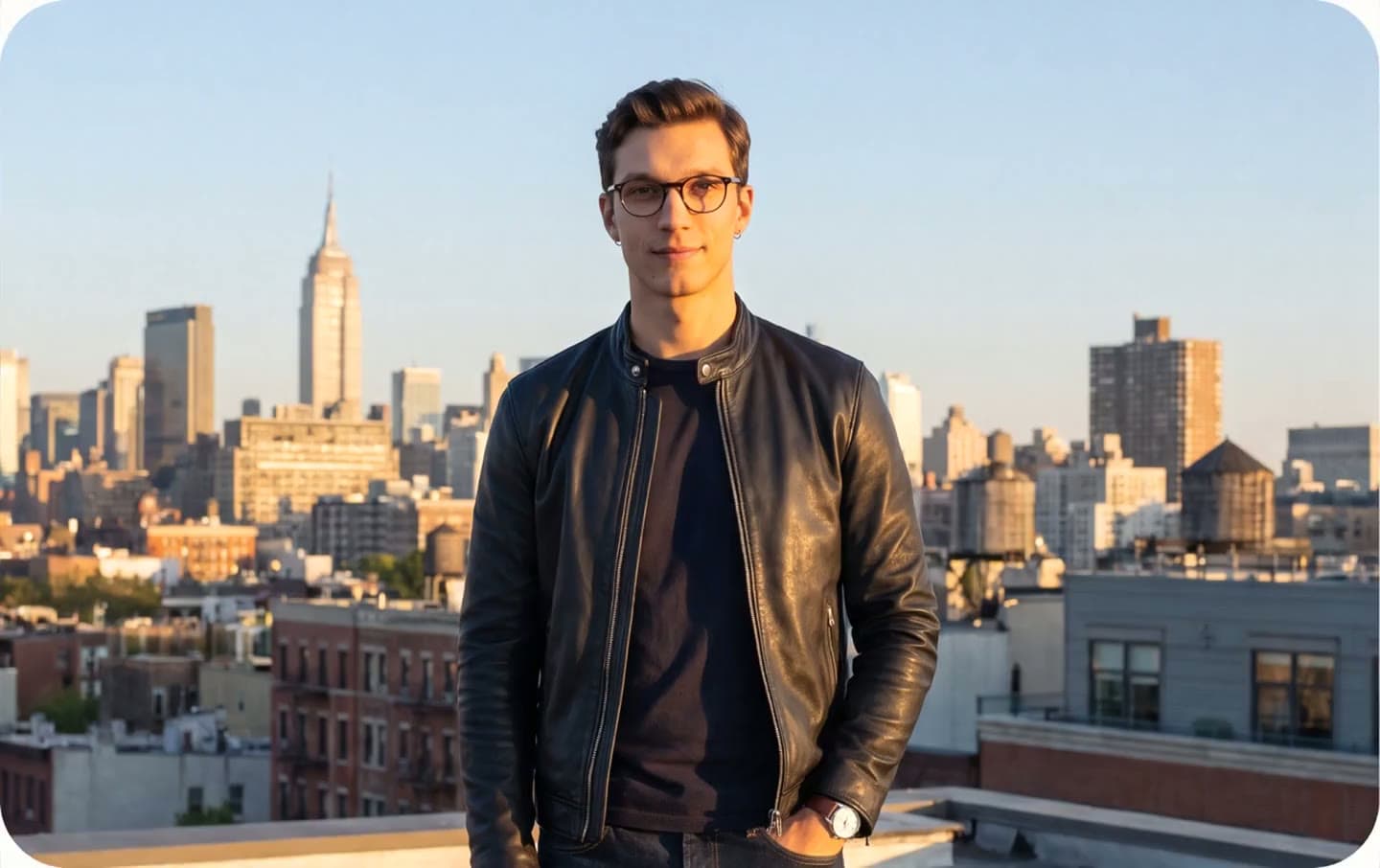
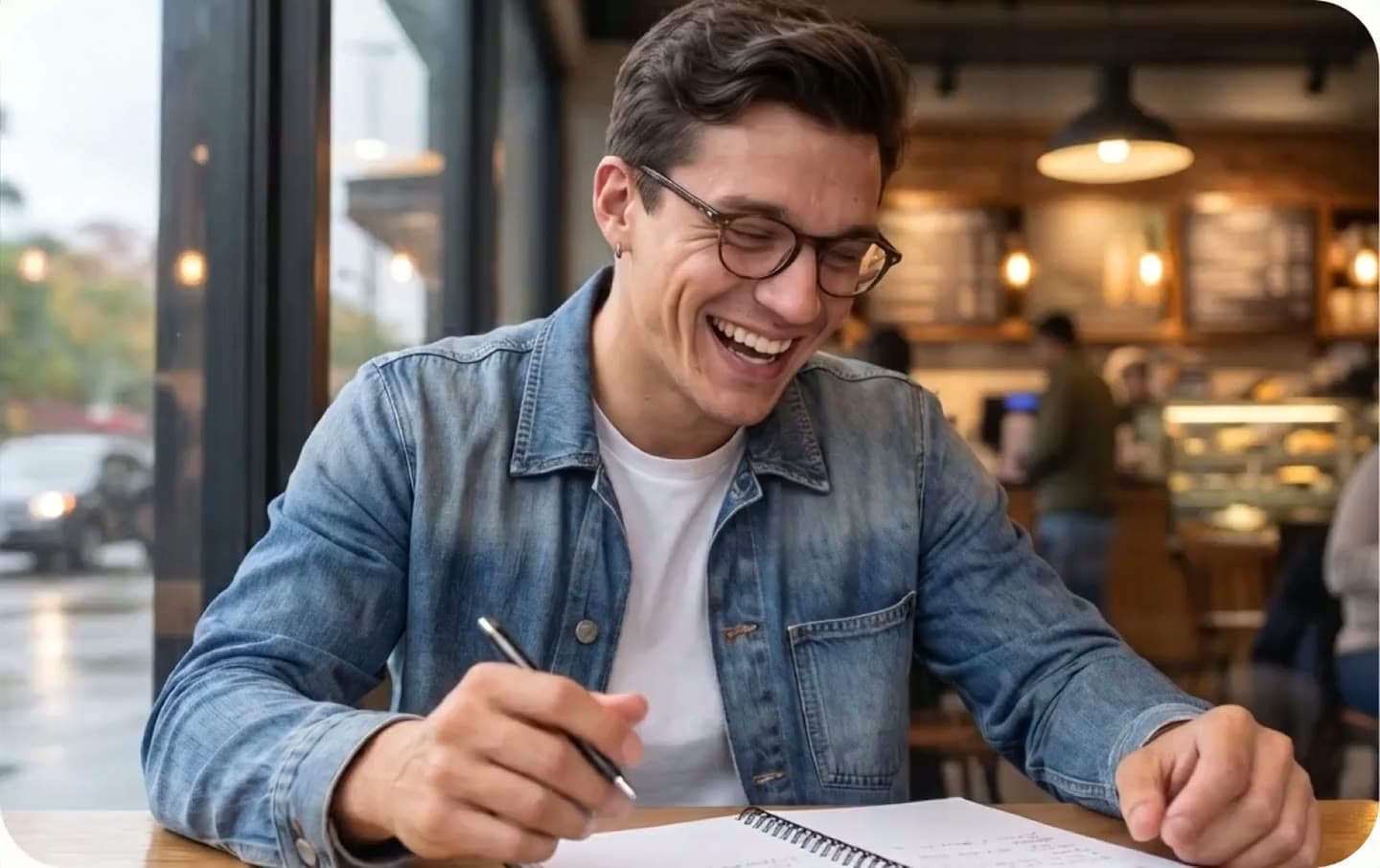
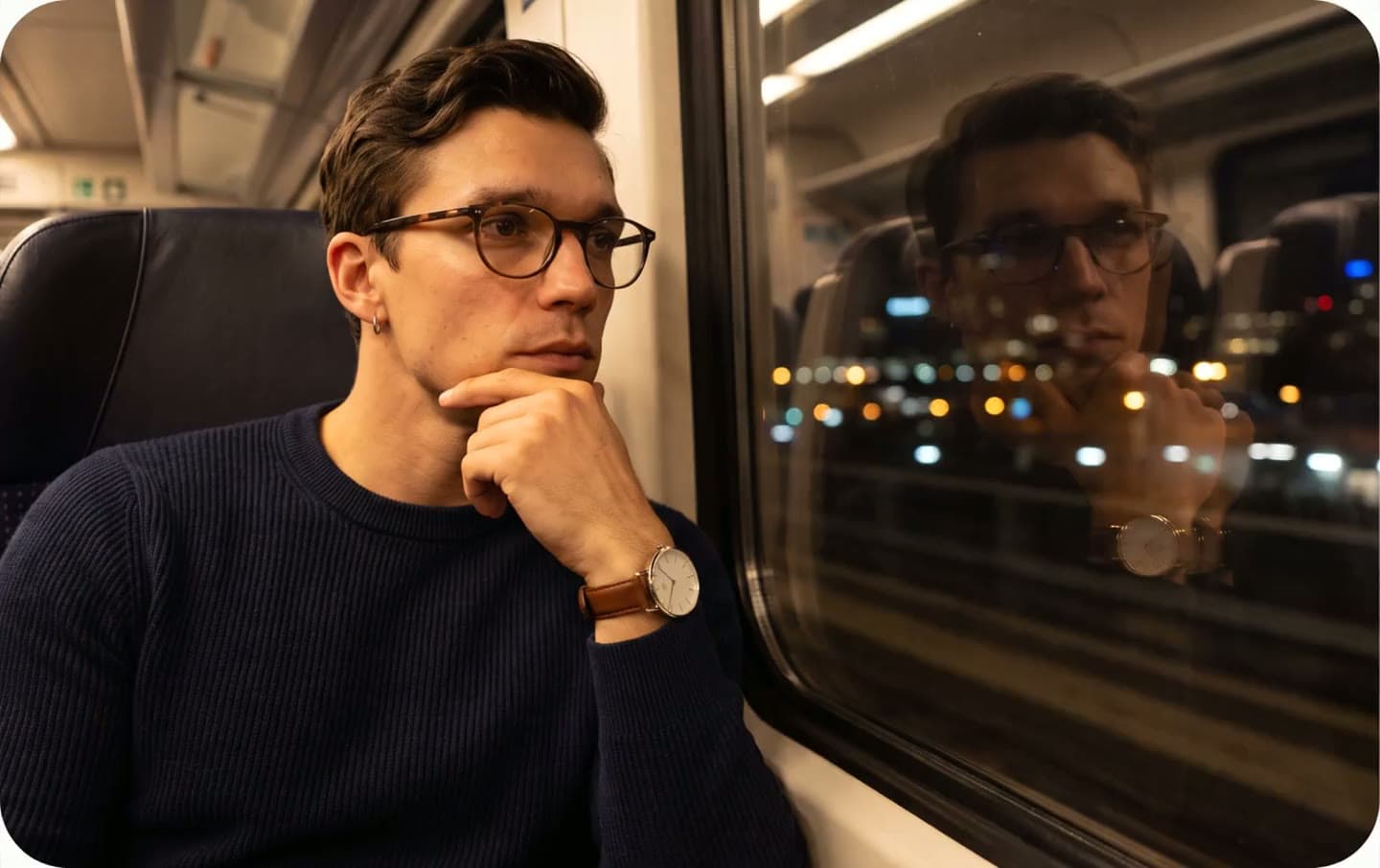
Name the camera, the lens and the camera motion, then describe the light and the grade. What comes back looks shot on set, not rendered. Write dolly moves and push-ins into the prompt, or add a reference clip to keep its people and products in frame.
A few hundred characters will get you a much better clip than a single line.
“ARRI Alexa Mini LF, 50mm, locked off” changes the image. “Cinematic” and “high quality” barely do anything.
Ask for skin texture, then add “no retouching, no beauty filter”. If you want clean frames, add “no logos or printed words” too.
Keep it short, spell it exactly, and say it’s the only lettering in the frame.
Describe the room and the effects, and say “no music” if you don’t want any. For dialogue, allow about 2.5 words a second.
One subject doing one thing with a steady camera works best. Long text, hair and close-up hand work are the hardest to get right.
Dialogue, room tone and effects arrive with the picture, so there’s no lip-sync pass afterwards. Need voiceovers? HeyGen Voice 1 reads them in your own voice, and background music and sound effects are a click away.
Record 60 seconds on your phone. HeyGen Voice 1 learns your timbre, accent and phrasing, then delivers each line the way you would if you were standing in the scene. It’s ranked first on Artificial Analysis, and it reads Spanish, German, French or Chinese with a native accent.
 Input
on Artificial Analysis.
Chosen over ElevenLabs v4 in 61.5% of decided narrator votes, in blind tests across five languages
Prefer another voice? Choose from 300+ HeyGen AI voices, or connect your ElevenLabs library
Add up to 12 references, from photos and clips to audio, and HeyGen keeps those people and products in the shot. Then pick a look, from live action to anime, watercolour or clay.
Reference to video AI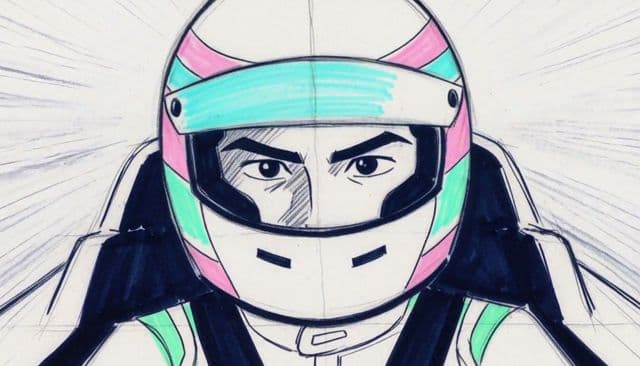
HeyGen is a multi-model workspace. Switch between HeyGen Video 1, Seedance, Kling, Google Veo, Sora and Wan on one subscription, and mix them in one project as new models land.
Our own model. Realistic motion, native audio, tight prompt-following and characters that hold from shot to shot, with picture and sound in one pass. At 0.2 credits a second it is also the cheapest model here, so test ideas on it before you spend on a premium model.
Also in the HeyGen API as heygen-video-1.
 Dawn street
 Bakery at 4 a.m.
 Night tram
Cuts between shots inside one clip and keeps characters on-model across the cuts, with sound.
Pro, Business and Enterprise.
 Keynote stage
 Kitchen promo
 Drink ad
Google’s model for cinematic clips with native sound, from text, an image, or a first and last frame.
Paid plans.
 History lesson
 B-roll
 Night run
Video generation

The newest Seedance, guided by references or start and end frames.

Cinematic storytelling scenes with sound.

Fast prompt-only drafts.

Start and end frames for reveals.
Animates a still from its first frame.
Photo to video

Lifelike motion from one photo.

Brings a photo to life.

Expressive motion from a photo.
A clip isn’t a video. HeyGen also writes the script, casts the presenter and handles sharing and teamwork, so you can create professional videos without video editing software.
Upload a photo and a script and HeyGen makes it talk. That works on the free plan too.
Paste a link or a PDF, or just type one line. Video Agent writes the script and adds a voiceover.
Start from a template for ads, product demo videos or explainers, or turn a PowerPoint deck into video.
Add quizzes and links inside the video, then send it to your LMS as a SCORM package.
Comment, edit together and share brand assets in a Business workspace.
Use Video Agent in ChatGPT or Claude, or build your own workflow with the HeyGen API, n8n, Make or Zapier.
Tell Video Agent what to change and it edits only those scenes. Or open AI Studio for full control: swap backgrounds and faces, set the camera and lens, rearrange scenes. The AI video editor takes your own footage too.
Six ways teams create videos with HeyGen right now, from ads and social clips to training and sales outreach, each one made without a camera or a crew.

Offers change faster than agencies can re-edit. Marketers brief a video ad in the morning and have it the same day, with UGC-style versions for each channel. Test new hooks in minutes, and a Brand Kit keeps each version on-brand.
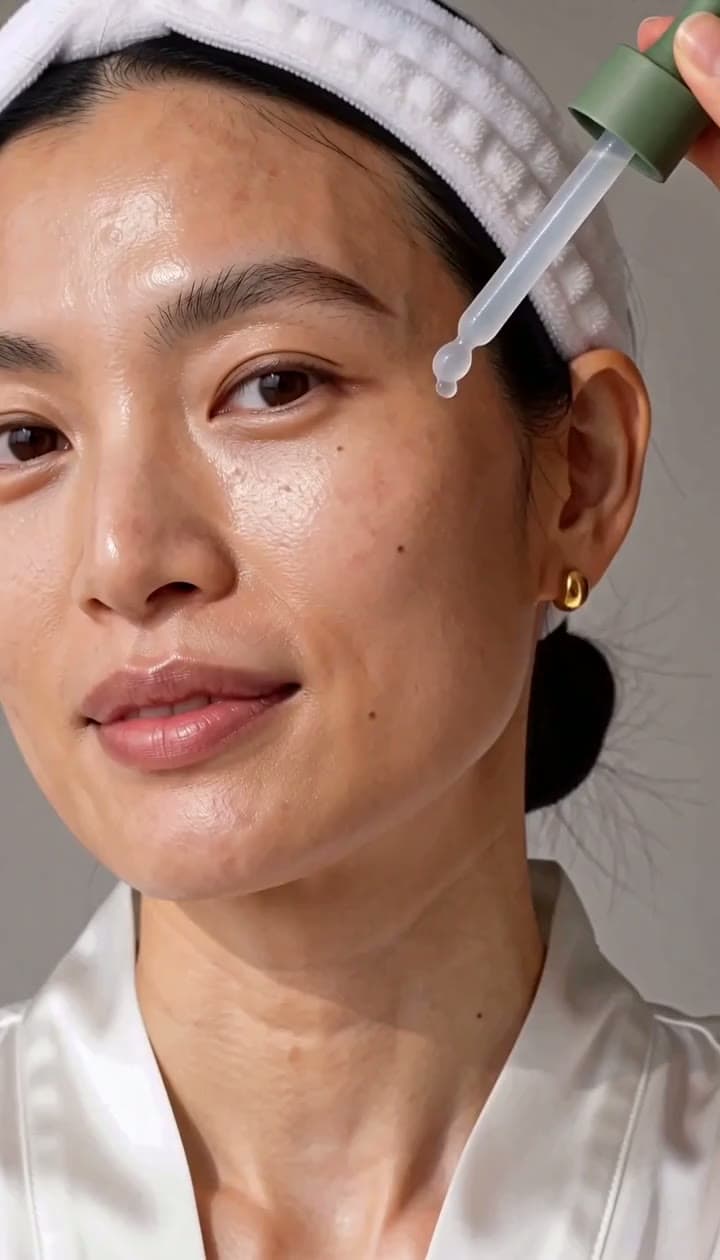
Creators rarely have a film crew. Paste a line of text, a script or a URL and get a social-ready video with captions and voiceover done: vertical videos for TikTok, Instagram Reels and YouTube Shorts, or YouTube videos up to 30 minutes long. Post daily without filming daily.
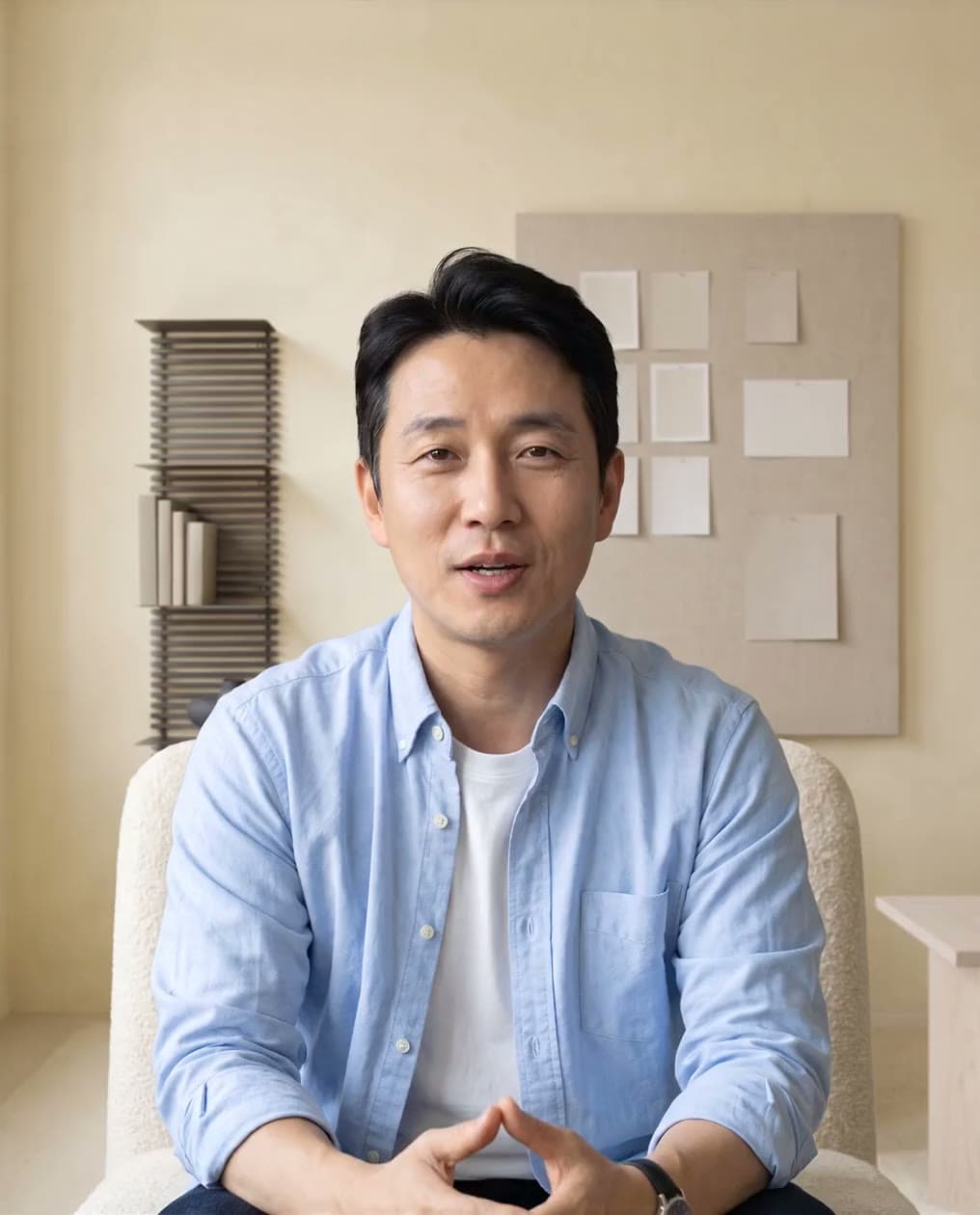
Generic outreach gets ignored. Build one video template, then generate a version for each prospect with their name, company and pain point, no re-recording. Send demo follow-ups the same way, and translate the pitch for every market. See sales videos.
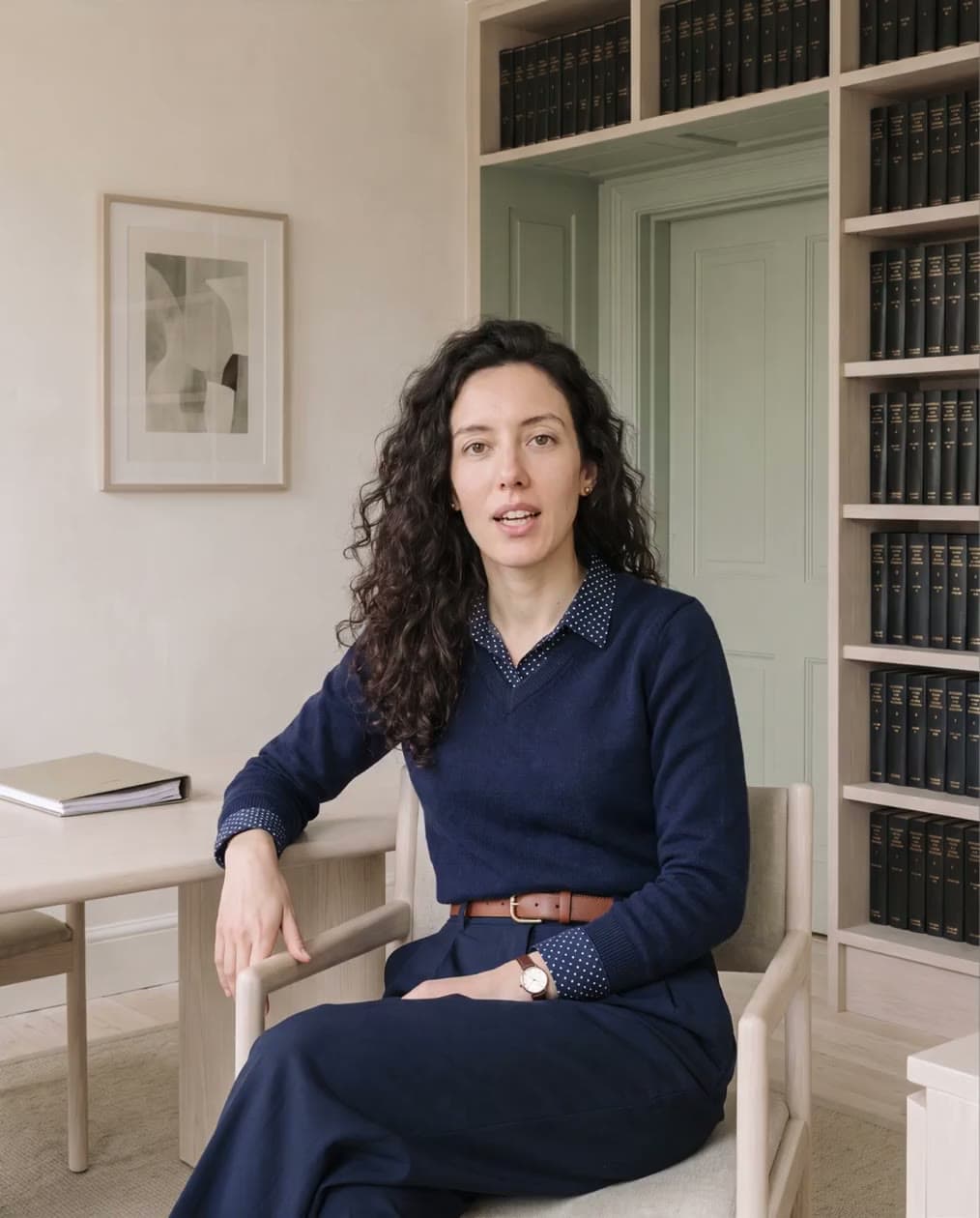
Screen recordings full of pauses make weak training. Turn a PDF or slide deck into a narrated lesson or explainer video, presented by your avatar. Add quizzes, export SCORM to your LMS on the Business plan, and translate it for each region.

Nobody can reshoot a product for every angle. Turn product descriptions and photos into product videos and ads, no photoshoot needed. AI product placement drops the product into a realistic scene with matching light, and you export every size your store needs.
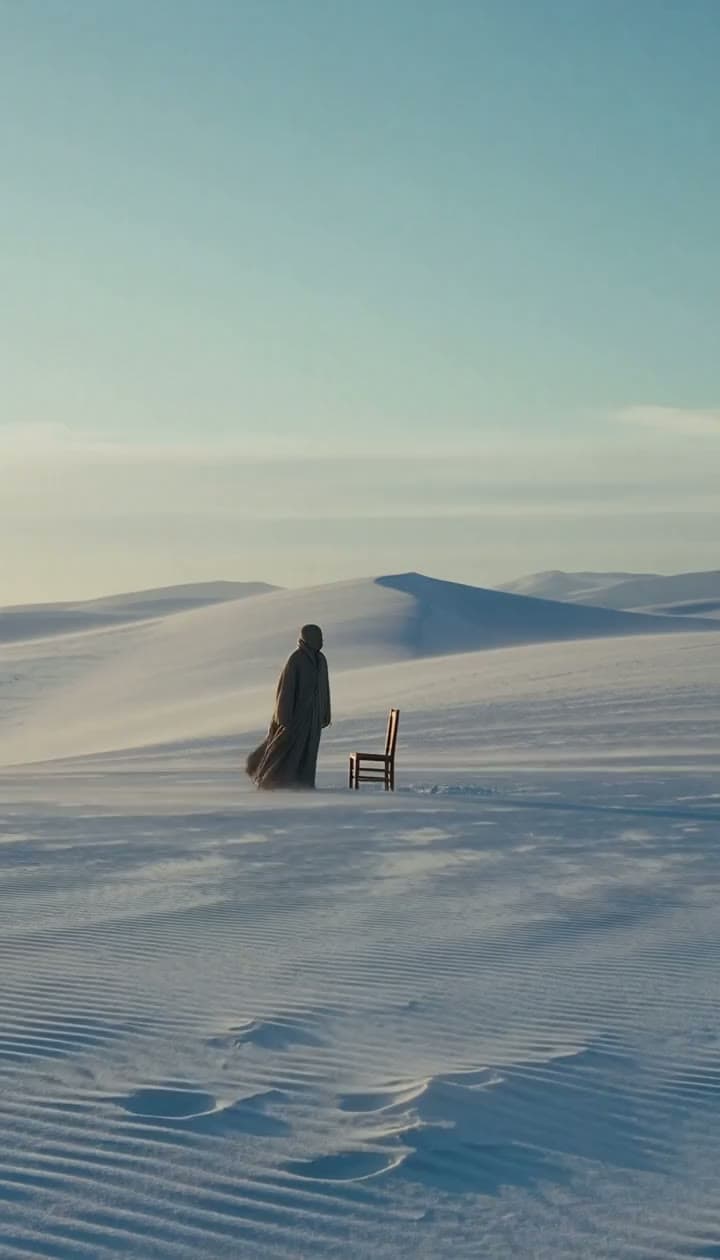
Filmmakers burn days shooting scenes a prompt could test first. Use HeyGen as an AI movie generator for previz, trailers and music videos. Name the camera and lens for each shot, and your characters stay the same from scene to scene.
Here’s how HeyGen’s AI video generator works. Describe a scene or upload a photo, and Video Agent plans the shots, sound, voiceover and captions, so you go from idea to finished video in minutes.
Type a simple text prompt, or start from an image, a script, a PDF or a link. Prompt enhancement fills in the details.
Choose HeyGen Video 1, Veo 3.1, Seedance or another model, then set the length and aspect ratio. Third-party models require a paid plan.
Check the storyboard and approve it. A single clip takes seconds. A one-minute video takes 5 to 10 minutes.
Make changes in the chat or in AI Studio, then download an MP4 or share a link.
videos generated with HeyGen
Rated 4.8 out of 5 from 1,974 reviews on G2. Teams use HeyGen to cut production time and translation costs, and the figures below come from HeyGen customer stories.
The free plan gives you 3 videos a month, then pick a plan that fits from $29 a month or $24 billed yearly. Credits come with every paid plan. Third-party models require a paid plan; Seedance requires Pro or higher.
Prices are monthly billing in USD
No video duration limit · SCIM, roles and MFA · Dedicated customer success manager
Contact salesStraight answers on cost, quality, limits and what you can make. For account and billing questions, visit the HeyGen Help Center.
Yes, HeyGen is free to use. The free plan needs no credit card and gives you 3 videos a month, each up to a minute long, with a watermark. To export without one, upgrade to Creator for $29 a month ($24 billed yearly), which also adds 1080p export and videos up to 30 minutes. The free preview on this page has a separate limit: two 5-second clips a day at 480p or 768p.
You describe a shot, upload an image or add reference clips, and a video model trained on how motion, light and sound behave creates new frames to match. HeyGen Video 1 makes the soundtrack in the same pass, so dialogue and effects fit the picture. Video Agent can then plan several shots, add voiceover, captions and music, and join them into a finished video.
There are four main kinds. Text-to-video generators make a clip from a written prompt. Image-to-video generators animate a photo or product shot. Avatar generators create talking-head videos of a presenter, including a Personal Avatar of you. AI video editors change existing footage, from captions and trims to backgrounds and translation. HeyGen does all four in one workspace.
Speed, cost and reach. You skip the camera, crew, location and reshoots, edits take a sentence, and one video can be translated into 177+ languages. HeyGen customers show the difference: Advantive cut content creation time by 50%, Trivago cut post-production time by 50% across 30 markets, and teams spend 80% less on video translation.
Look at what the free plan actually gives you. HeyGen’s needs no credit card and makes 3 videos a month, up to a minute each, in 720p with a watermark. Avatar IV can even turn a photo into a talking video on the free plan. Paid plans from $29 a month remove the watermark and add Veo, Sora and Kling.
Most start free and then charge monthly, by credits. HeyGen’s free plan makes 3 videos a month with no credit card. Creator is $29 a month ($24 billed yearly), Pro is $49, Business is $149, and Enterprise is priced for you. Paid plans include monthly credits: you only spend credits when a video renders.
HeyGen, because it pairs its own models with the best of everyone else’s. HeyGen Video 1 generates the picture, dialogue and sound effects in one pass, keeps objects steady and follows real-world physics. HeyGen Voice 1 reads your script in your own voice and fits it to the scene. When a shot suits another engine, Seedance, Veo, Sora and Kling are in the same workspace.
HeyGen Video 1 (heygen-video-1), HeyGen’s own model, is built for realism. It creates the subject, setting, light and sound together, keeps objects the right size and in place, never lets them duplicate or vanish mid-shot, and follows real-world physics. Name a real camera body and lens and you get that depth of field and grain. For talking-head videos, your Personal Avatar on Avatar V keeps your face and micro-expressions consistent from wide shot to close-up.
Most AI video tools stop at the clip. HeyGen is a complete AI video workflow. It generates clips with sound, Video Agent writes the script and adds voiceover, captions and music, and you can bring in your Personal Avatar, edit any scene by chat or translate the finished video into 177+ languages, all in one project.
Marketing videos, video ads and UGC ads, product and promo videos, clips for TikTok, Reels and Shorts, full YouTube videos, explainer videos, training lessons, film previz, music videos and property walkthroughs, photoreal or animated. For marketing, make a video using AI from product photos or a brief, spin out UGC-style ads for each channel, keep them on-brand with a Brand Kit and translate them into 177+ languages.
For video, there’s HeyGen Video 1, Seedance 2.5 and 2.0, Veo 3.1, Sora 2, Kling AI, Wan, Gemini Omni Flash, Runway and Hailuo. For image generation, there’s Nano Banana and Seedream. They all run in the same HeyGen workspace, and third-party models need a paid plan. Seedance 2.0 and 2.5 require Pro, Business or Enterprise. The free preview on this page uses HeyGen Video 1 for two 5-second clips a day at 480p or 768p.
Yes. Use the same reference image and the same person, product or place appears in each shot, down to its colour and markings. Your Personal Avatar keeps your face and voice from one video to the next, Seedance 2.0 holds characters steady across cuts, and naming the same style in each prompt keeps a series looking like a series.
Yes. An image-to-video clip opens on your photo and brings it to life. Reference to video works from up to 9 images and 3 video clips and keeps the people and products in them. Avatar IV turns a photo into a talking video, and your own footage can go straight into the AI video editor.
Write at least a few hundred characters. Name the camera and lens instead of saying “cinematic”, describe the sound, spell out any on-screen text, and keep each shot to one subject doing one thing. If you need an exact look, upload an image to use as the first frame.
Yes. Tell Video Agent what to change and it revises only those scenes, or open AI Studio and edit by hand. Existing footage works too: upload it to the AI video editor to trim it by editing the transcript, add captions and subtitles, fill gaps with AI B-roll, change the background and resize it for each platform.
Yes, with HeyGen. Add the HeyGen app in ChatGPT, describe the video you need, and Video Agent produces it with avatars, motion graphics, B-roll and narration. You refine it by chatting, without leaving ChatGPT. The HeyGen MCP server brings the same Video Agent to Claude, Cursor and other AI assistants. Videos use your HeyGen credits.
Yes. Every clip comes with its own dialogue, ambience and effects. For the voiceover, clone your voice from a 60-second recording or choose from 300+ HeyGen voices across 177+ languages and dialects, with the accent, gender and age you want. You can also connect ElevenLabs or LMNT and use their voices inside HeyGen, then add background music, sound effects and captions.
Video output is an MP4 in 720p on Free, 1080p on Creator, and 4K on Pro and above, in 9:16, 16:9, 1:1 and other shapes. Download the file or share a link.
No editing skills required. HeyGen is beginner-friendly, and you use the AI video generator online: it runs in your browser and on iPhone and Android, there’s nothing to download, and you can edit any video just by chatting. Start with one simple prompt, then open AI Studio when you want full control, scene by scene.
Generated clips are short: 5 to 15 seconds each with HeyGen Video 1, which Video Agent joins into longer videos. Talking-head videos with your Personal Avatar have no such cap, so a lesson or a webinar can run the full length your plan allows: up to a minute on Free, 30 minutes on Creator and Pro, 60 on Business, and as long as you like on Enterprise. HeyGen Video 1 does best with simple, contained shots. It struggles with long on-screen text, soft movement like hair and paper, and close-up hand work, so add small print as real text in the editor. Every video goes through moderation, and a Personal Avatar needs the person’s consent.
Yes. You can use HeyGen videos for ads and client work when your inputs and videos follow HeyGen’s content and copyright guidelines.
 How to Make AI Videos in 2026: Step-by-Step GuideRead
 10 Best Free AI Video Generators in 2026: Veo, Kling, Runway & Pika ComparedRead
 Best AI Video Generators 2026: 12 Tools Tested & RankedRead
 AI Video Generator Pricing Compared (2026): Cost Per MinuteRead
 Best AI Video Generator for YouTube in 2026 (Tried and Tested)Read


 01Door
 02Bar
 03Pour−0:02


 04ToastRe-rendering…
 05End card
 Scene 2 · Onboard
 Scene 3 · Head-on
 Scene 4 · Side-on


