
Tomorrow.io

- 2 daysto create videos, compared to 1 week
- 3-5marketers producing content at enterprise scale
 for Marketing Teams
Create a Personal Avatar that looks and sounds like you, then turn every promotion, launch and offer into a marketing video for the platforms you use.
See customer results
What are you planning to market this week?
We draft a 15 to 30 second ad based on your offer and opening hook. You review every line before the video is generated. Sign up to get started. The same card opens in your HeyGen workspace, ready for your brief. You can choose the avatar, voice and style in HeyGen.
Choose a video task and tell HeyGen what it should cover. The same card opens in HeyGen after you sign up, ready for your Personal Avatar.
You bring
You get
A 15 to 30-second advert in your voice, with captions, tailored to each feed.
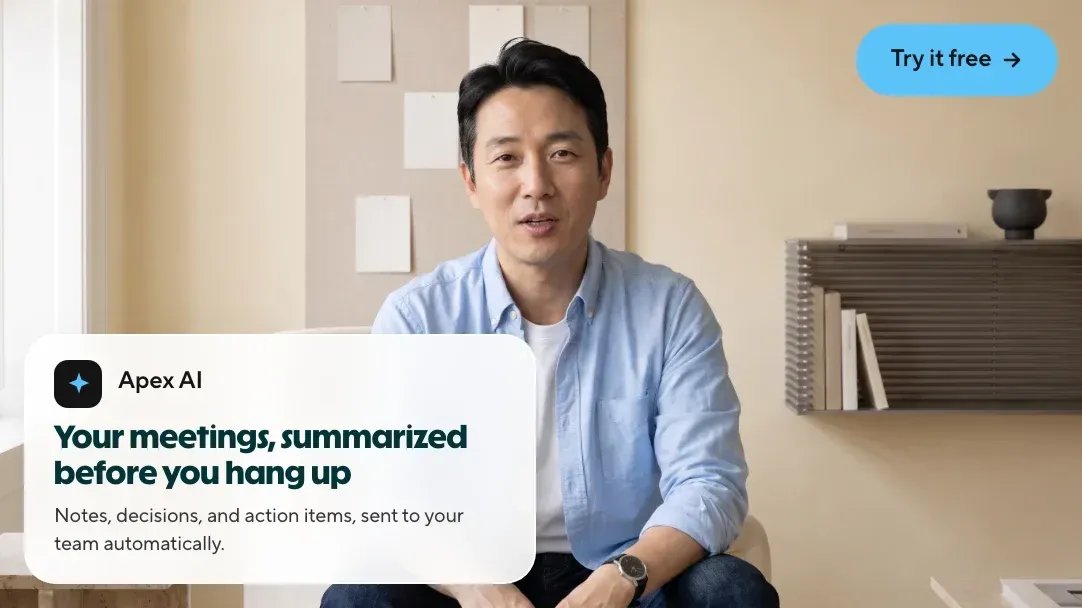
Sample videos, each around fifteen seconds long. Play a video to see the format.
Expert explainer
A post’s opening frame, your brand voice, subject line tests. Start with one topic and your Personal Avatar.
Discover how teams use HeyGen to maintain consistent marketing, save time, expand their reach and grow their business.
30markets localised simultaneously
10xincrease in video production speed
Record yourself once. Then turn every new idea into a marketing video without having to appear on camera again.
Choose the type of video you need and add your script, or share a prompt and let HeyGen help you draft one.
Choose the avatar, voice and visual style, with your brand kit ready to use. You can edit the script at any stage.
Localise the finished video into 175+ languages and create versions for every channel.
You control the avatar, voice, visual style and every line of the script before rendering begins, while your brand kit keeps logos and colours consistent. Teams like trivago use this approach to deliver campaigns.
Yes. HeyGen translates finished videos into 175+ languages while retaining the same presenter and voice. This is how trivago localised TV adverts for 30 markets simultaneously.
No. Start with a ready-made avatar, or create a digital twin of your own spokesperson using a short recording. From then on, creating each new video only requires editing the script, rather than filming again.
Sign up or sign in, and the same video task opens as a card in your HeyGen workspace, ready for your brief. You can get started on the Free plan.
Shared workspaces bring avatars, voices and brand assets together in one place, helping maintain consistency across campaign videos, regardless of who on the team creates them.
Choose the video task, read the script, and publish it in your own voice.

