Create an AI talking photo online
Talking photo AI lets you create realistic AI talking photos that speak more than 175 languages and dialects. Instantly generate unlimited AI photo avatars of yourself for LinkedIn profile photos, holiday content, travel scenes, or even fantasy worlds, all with a single click.
- No credit card required
- AI Voice Clone
- 175+ languages and dialects


Introducing talking photo AI
Create an AI talking photo avatar that works as hard as you do. Take your photo and reimagine yourself in any scenario. HeyGen’s AI photo avatars match your vision, whether it is in a professional office, a luxury holiday, or a creative fantasy world. With natural motion, lifelike gestures, and custom styles, your avatar becomes the industry leader.

Generate AI photo avatars using prompts
Use text-based instructions to define your AI photo avatar’s look. This realistic avatar creator crafts images tailored to your needs, whether it is a corporate headshot, a casual portrait, or a cinematic composition. As we discuss the ethical aspects of personalisation and how we balance privacy in our creations, our offerings remain unmatched.

Create fresh looks for your AI avatar
Take your AI avatar character further by generating fresh looks. Change clothing, adjust expressions, or switch backgrounds to match any theme or occasion with our avatar creator app.

Style for every story with preset look packs
Speed up customisation with look packs. Instantly apply professional, lifestyle, holiday, or fantasy styles to your AI photo avatar with a single click. Explore our enhanced avatar generator from photo options that make creating your photo avatar simple.

Features and benefits of talking photo AI
HeyGen’s talking photo AI gives you complete control to create realistic avatars from any image. Whether you want to experiment with different looks, generate avatars using prompts, or customise styles in one click, our platform makes it easy to produce expressive, animated AI avatars that adapt to any scene, theme, or audience.

Avatar IV
Transform a single image into a complete video with natural voice sync, expressive facial movements, and realistic hand gestures.

Effortless customisation in one click
Forget fiddling with the small details. With a single click, your photo avatar transforms into the ideal look for any scene, purpose, or mood. You can instantly switch between styles or settings to keep your content fresh and aligned with your creative goals.
Generate talking photograph

Generating video
Upload photograph

Uploading
Enter your script
Type your script here…

Generate AI avatars using prompts
Describe your desired scene, outfit, or pose with simple text prompts. HeyGen's AI turns your photo into realistic AI images of you, effortlessly. You can choose any setup, whether it is business, casual, themed, or more. Experience the power of computer vision in avatar transformation.

Realistic movements and expressions
Bring your talking photo AI to life with natural blinks, eye movement, and subtle micro-expressions. HeyGen captures pauses and emphasis so that delivery feels human, not robotic. Add emotion presets or fine-tune the intensity to match the tone of your script across languages, scenes, and styles.
Turn photos into vibrant animated AI avatars
Convert a static image into a dynamic AI-generated avatar with motion and voice. Engage your audience with an AI-powered video that feels natural and expressive, creating a powerful and immersive photo avatar experience.
Talking photo avatar
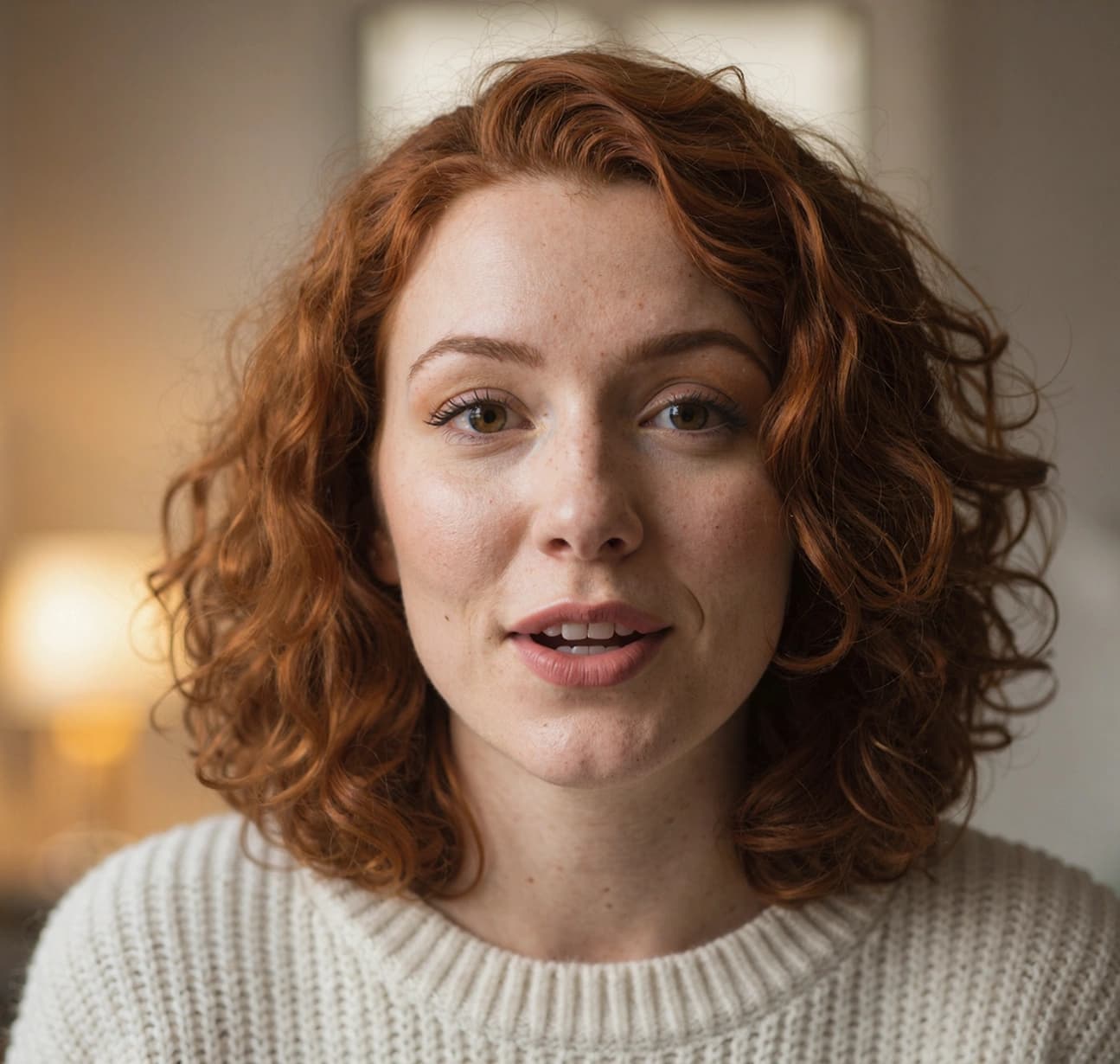

Begin with your avatar
Upload a photo for the best accuracy, or skip it and let your imagination take over by generating an avatar from picture ideas.

Generate using text prompts
When your imagination goes beyond the presets, use text prompts to create something uniquely your own. Describe the outfit, environment, or atmosphere you have in mind, and HeyGen will handle the rest as your AI avatar creator, combining realism with personalisation.

Browse look collections
Tap into a curated library of preset styles, from sharp business attire to mythical adventurers. Look packs give you instant access to polished looks tailored to specific themes and occasions, enhancing your avatar from picture transformations.
Create your talking photo AI in 4 simple steps
Become the face of your digital world. Your AI-generated avatar reflects your personality, expressions, and movements, while improving user engagement.


Photos that talk back
Become the face of your digital world. Your AI-generated avatar reflects your personality, expressions, and movements, while boosting user engagement.


Have questions? We have the answers
What is a Talking Photo AI?
Talking Photo AI is a digital representation that uses AI to create a realistic image or video of a person. It brings your photo to life by making it talk, move, and show emotion, making it ideal for content creation, virtual communication, or simply for fun.
How can I create an AI talking photo avatar using HeyGen?
Upload your photo, use text prompts to describe your vision, and HeyGen will generate a realistic AI avatar for you.
What kinds of avatars can I create using HeyGen?
HeyGen enables users to create photo avatars, video avatars, and interactive avatars for a wide range of scenarios and platforms. You can explore unique features by getting started for free here.
Is it possible to animate my AI-generated avatar?
Yes, HeyGen allows you to add motion and voice to your avatar, making it dynamic and lifelike. Learn more about these features here.
Can I customise the appearance of my AI avatar?
With HeyGen, you can change clothing, expressions, and backgrounds using text prompts and Look Packs, giving you a customised experience here.
What are Look Packs in HeyGen and how do they work?
Look Packs offer instant customisation with predefined styles such as professional, lifestyle, and fantasy looks. Explore how they can enhance your avatars here.
What are AI Avatars used for?
AI avatars are used for creating videos, social media profile pictures, and for branding purposes. Find out how you can get started here.
Start creating videos with AI
See how businesses like yours scale up content creation and drive growth with the most innovative AI video.

