

 for Healthcare
You cannot reach every patient in person. Your video can
Turn the explanations and answers you share throughout the week into a video that looks and sounds like you. Choose the topic, approve the script, and publish.
New video
We draft a script that is easy for patients to understand. You review and edit every line before the video is generated. Sign up first. The same card will open in HeyGen with the text you entered.
Three ways to support your patients
Each builds on your existing expertise and opens as a separate card in HeyGen once you sign up.

Doctor Explainers
The same question, on every visit, week after week.
Start with this one: Doctor Explainers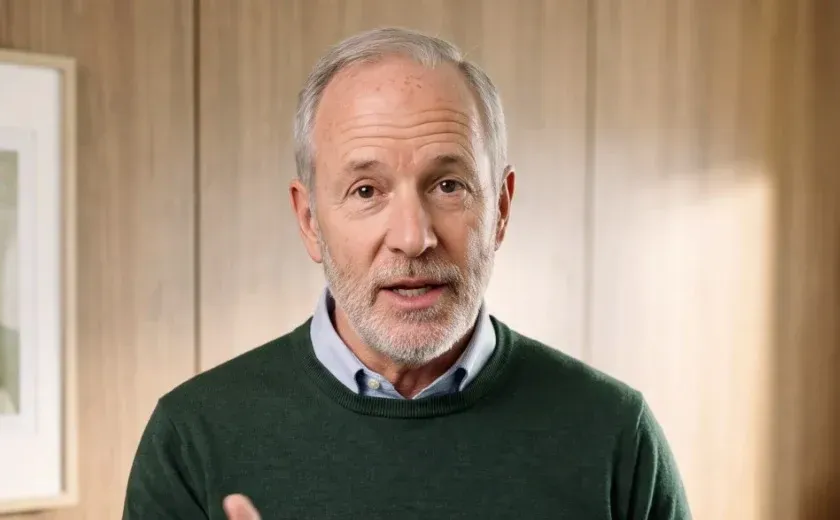
Study Reactions
Patients come to you with headlines. Give them the evidence.
Start with this one: Study Reactions
Meet the Doctor
Patients choose you before they meet you. Make your presence felt early.
Start with this one: Meet the Doctor
See what a patient explainer looks like
Sample videos, each about fifteen seconds long. Play a video to see the format.
Explainers by Doctors
One question, a clear answer
Why fasting is needed before surgery, a stretch for days spent at your desk, or an introduction to the stethoscope. Your video starts with the topic you type, and you approve every line before it is created.
Your words. Your review. Then your avatar
Choose it
Share a topic, a paper, or your profile link. We turn it into a script patients can easily understand.
Approve it
Edit any line to ensure clinical accuracy. Nothing is rendered until you approve it.
Make an appearance
Record a single consent video. Only your account can create videos featuring your likeness.
Publish it
Save the MP4 and script for your records. Share the video on platforms your patients already use, so they remember you.
Health experts you can count on every week



- 1 hourto create 3 days of content
In under an hour, I can have nearly three days’ worth of content prepared, scheduled, and ready to publish.
Heather GanselAsk Doctor Heather, Movement Specialist
Read the story: Heather GanselDesigned to work without patient data
All three videos begin with general educational content, a published paper, or your own profile. Leave patient details out of the script so they never enter the workflow.
What goes in
A topic, a public link, or your own profile. Patient names, cases, and images are kept out of the script.

Who can appear as you
Only your account can use it, after you record a consent video yourself. HeyGen removes avatars on request.
What you retain
Download the approved script and MP4 for your records before anything goes live.
Where your data is stored
Security detailsHosted on AWS in the US. SOC 2 Type II, GDPR and CCPA. TLS 1.2+ in transit, AES-256 at rest. Enterprise data excluded from model training by default.
Before you consult your compliance officer
Do these videos require any patient information?
No. The three video types cover general education, a published paper, and your own profile. Do not include patient names, cases or details in your script or examples.
Can I create patient education videos with HeyGen?
Yes. Turn your explanation of a condition, medicine, procedure, preparation step or recovery advice into a short patient education video. Review the script for clinical accuracy, then let your avatar deliver the same explanation consistently whenever patients need it.
Does HIPAA apply?
These three formats are designed to work without protected health information. If your workflow involves patient data, please speak to us before you begin.
Who can create videos using my likeness?
Only your account. Your avatar is created using a consent video that you record yourself. HeyGen removes an avatar on request.
Can I review the script before the video is created?
Yes. Nothing is rendered until you approve the script, and you can download both the MP4 and the script for your records.
How should I disclose that the video is AI-generated?
Mention this in the caption or the first line. Some states require disclosure for clinical content created using generative AI, so check the rules of your professional board and state.
What does it cost?
You can sign up and create drafts for free. Details of plans and limits are available on the pricing page.
Give your next explanation just once.
Choose a topic, read the script, and share it in your own voice.