
 for UGC
Test every hook. No filming needed.
Enter your product and opening line, choose a creator-style presenter, and test each variation. Label each one, then back the best performer with your budget.
New brief
Start with the problem, introduce the product, then add a call to action. 9:16 with captions, ready for TikTok, Reels and Meta. Sign up first, then the same card opens in HeyGen. Keep your hook to hand.
Three ad formats to try this week
Each starts with a hook, a product or a script you already have, and opens in its own card in HeyGen once you’ve signed up.
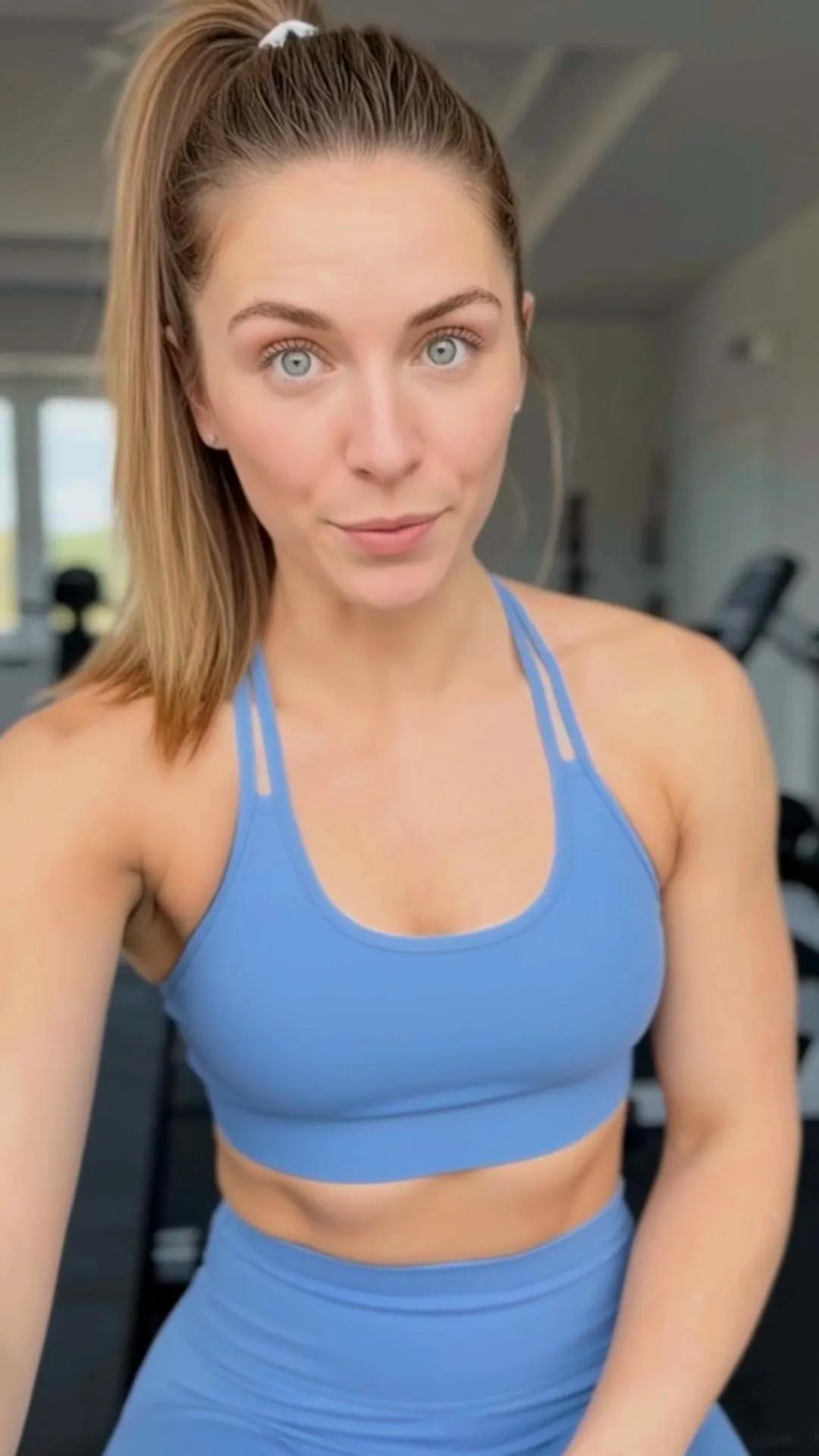
Creatine made simple
You bring
- The product and a short line to catch attention
- Product photos, if you’d like them in shot
You get
A 15–30-second creator-style advert with captions, in 9:16 format for TikTok, Reels and Meta.
Brief, variations, labelling, testing. Repeat each week.
Set out your brief
Product, hook, deliverable. The same brief you’d send to a creator, entered just once.
Choose your variants
Change the hook, presenter and opening shot. Keep the main content and call to action.
Label it
Switch on the AI disclosure in your ads manager and say so in the caption. Labelled ads run.
Test and translate
Review hook rate, hold rate and click-through. Localise the best-performing version rather than filming it again.
Agencies creating variants, not organising shoots
Performance agencies and creative teams using HeyGen. Figures are their own; follow the links for the full stories.



- 6xincrease in UGC ads
- 50different looks instantly
HeyGen have made a real difference. We can now produce a production-ready creative in a couple of hours, rather than weeks.
Andy WillersCo-Founder, Favoured, performance marketing agency, London
Read the story: Andy WillersThe small print, made clear
Your face. Your account.
Choose a presenter from the HeyGen library, or create your own avatar by recording a consent video. Only your account can generate videos using your likeness.

Add a label. It runs.
TikTok Ads Manager includes an AI disclosure toggle, while Meta adds an AI information label. Enable the disclosure and mention AI in the caption, then run your ad.
Put your product in the picture.
Attach product photos to the brief. AI Product Placement shows the actual product in the frame, rather than a stand-in.
9:16, 1:1, 16:9
Vertical for TikTok, Reels and Stories, square for feeds, widescreen for YouTube. Captions included.
- Hosted on AWS in the United States
- SOC 2 Type II, GDPR and CCPA
- Enterprise data excluded from model training by default
- Security details
Asked before every brief
Can I make UGC ads with AI?
Yes. Add your product details and an opening hook, choose a presenter from the library or use your own avatar, then generate the versions you need. Label the content as AI-generated wherever you publish it.
Do I need to label AI-generated UGC on TikTok and Meta?
Assume you need to disclose it. TikTok Ads Manager has an AI disclosure setting for ads featuring synthetic faces or voices, and Meta adds an AI info label to AI-generated ads. Apply the label so the ad can run. Check each platform’s policy before launch.
Whose face is in the video?
You can use a presenter from the HeyGen library or your own avatar. To create your avatar, you first record a consent video yourself. Only your account can use it to generate videos, and HeyGen remove avatars on request.
Can I feature my product in the video?
Yes. Upload product photos and AI Product Placement places your product in the frame. You can also add your logo and brand colours.
Which formats are available?
9:16 for TikTok, Reels and Stories, 1:1 for feed placements and 16:9 for YouTube, complete with captions and ready to upload to your ads manager.
What does it cost?
You can sign up and start creating for free, with no card required. See the pricing page for plans and limits.
Start here for your next twenty hooks.
Enter your product and hook. Sign up to open the same card in HeyGen.