
Tomorrow.io

- 2 daysto create videos rather than a week
- 3-5marketers producing content at enterprise scale
 for Marketing Teams
Create a Personal Avatar that looks and sounds like you, then make marketing videos for every promotion, launch and offer, tailored to the platforms you use.
See customer results
What are you marketing this week?
We draft a 15 to 30-second advert based on your offer and opening hook. You review every line before the video is generated. Sign up first, then open the same card in your HeyGen workspace, ready for your brief. You choose the avatar, voice and style in HeyGen.
Choose a video task and tell HeyGen what it needs to cover. Once you’ve signed up, the same card opens in HeyGen, ready for your Personal Avatar.
You bring
You get
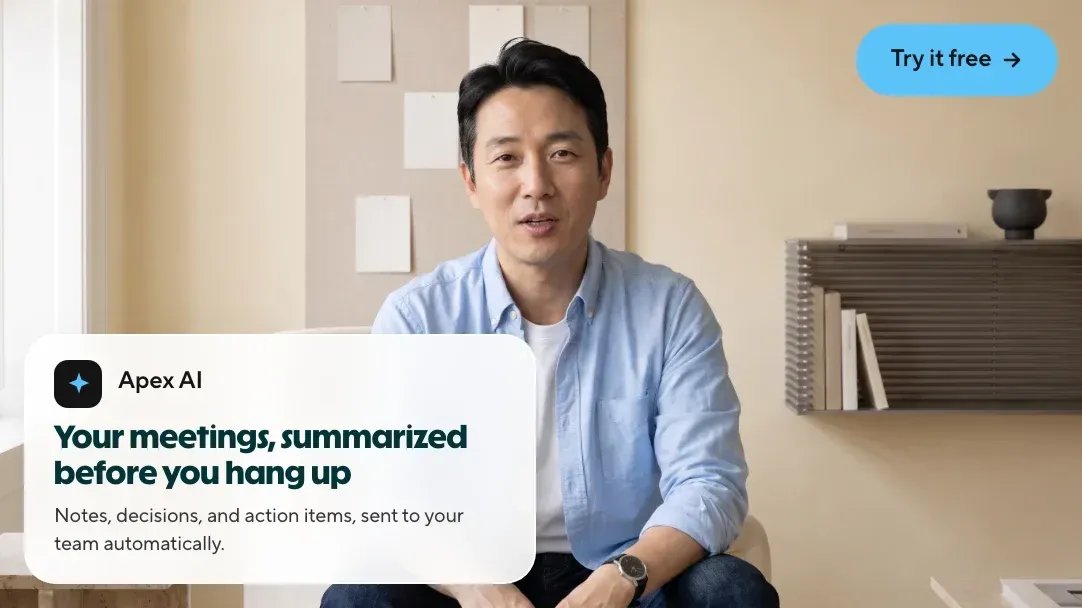
A 15 to 30 second advert in your voice, with captions, edited for each feed.
Sample videos, each around fifteen seconds long. Play one to see the format.
Explained by an expert
A post’s opening frame, your brand’s tone of voice, subject line tests. Start with one topic and your Personal Avatar.
See how teams use HeyGen to keep their marketing consistent, save time, reach more people and support their business.
30markets localised simultaneously
10xincrease in video production speed
Film yourself once, then turn each new idea into a marketing video without having to step in front of the camera again.
Choose the type of video and add your script, or enter a prompt and HeyGen will help you draft one.
Choose the avatar, voice and visual style, with your brand kit to hand. You can edit the script at any stage.
Localise the finished video into over 175 languages and create edits for each channel.
You control the avatar, voice, visual style and every line of the script before rendering begins, while your brand kit keeps logos and colours consistent. Teams such as trivago use this approach to produce campaign content.
Yes. HeyGen translate finished videos into over 175 languages while retaining the original presenter and voice. This is how trivago localised TV adverts for 30 markets at once.
No. Start with a stock avatar, or create a digital twin of your own spokesperson from a short recording. From then on, each new video only needs a script edit, not a filming session.
Sign up or sign in, and the same video project opens as a card in your HeyGen workspace, ready for your brief. You can get started on the Free plan.
Shared workspaces bring avatars, voices and brand assets together in one place, keeping campaign videos consistent regardless of who on the team creates them.
Choose a video task, read the script and share it in your own voice.

