Lesson 12, take one.
Type the title, approve the script, and your personal avatar records the lecture in your voice. You’re already writing lesson 13.
Lesson plan
One concept, three to six minutes. We draft the script, you fix every line before it renders. Sign up first. The same card opens in HeyGen with what you typed.

Customer clipCoursera on teaching in every languageMustafa Furniturewala, CTO Coursera
Every syllabus is three lectures, repeated
Each one opens as its own card in HeyGen the moment you sign up.
Lesson3 to 6 minutes
The one you record every week
One concept per lecture, the way every platform asks for it. Title it, fix the script, done before lunch.
Start with this oneYou bring
- The lesson title from your outline
- The three points you always make
You get
A short lesson in your voice with the key points on screen. You read every line before it renders.
One concept, one short lessonExample, instructor avatar
Walkthrough2 to 5 minutes
The one students replay
A how-to with the steps in order. When the software updates, you re-render step four, not the module.
Start with this oneYou bring
- The task
- The steps, in your order
You get
A numbered walkthrough with each step on screen, easy to re-cut when the tool changes.
Three tips, step by stepExample, caregiver course
Course introabout 2 minutes
The two minutes before they enrol
What the course covers, who it is for, and why you are the one teaching it. Also the preview video.
Start with this oneYou bring
- The course title
- Who it is for
You get
A first lecture that doubles as the preview. Re-do it per language without re-shooting.
Welcome to the courseExample, instructor avatar
Write it once. Teach it forever
- 1
Title it
Pick the lesson from your outline. We draft a script in the length your platform expects.
- 2
Fix the script
Change any line, add your examples. Nothing renders until you approve it.
- 3
Be the teacher
Record one consent video, once. Only your account can render with your likeness.
- 4
Publish
Download the MP4 and captions, upload to your platform, drip it with the section.
People who stopped re-shooting courses
- 10xincrease in course productionSchool of AI
- 25%boost in course completion ratesCoursera
- 40%increase in video watch timeCoursera
- 75%reduction in production timeELB Learning
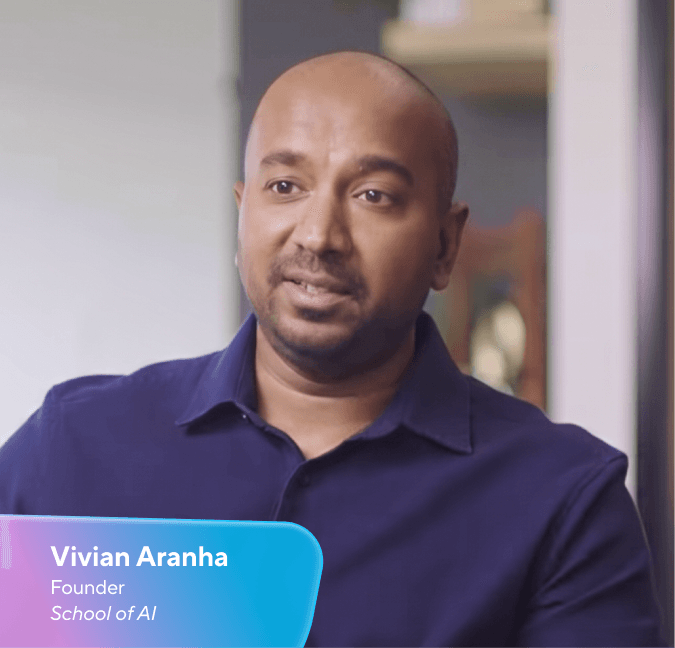
Video making is a skill on its own. Let HeyGen handle that so you can focus on learning, teaching, and delivering value.
Your course stays yours
Everything you make stays with you: the script, the lectures, the students. HeyGen only does the recording.
What you keep
- The MP4 and the script, downloadable before anything is posted
- Upload to any course platform or LMS, no plugin required
- Captions generated with the video, edited by you
- Your likeness renders only from your account
- The same lecture in another language, without a re-shoot
- Students see your name and your face, not a stock presenter
Where your files live
- Hosted on AWS in the United States
- SOC 2 Type II, GDPR and CCPA
- TLS 1.2+ in transit, AES-256 at rest
Questions from the recording week
Will students know it is an avatar?
Tell them. A line in the course description or the intro lecture is enough, and the script and examples are still yours. Coursera and School of AI publish their avatar lessons openly.
Does it work with Teachable, Thinkific, Kajabi, Udemy or my LMS?
Yes. You download a standard MP4 and upload it like any recorded lecture. Nothing on the platform side changes.
Who can render videos with my likeness?
Only your account. Your avatar starts with a consent video you record yourself, and HeyGen removes an avatar on request.
Do I see the script before the video exists?
Yes. Nothing renders until you approve the script, and you can download the script with the MP4.
What happens when the material changes?
Edit the lines that changed and render again. No studio day, no matching the old lighting.
What does it cost?
You can sign up and draft for free. Plans and limits are on the pricing page.
Your next lesson is waiting
Type the title, read the script, press record once.