
 for Healthcare
You can't see every patient. Your video can
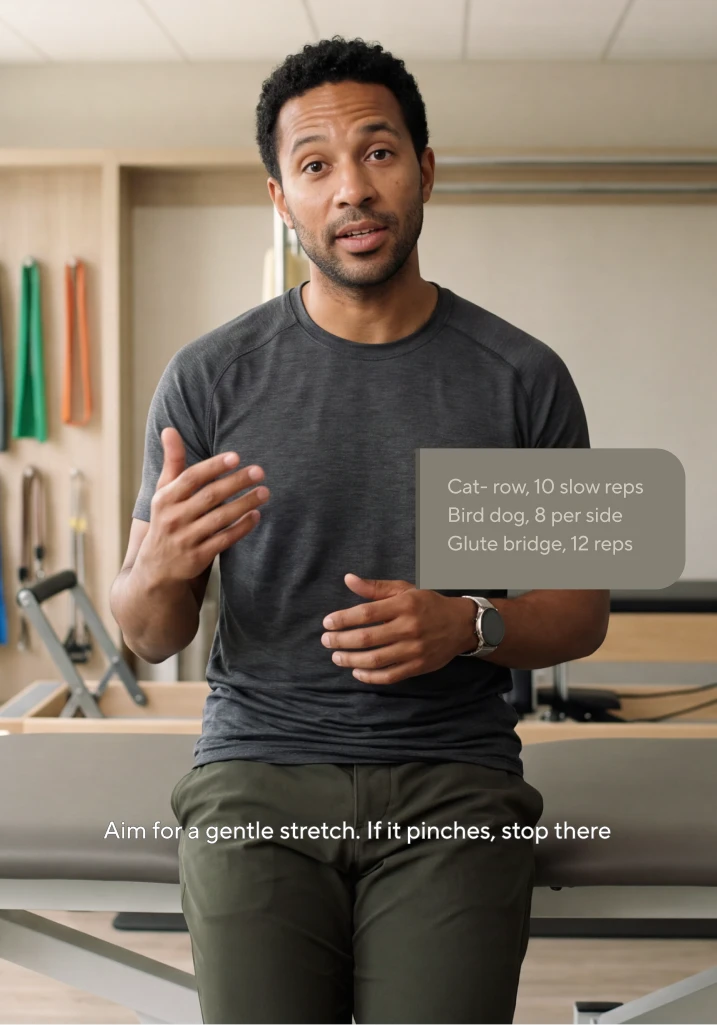
Turn the explanation and answers you give all week into a video that looks and sounds like you. Pick the topic, approve the script, and post.
New video
We draft a patient-friendly script. You read and edit every line before anything renders. You sign up first. The same card opens in HeyGen with what you typed.
Three ways to show up for patients
Each starts with expertise you already have and opens as its own card in HeyGen after sign-up.
Your words. Your review. Then your avatar
Pick it
A topic, a paper, or your profile link. We turn it into a script patients can follow.
Approve it
Edit any line for clinical accuracy. Nothing renders until you sign off.
Show up
Record one consent video. Only your account can create videos as you.
Post it
Keep the MP4 and script for your records. Post where patients already scroll, so they remember you.
Health experts who show up every week

“Within less than an hour, I can have almost three days' worth of content already set, scheduled, and ready to go. It's a fraction of what I was paying just to have a video editor.”
Heather GanselAsk Doctor Heather, Movement Specialist
Read the storyBuilt to work without patient data
All three videos start from general education, a public paper, or your own profile. Keep patient details out of the script, and they never enter the workflow.
What goes in
A topic, a public link, or your own profile. The patient names, cases, and images stay out of the script.
What you keep
The approved script and the MP4, downloadable for your records before anything goes live.
Who can show up as you
Only your account, after a consent video you record yourself. HeyGen removes an avatar on request.
Where the data lives
- Hosted on AWS in the U.S.
- SOC 2 Type II, GDPR and CCPA
- TLS 1.2+ in transit, AES-256 at rest
- Enterprise data excluded from model training by default
Before you ask your compliance officer
No. The three video types are general education, a public paper, and your own profile. Keep patient names, cases, and details out of your script and your examples.
Yes. Turn your explanation of a condition, medication, procedure, preparation step, or recovery guidance into a short patient education video. Review the script for clinical accuracy, then have your avatar deliver the same explanation consistently whenever patients need it.
These three videos use no protected health information, so there is no data to protect. For a workflow involving patient data, talk to us before you start.
Only your account. Your avatar starts with a consent video you record yourself. HeyGen removes an avatar on request.
Yes. Nothing renders until you approve the script, and you can download the MP4 and the script for your records.
Say so in the caption or the first line. Some states require disclosure on clinical content made with generative AI, so check your board and your state rules.
You can sign up and draft for free. Plans and limits are on the pricing page.
The next explanation you give, give it once.
Name the topic, read the script, and post it in your own voice.