What is an AI video prompt?
It is the text you give a video model to describe the shot you want: the subject, what it does, how the camera sees it, the look and the sound. HeyGen Video reads the prompt and generates the picture, dialogue and sound effects of the scene in one pass.
How do you write a prompt for an AI video?
Write it like a shot list. Name one subject and one action, then the camera and lens, then the light and grade, then what you should hear and what to leave out. Like any AI prompt, it works best when you iterate: start from a prompt that describes a shot close to your idea and change one thing per run.
How long should an AI video prompt be?
The prompts in this library run from about 470 to 1,190 characters. Simple shots need less; the extra length is what pins down the look. The free playground on the HeyGen Video 1 page takes up to 1,000 characters, so trim longer prompts there, or paste the full text into the HeyGen app or the API playground.
Are these prompts free?
Yes. Every free AI video prompt here is yours to copy and use as you like. With a free HeyGen account you can generate two 5-second clips a day on the HeyGen Video 1 page, and longer clips, your own images and 2K output are in the HeyGen app.
Do these work as prompts for Sora, Veo, Kling, Runway, Luma, Pika or Seedance?
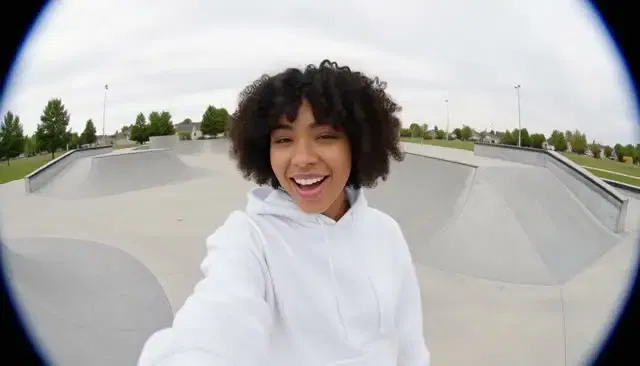
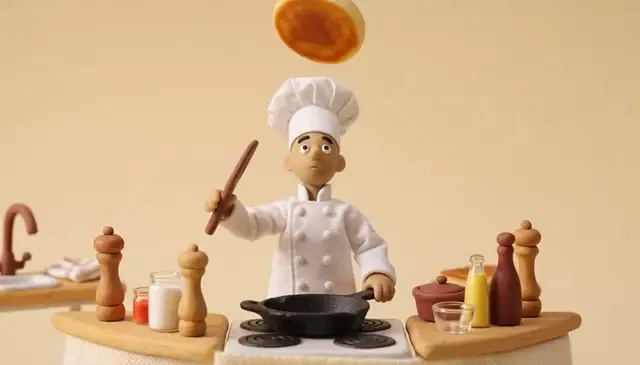
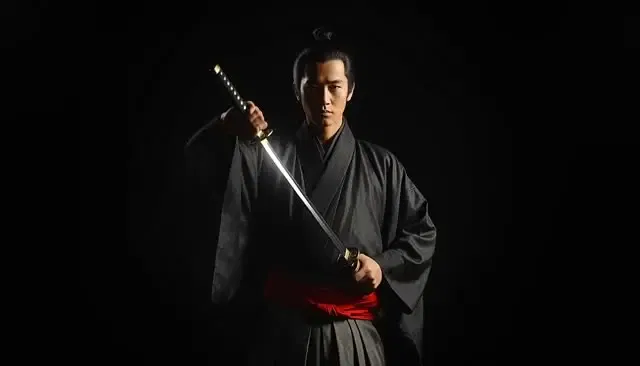
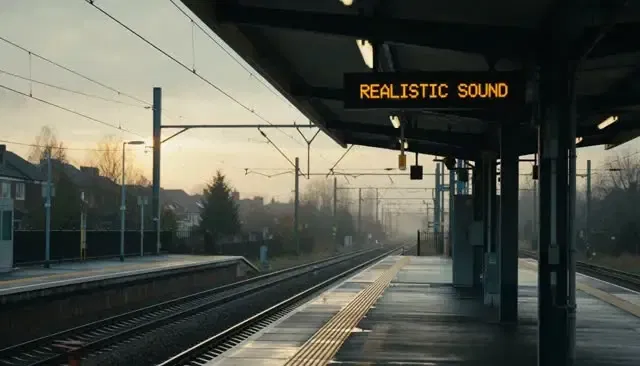
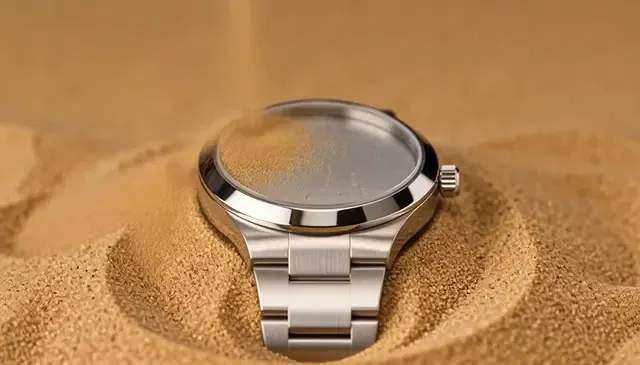
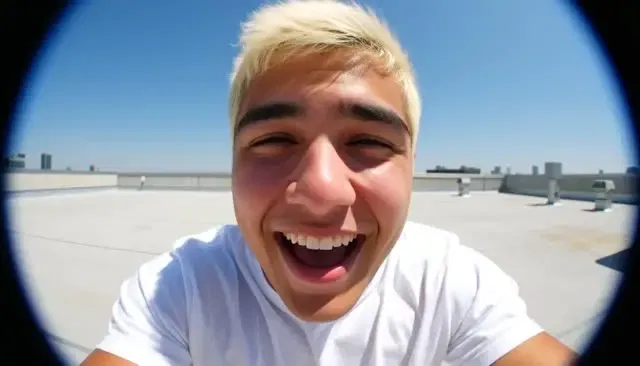
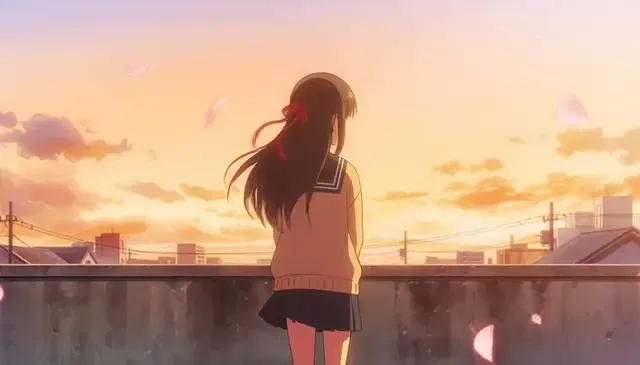
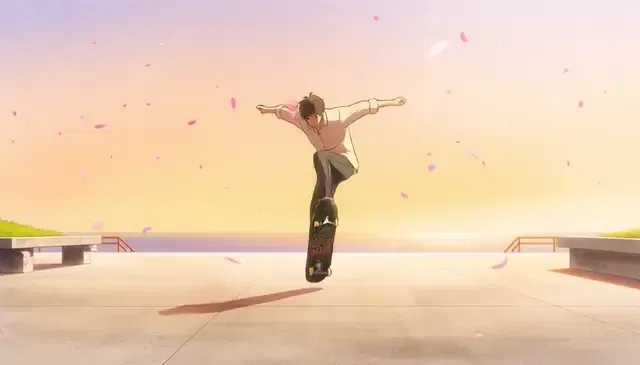
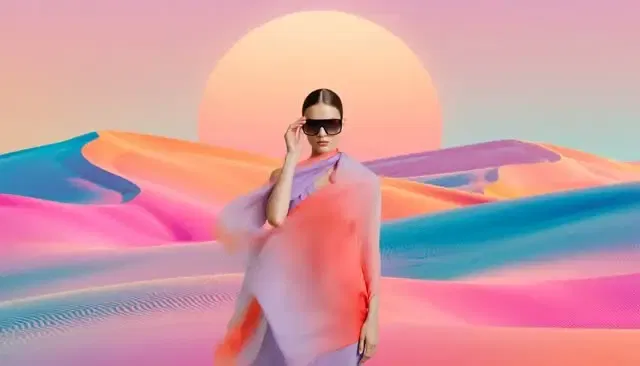
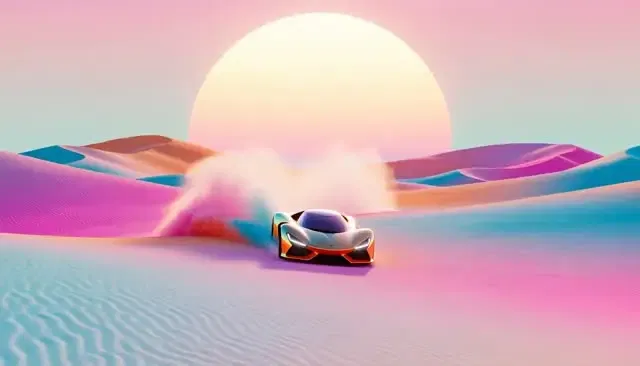
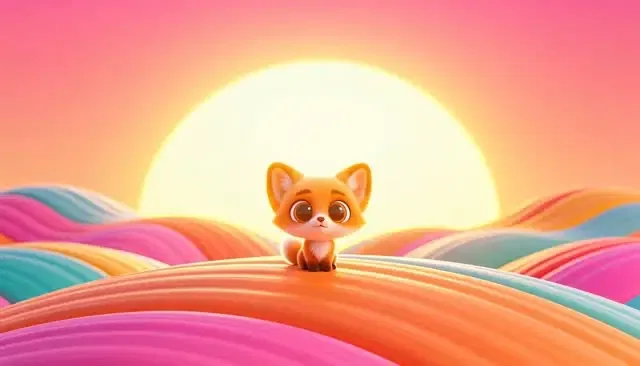
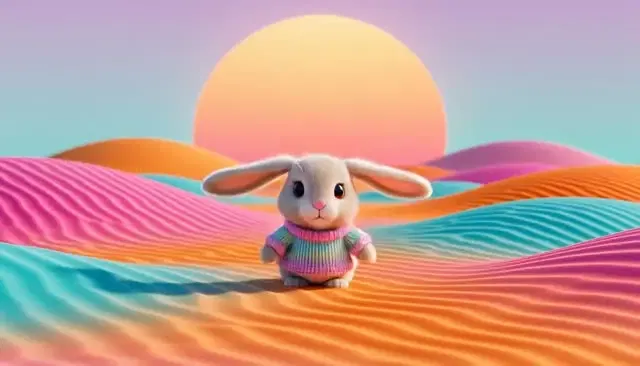
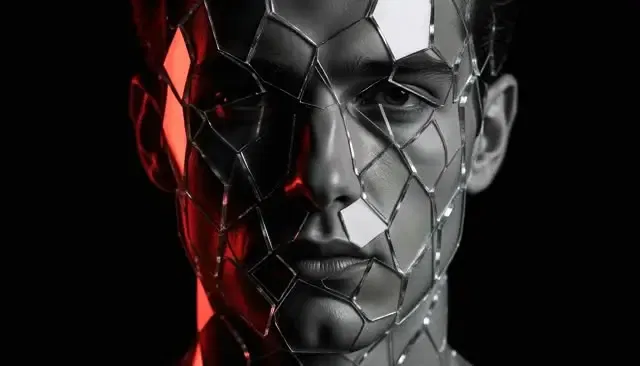
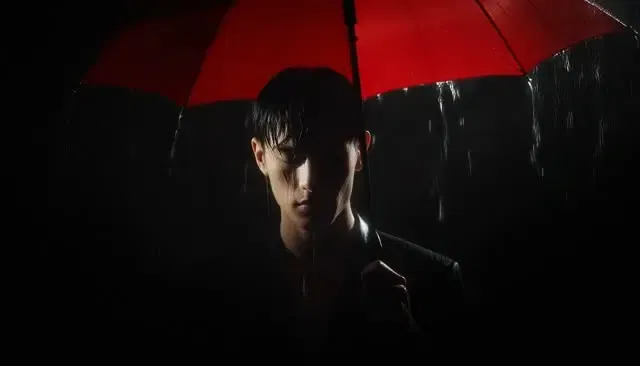
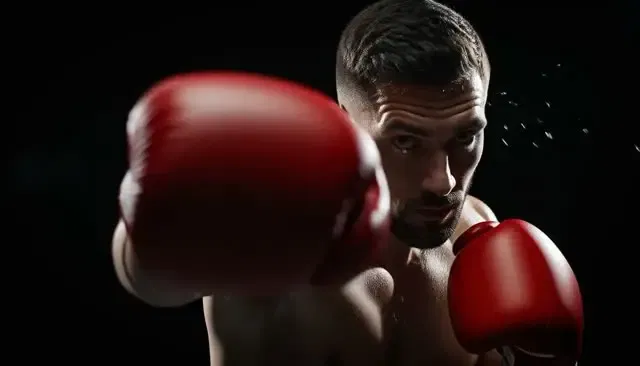
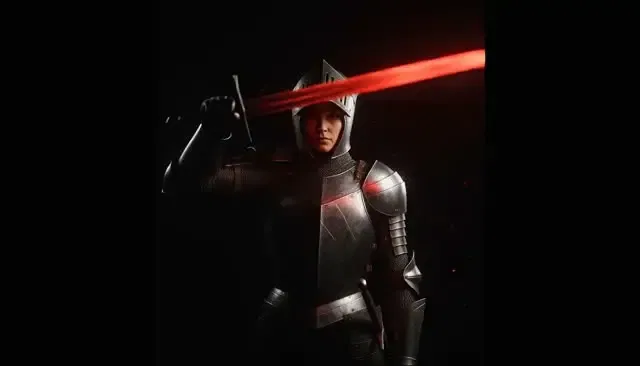
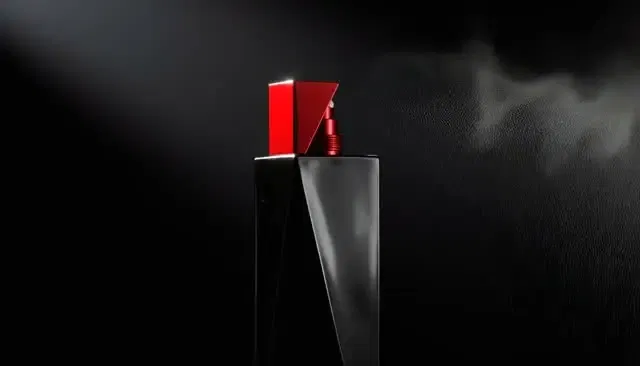
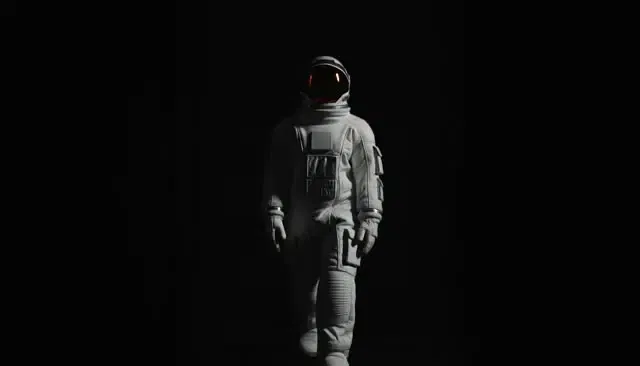
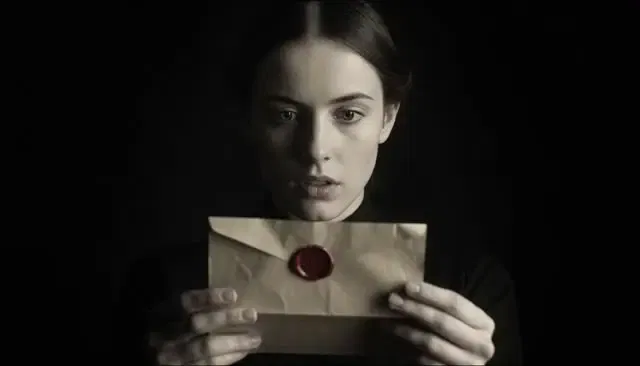
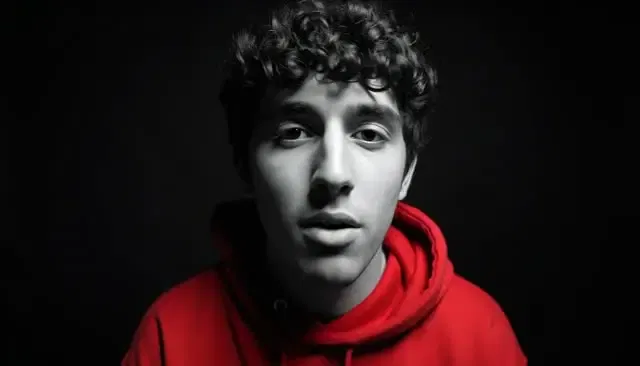
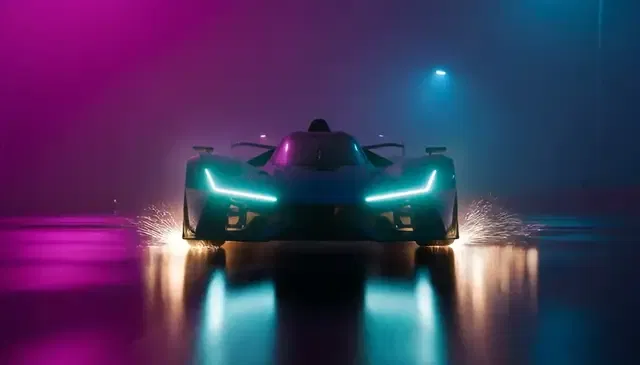
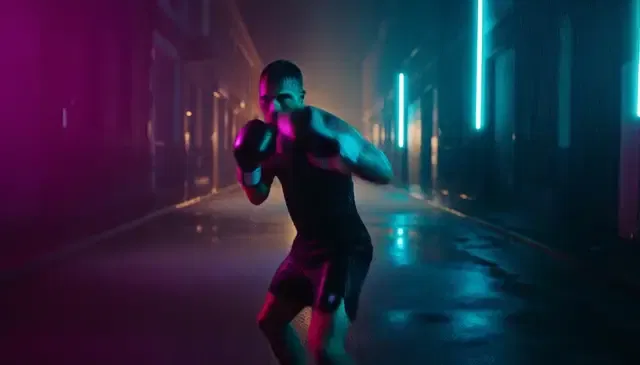
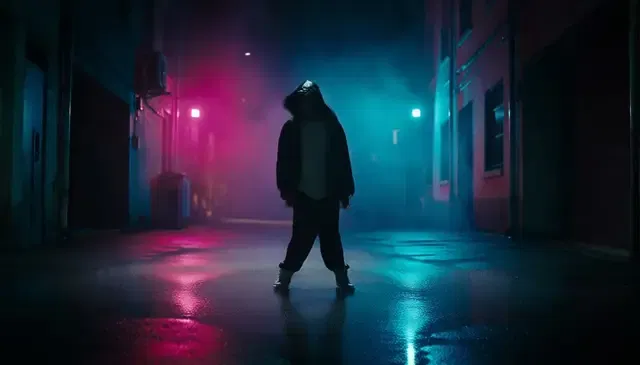
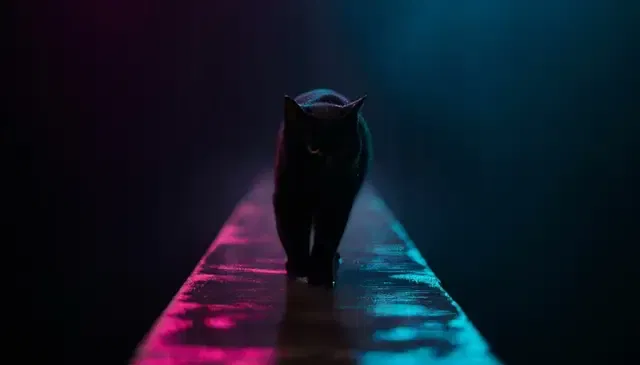
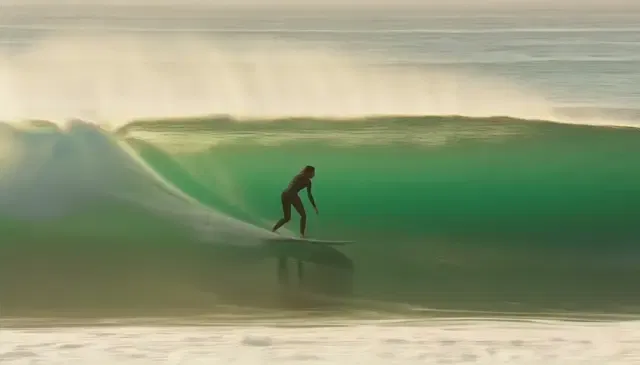
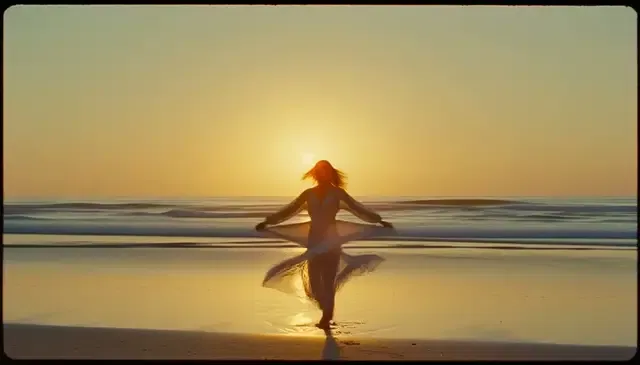
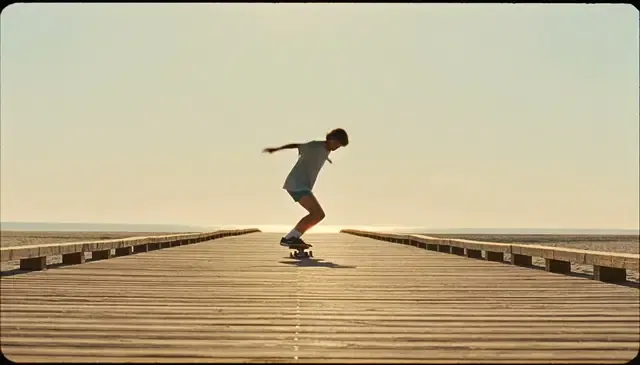
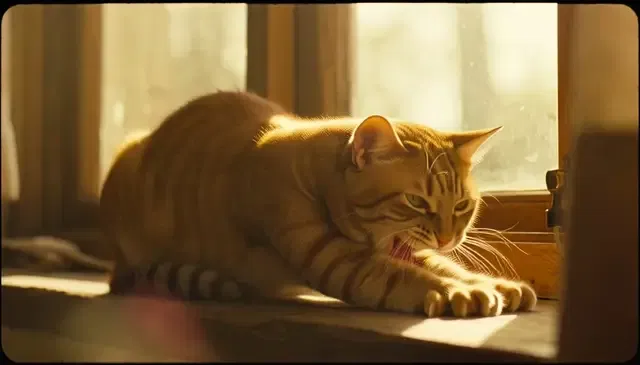
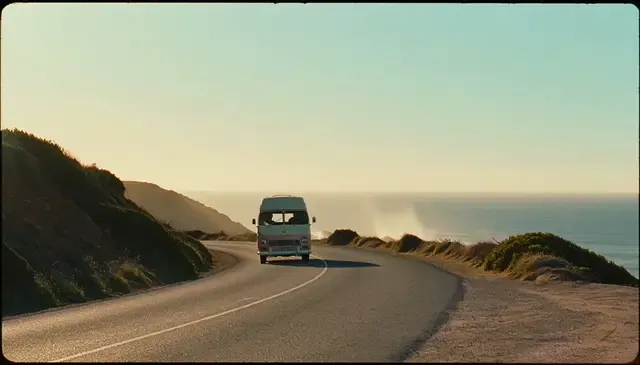
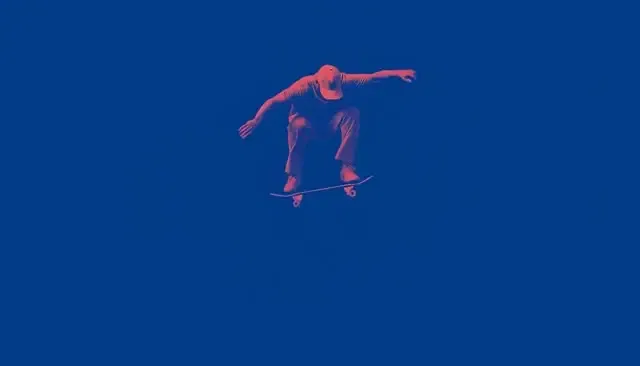
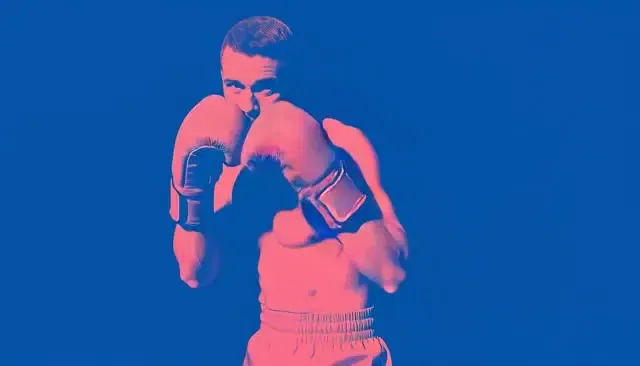
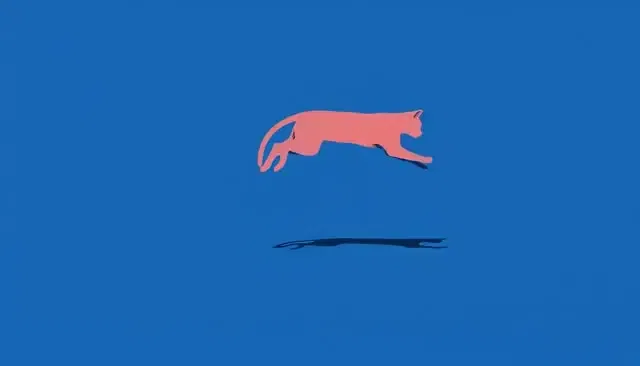
They were written for HeyGen Video, and every clip on this page is HeyGen Video output. The prompts are plain language, so you can paste them into other text-to-video tools, but every model reads camera and style instructions differently and the result will not match these clips.
Can I use these prompts for image-to-video?
Yes. HeyGen Video also generates from a first-frame image or from reference images. To bring it to life, keep the action, camera move and sound from the prompt and cut the parts that describe what the image already shows.
Why do the prompts say no words, logos or captions?
The HeyGen examples rule out on-screen text, logos and labels so the frame stays clean and the product prompts stay brand-free. If you need a title or a logo, add it in the HeyGen editor after you generate the clip.
Can I use ChatGPT, Gemini or Claude to write video prompts?
Yes. Paste a prompt from this library into ChatGPT, Gemini, Claude or Copilot and ask for a new subject in the same structure, and you have a simple video prompt generator. Check the draft against the four parts of the prompt guide before you generate.
Which AI video generator made these clips?
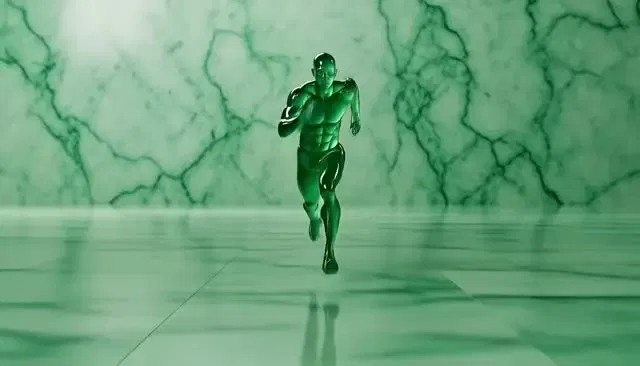
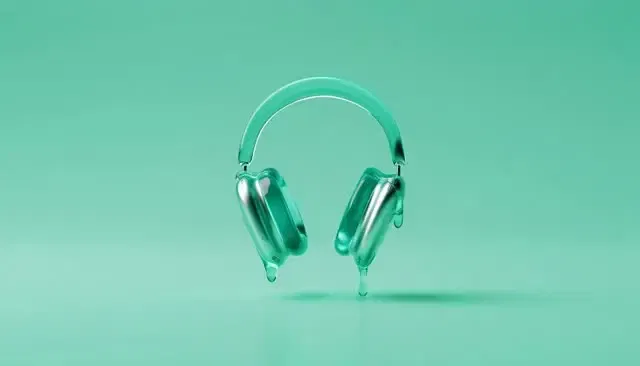
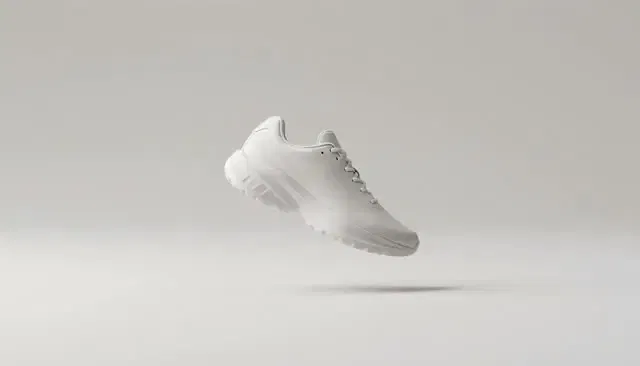
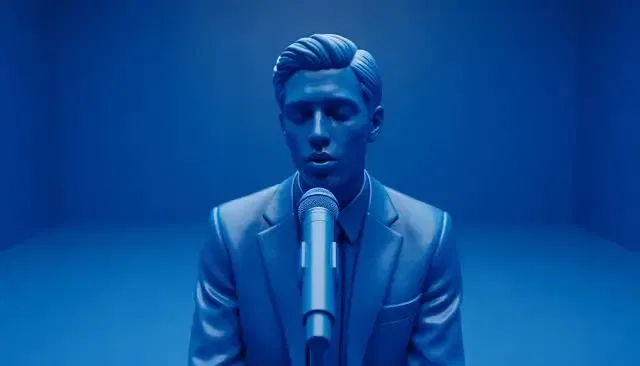
Every clip was made with HeyGen Video 1, HeyGen's model for AI video generation from text, an image or reference clips. The HeyGen app adds avatars, voice and editing on top, so you can use it as a full AI video generator.
What can HeyGen Video make?
HeyGen Video generates 5 to 15 second scenes with built-in sound from a prompt, an image or reference clips, from 480p up to 2K. In the HeyGen app you can also build scenes around your own avatar and edit everything in one workspace.
 Product