What is HeyGen Video?
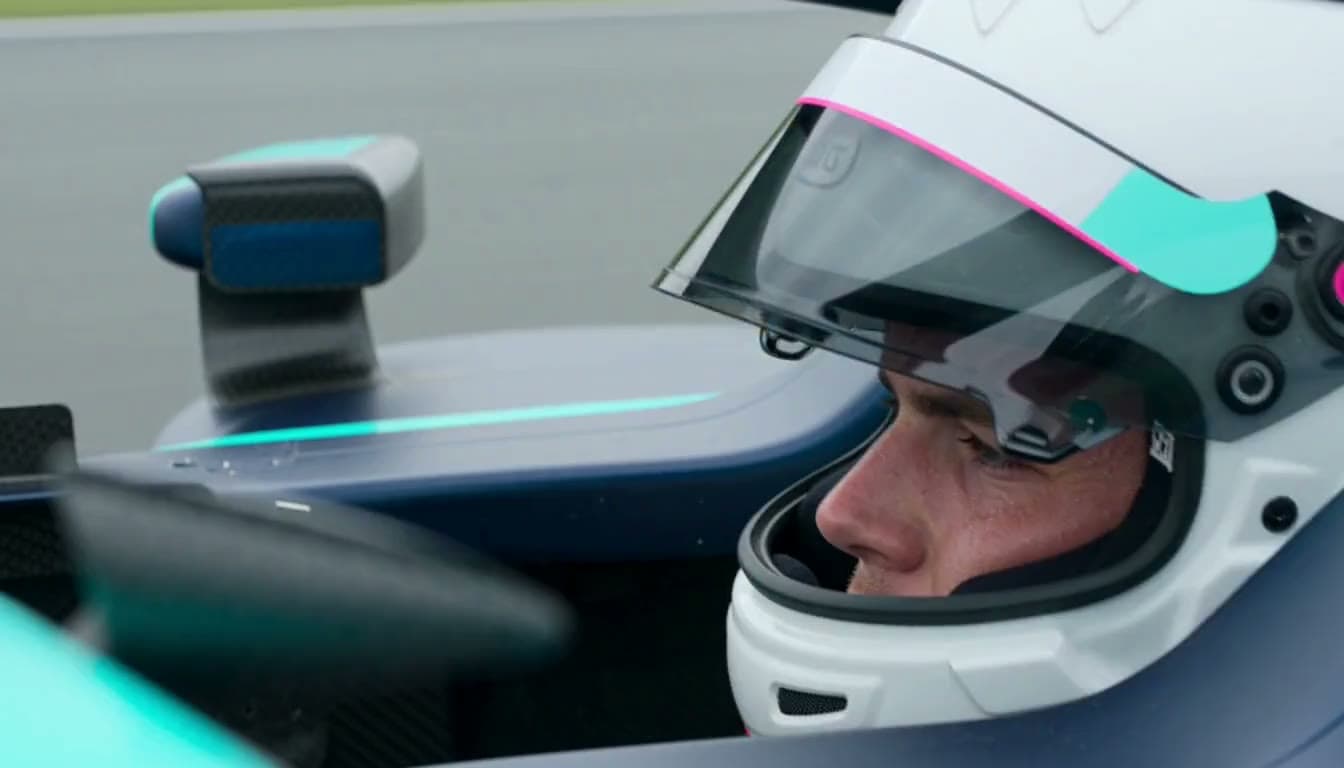
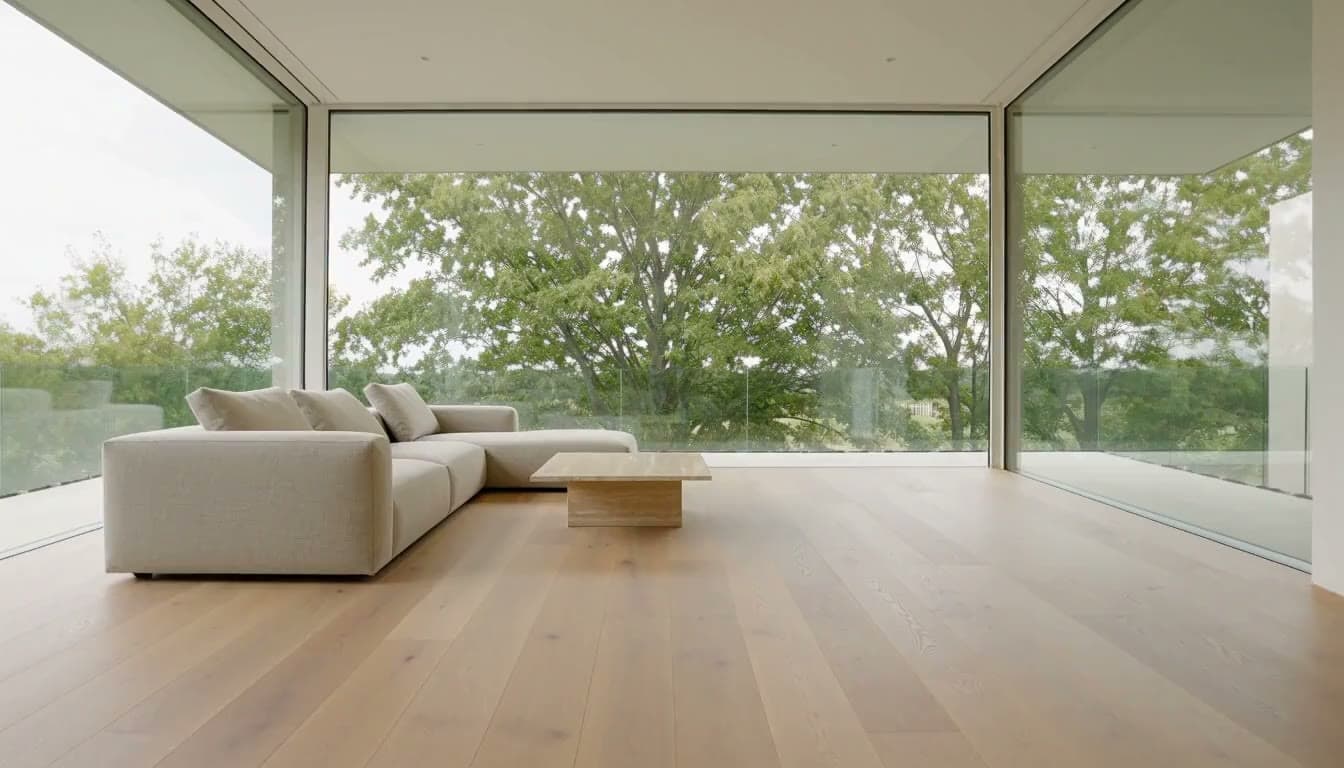
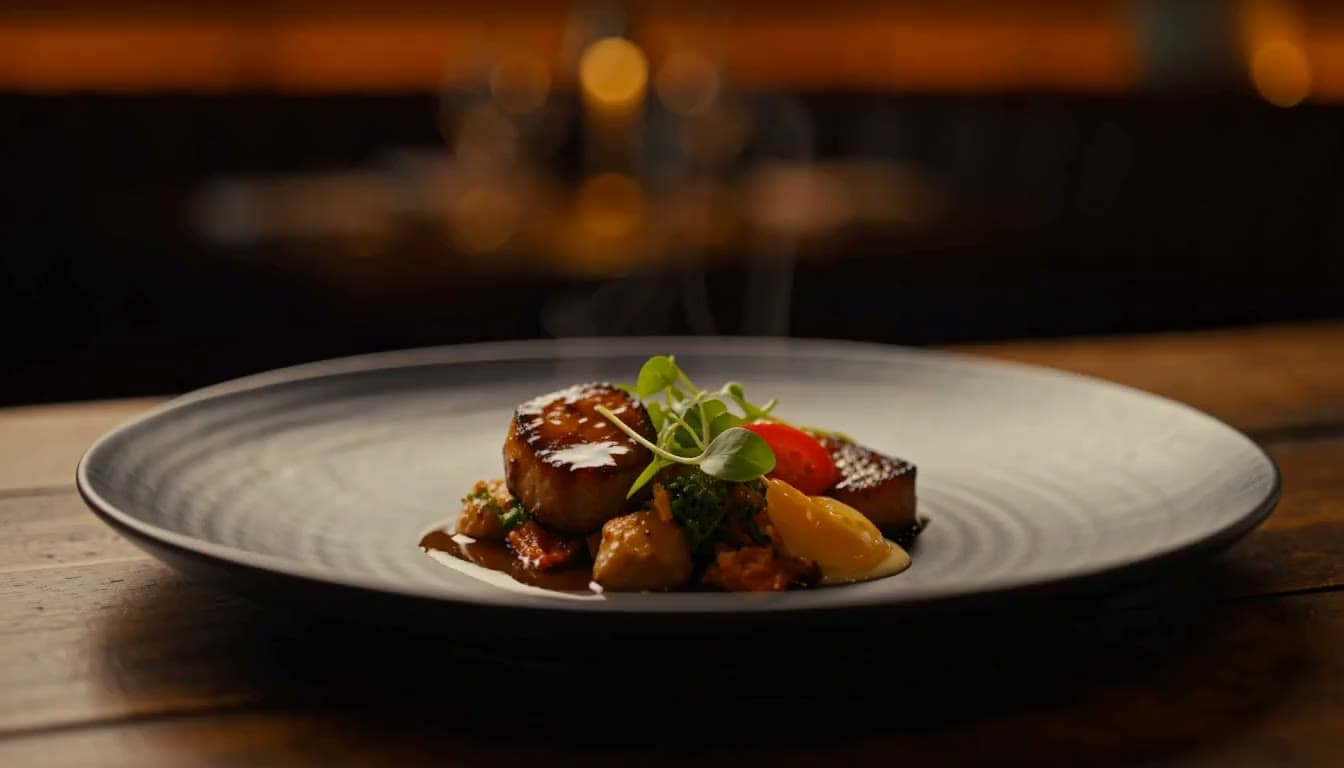
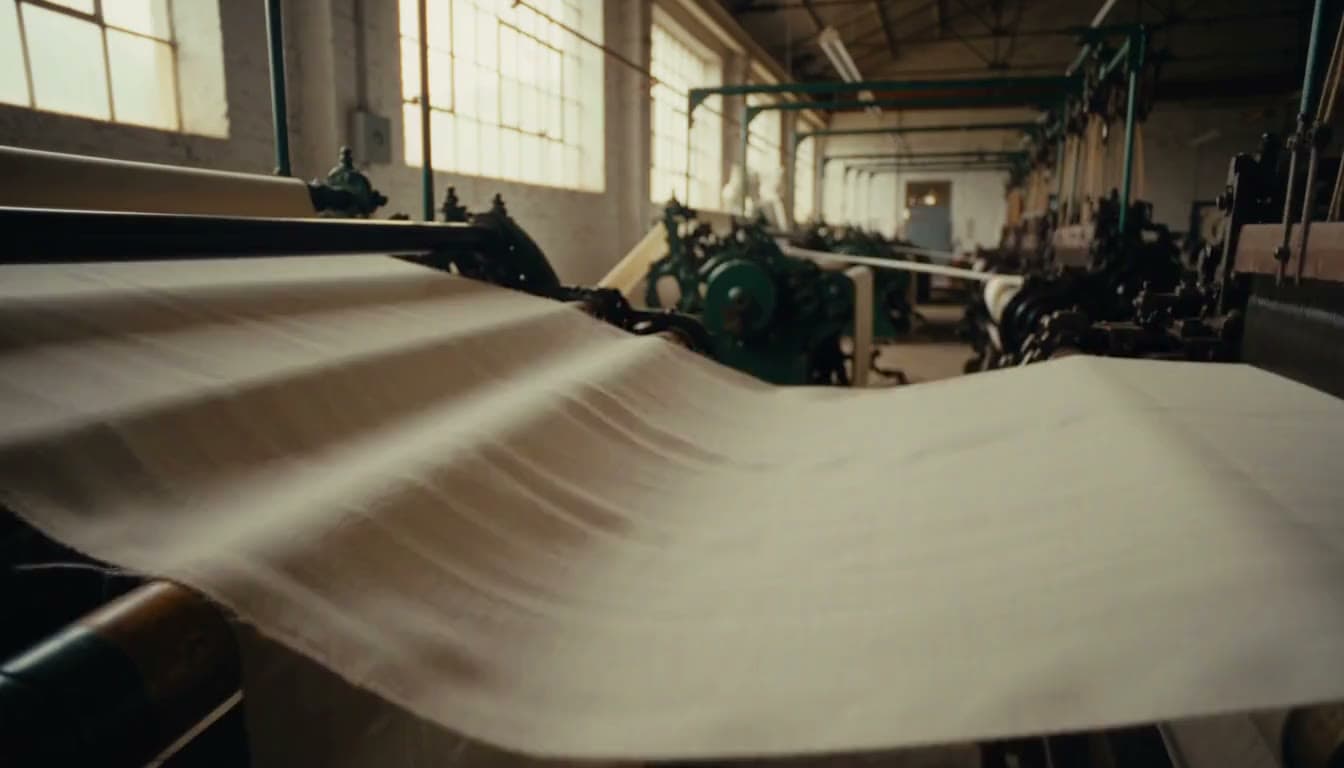
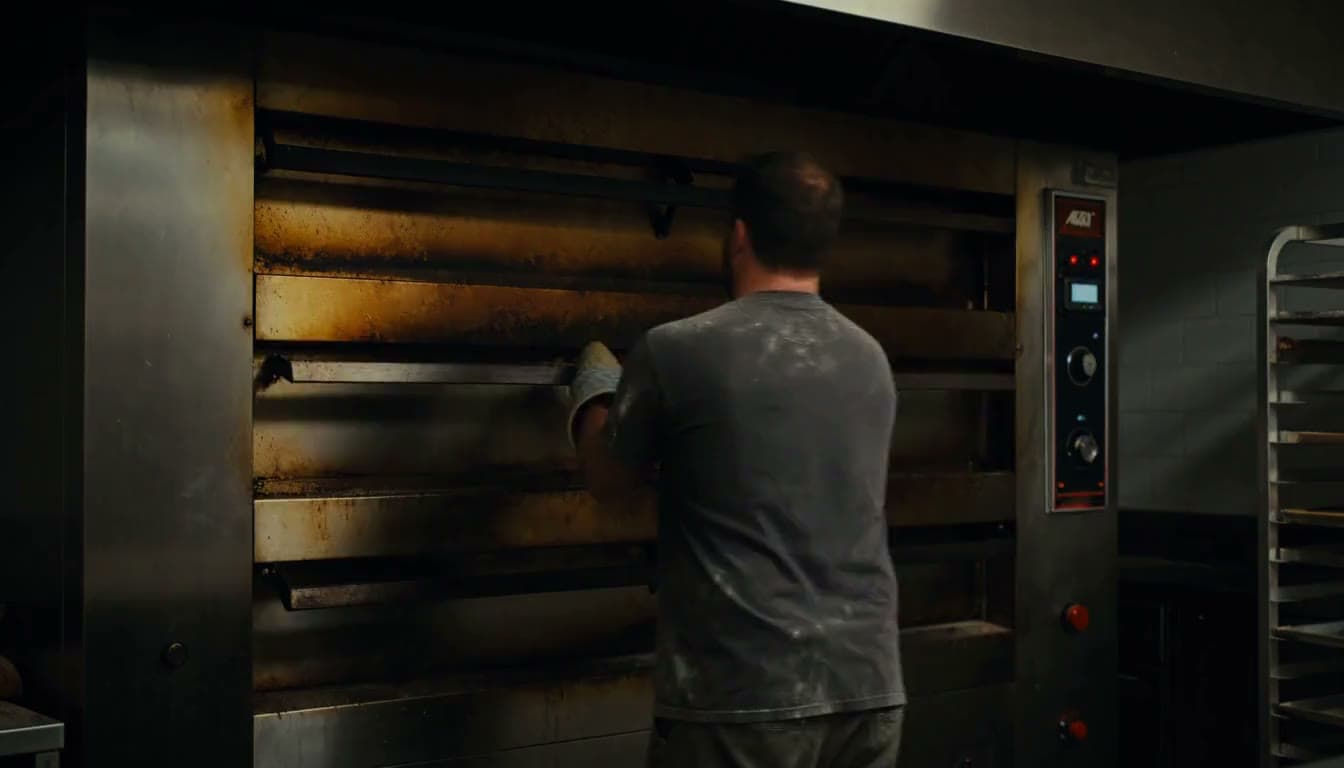
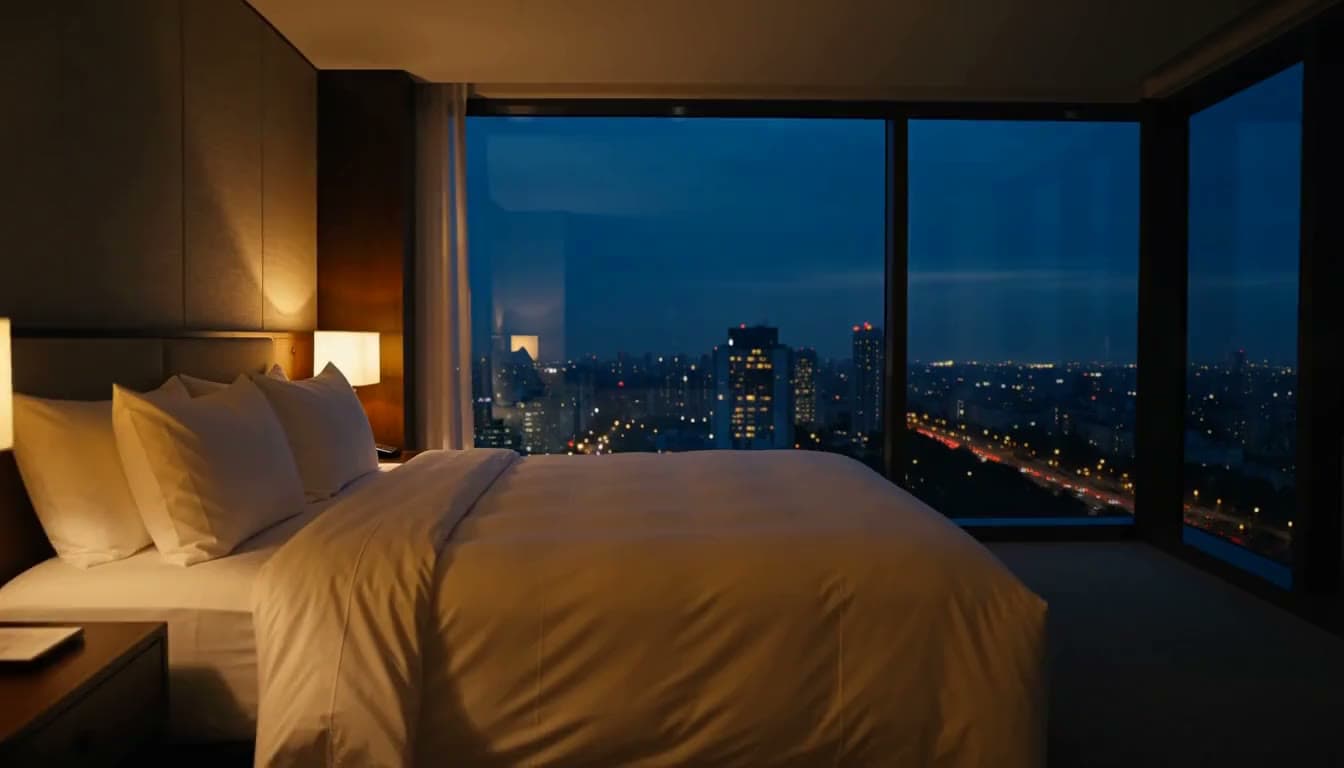
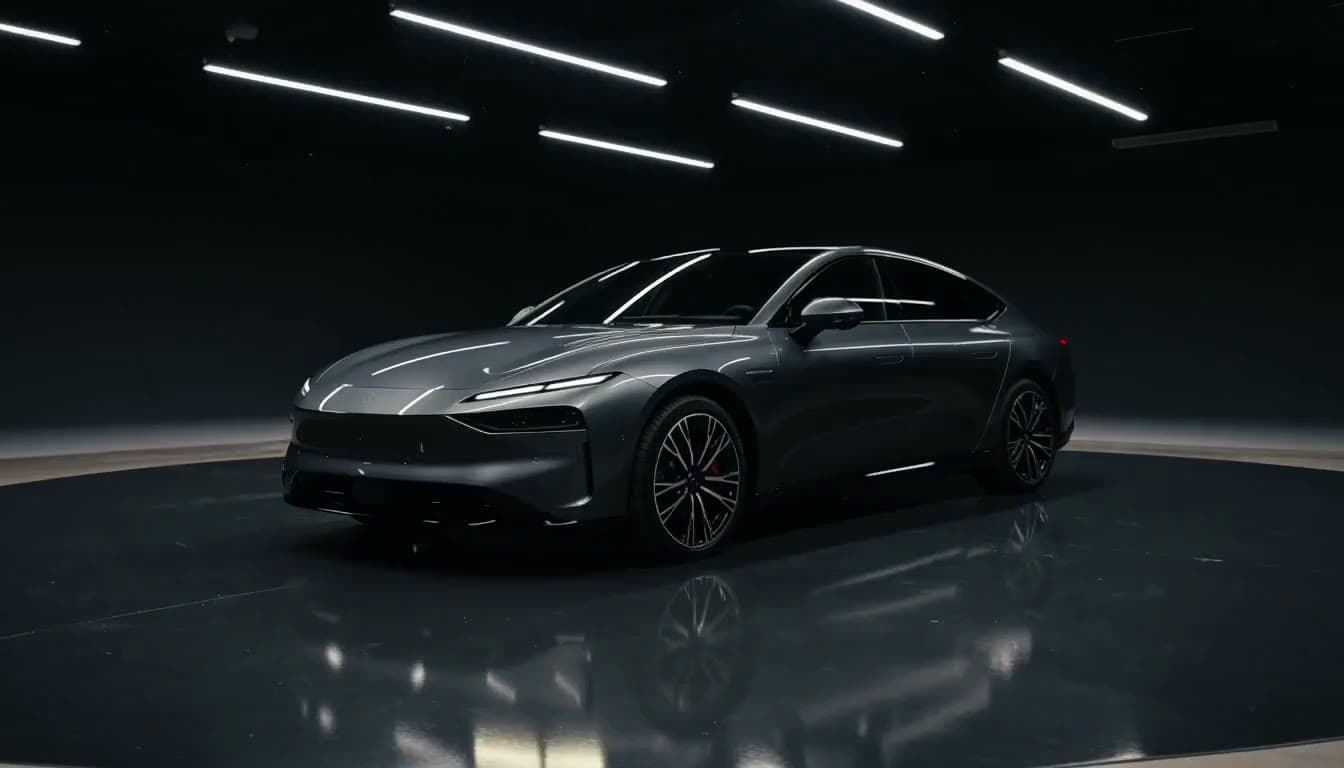
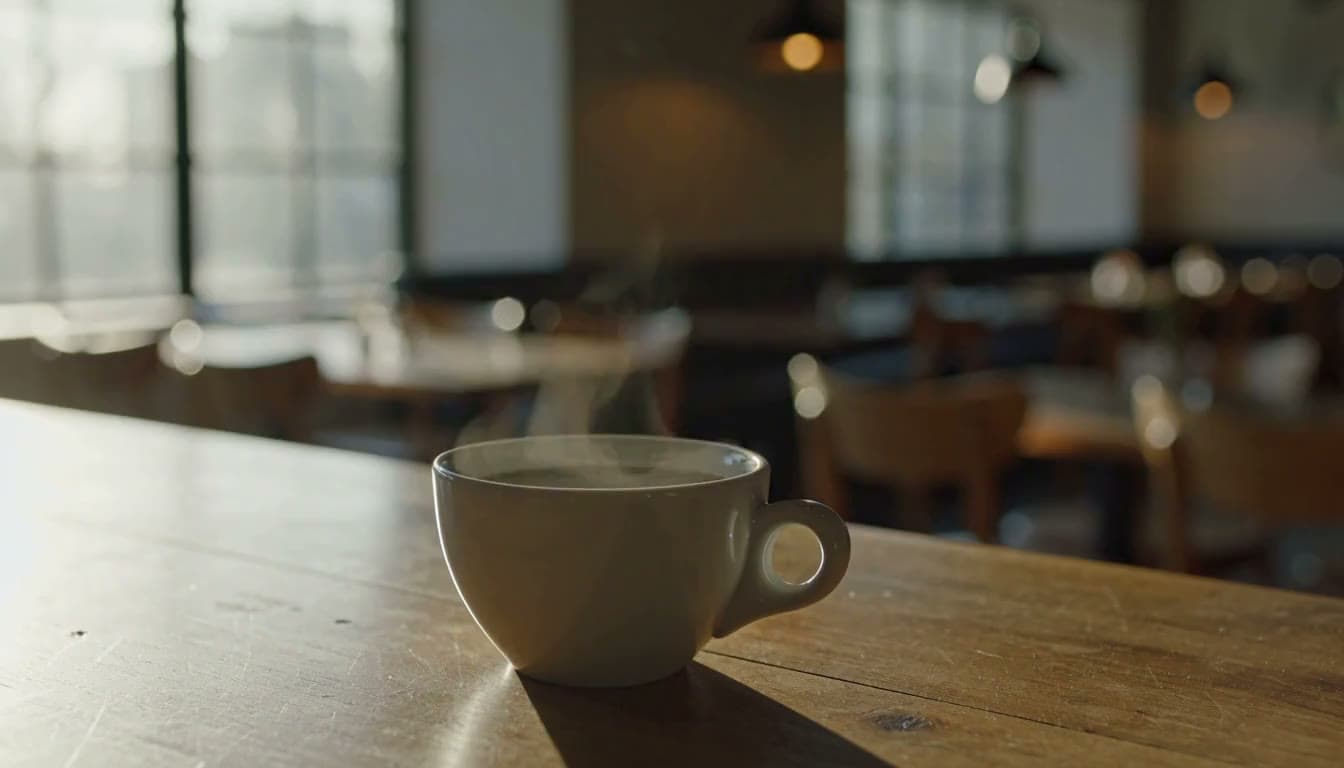
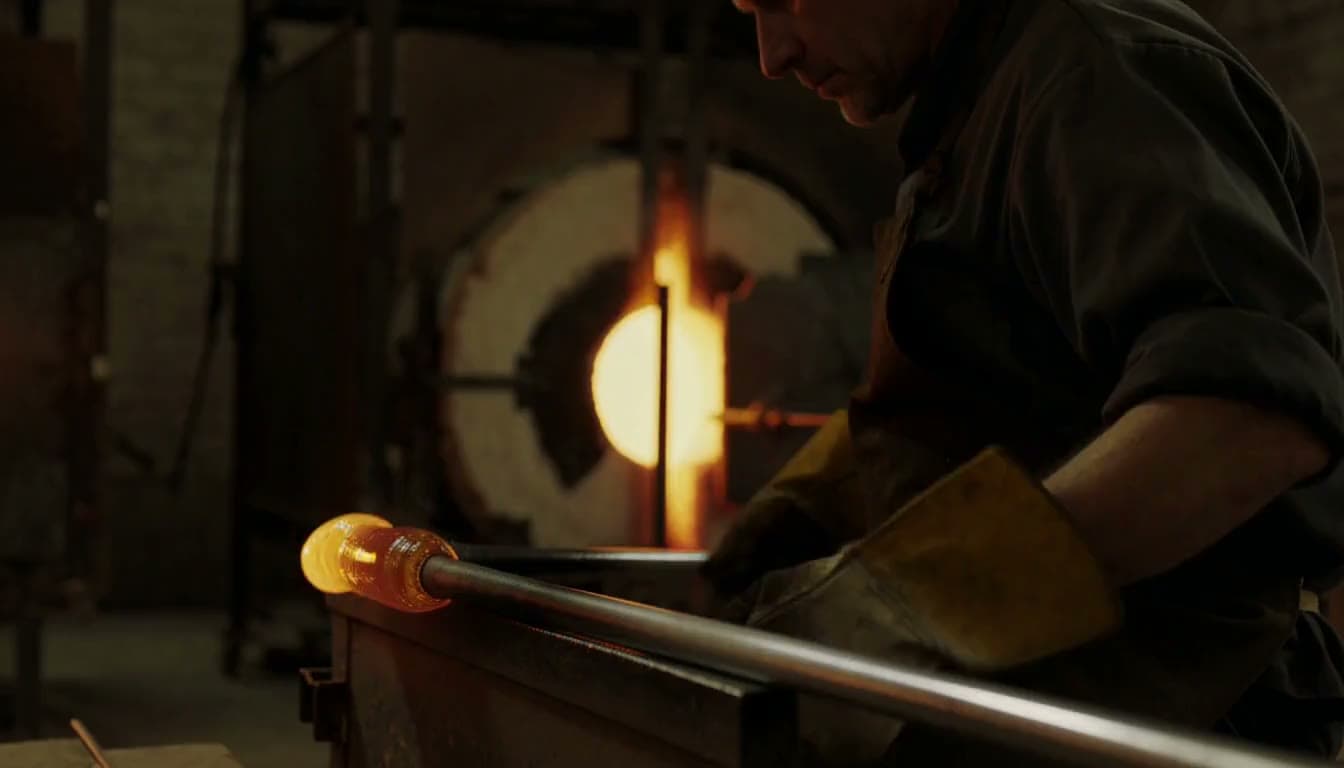
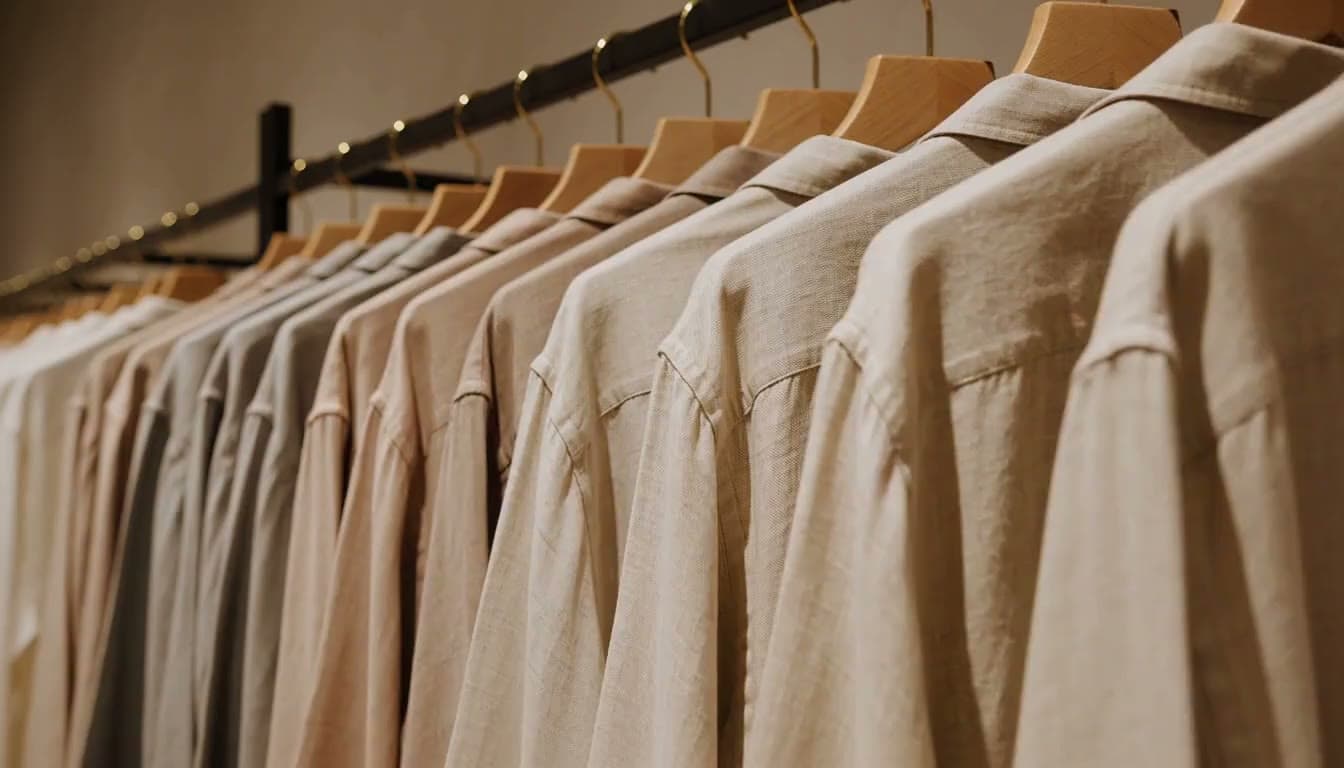
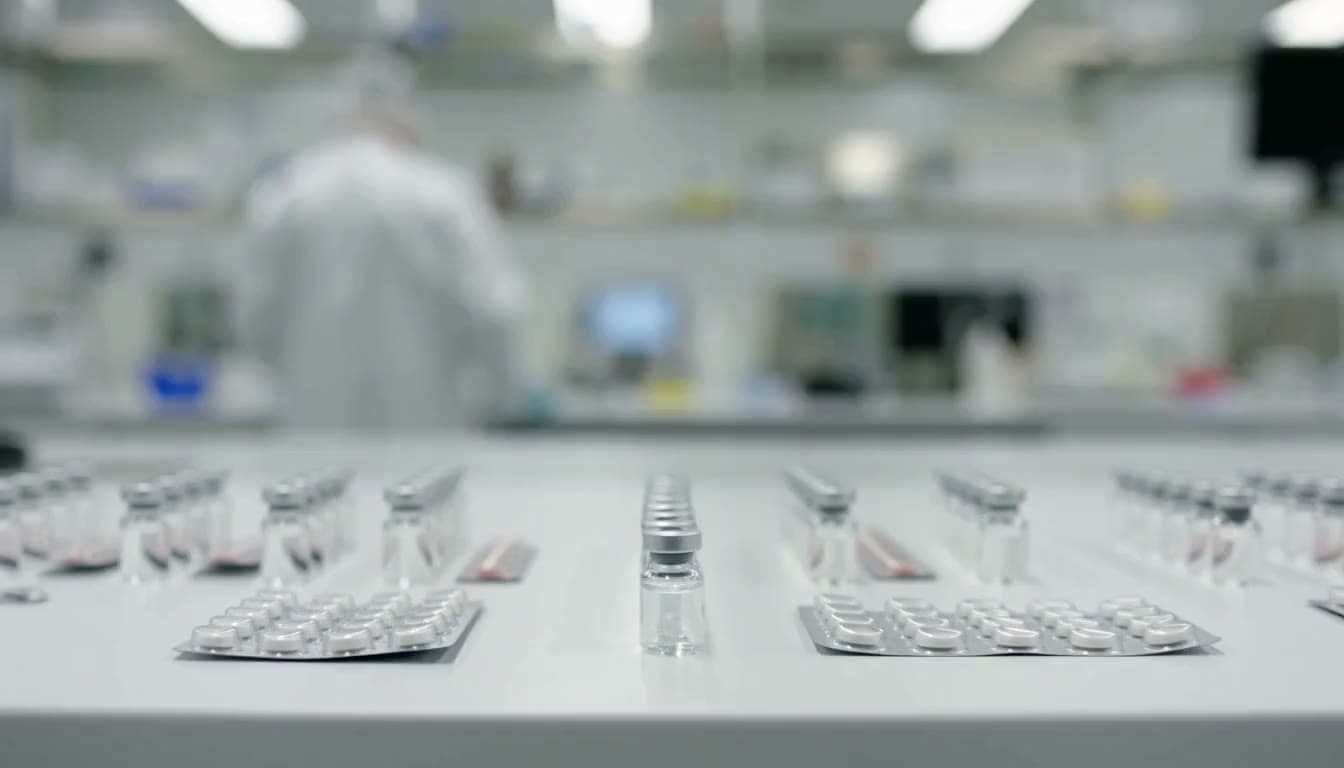
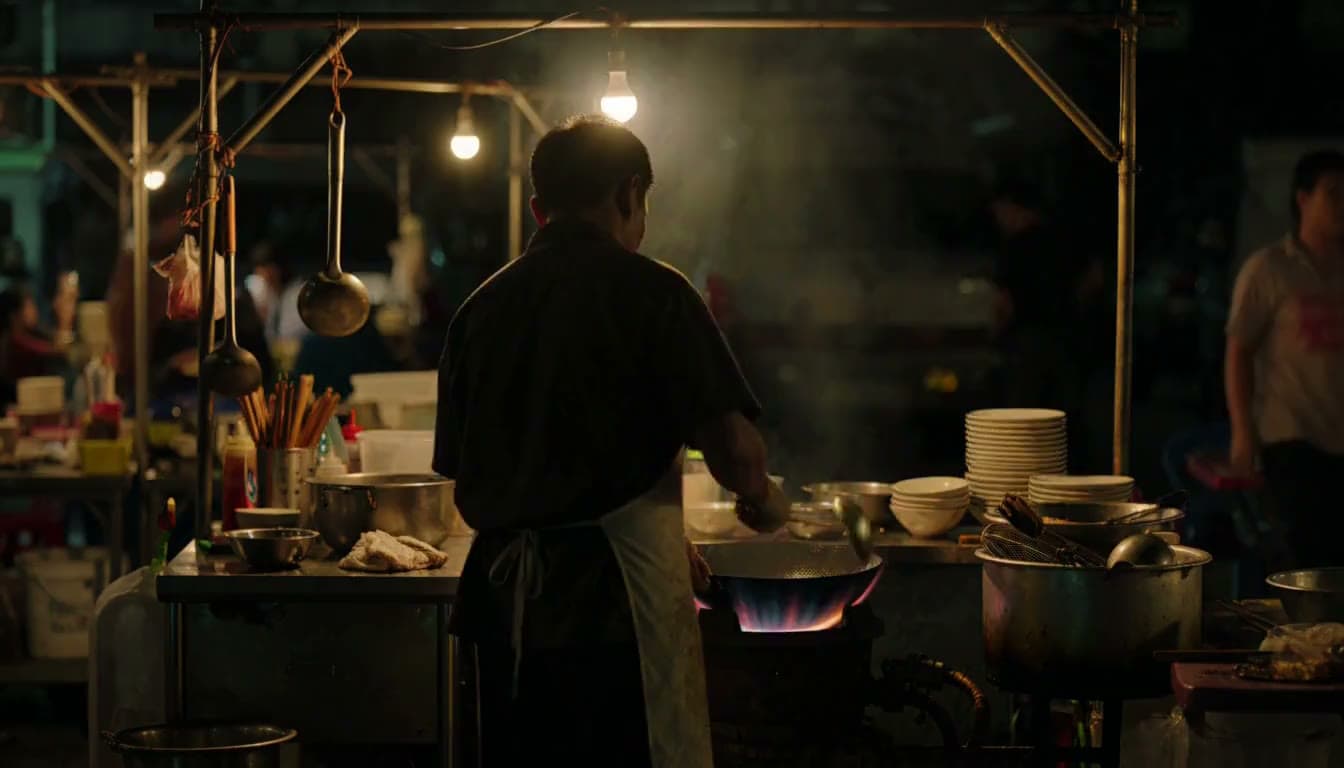
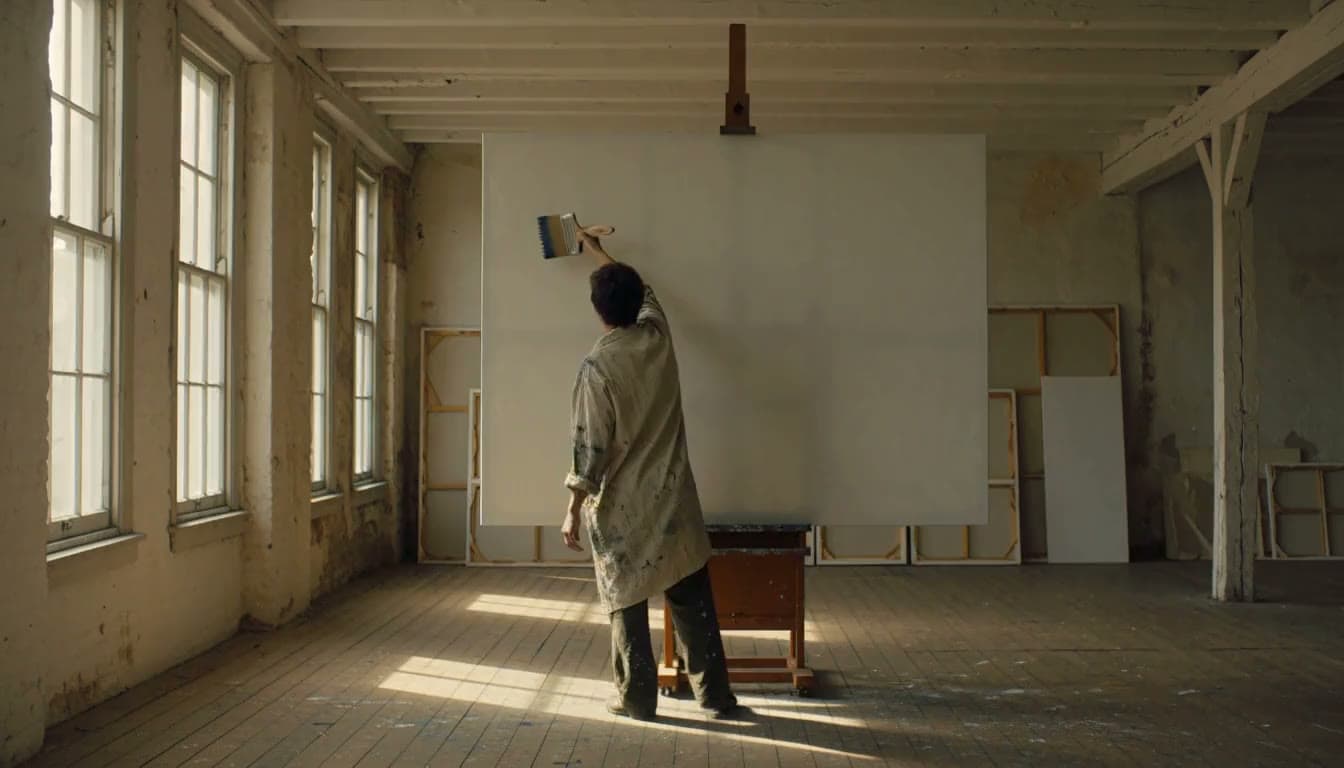
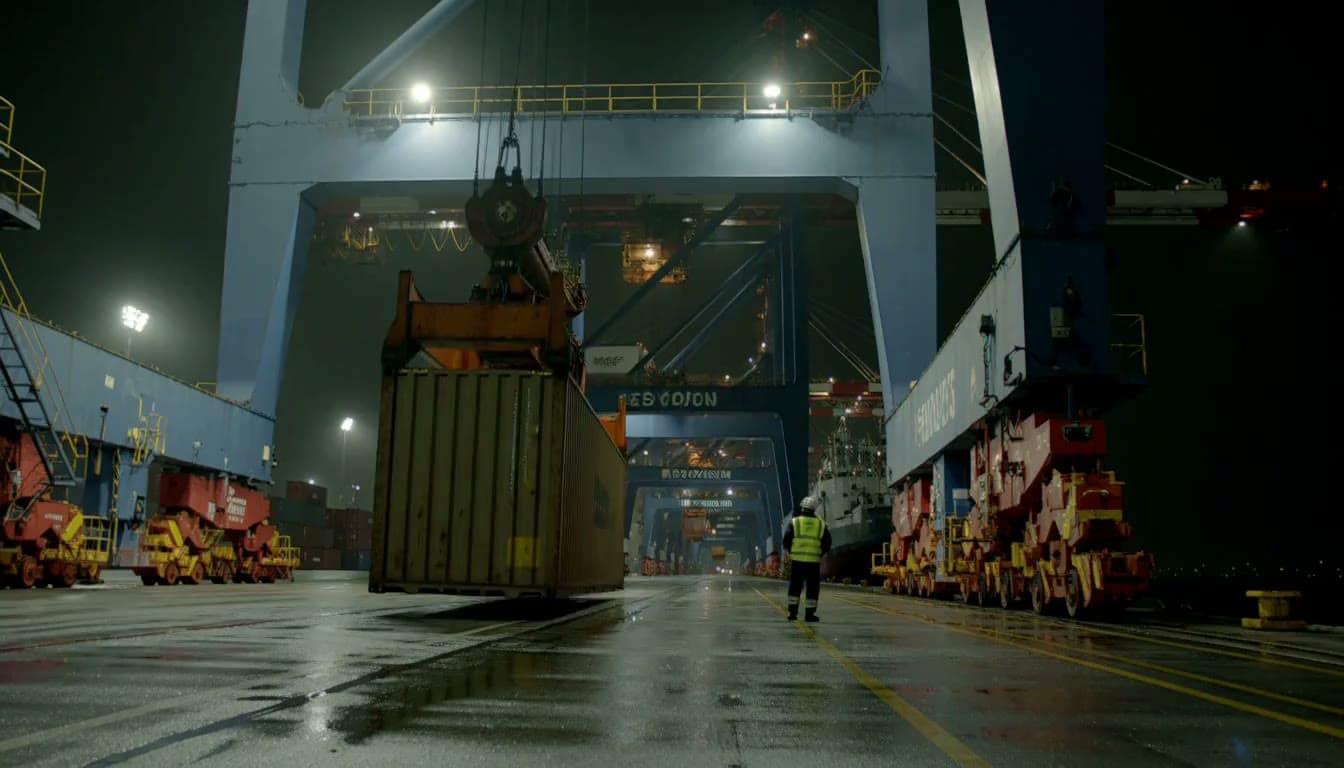
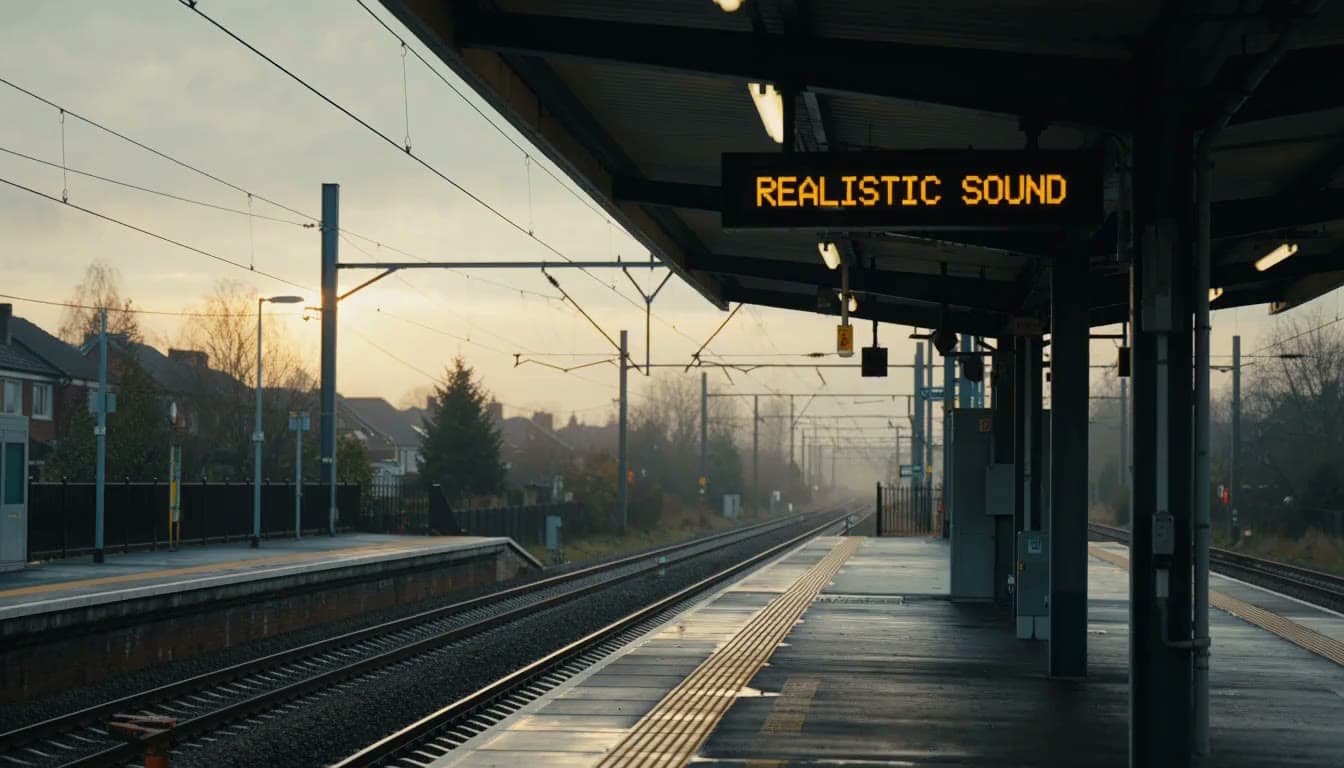
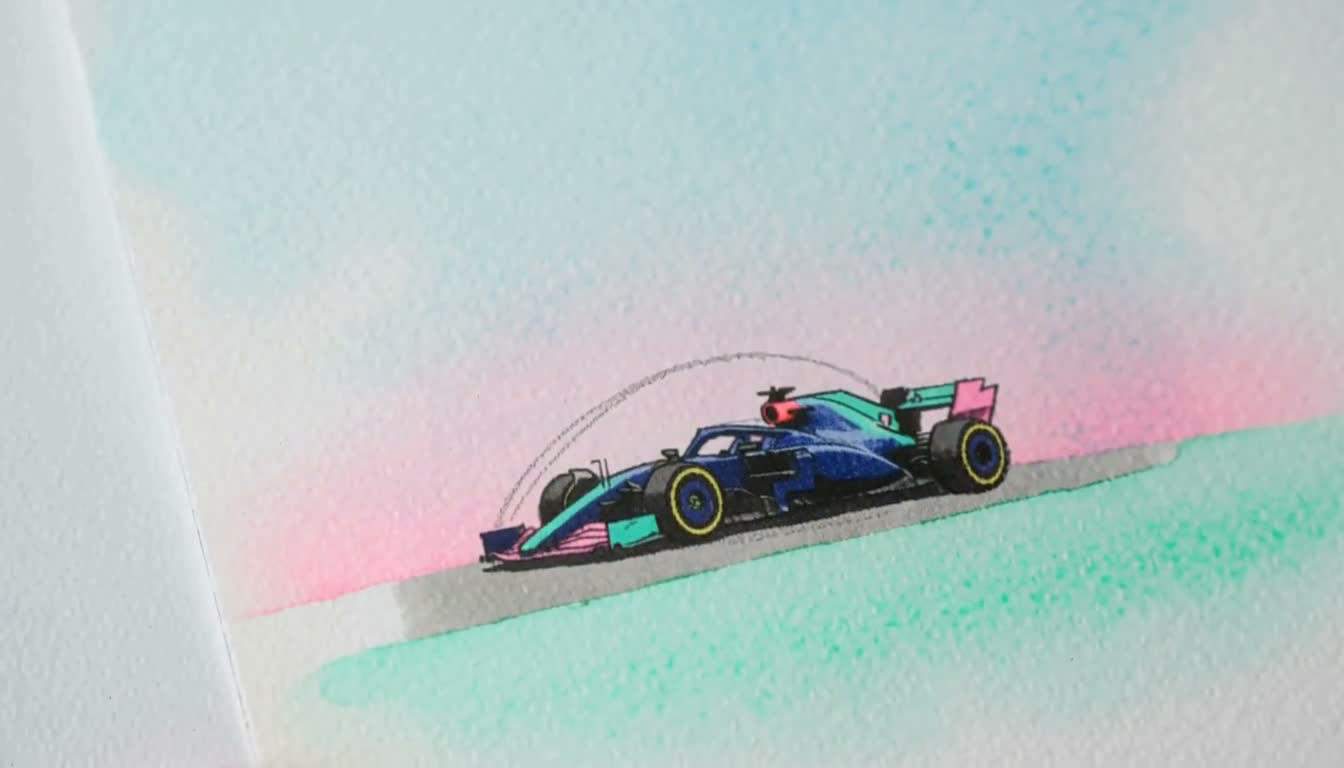
HeyGen Video is HeyGen's first general-purpose video model, built for businesses that need production-quality video without production-level costs. Built on MiniMax H3 and post-trained by HeyGen, it generates a whole scene from a prompt: subject, setting, light, and sound together, in one call. Developers call it through the HeyGen API as heygen-video-1.
Where can I use HeyGen Video?
HeyGen Video is live now on the HeyGen API and through OpenRouter, Runware, and ComfyUI.
How much does HeyGen Video cost?
Pricing starts at $0.01 per second through October, 50% off the standard $0.02 per second, for 480p text-to-video and image-to-video. 768p, the API default, is $0.015 per second through October ($0.03 standard), and reference-to-video bills at a higher rate. 2k resolution bills at 3x the 768p rate.
Does HeyGen Video support text-to-video, image-to-video, and reference-to-video?
Yes. One model covers all three. Start from a written prompt, use an image as the first frame, or supply your own reference images, videos, and audio to keep a product, person, or place consistent in the shot.
How long are videos generated with HeyGen Video?
HeyGen Video generates clips from 5 to 15 seconds long, at 480p, 768p, or 2k, making it suitable for product demos, training, onboarding, property walkthroughs, and other short-form business video.
How is HeyGen Video different from HeyGen avatars?
HeyGen's avatar engines animate a look you already own from a script you already wrote. HeyGen Video invents the subject, setting, light, and sound from a description.
Why use HeyGen Video?
Every clip comes back with sound. There's no separate speech pass, lip-sync step, or audio edit. Pricing starts at $0.01 per second, making it practical to generate, review, and refine the video your business needs every week.
Is there a free tier for the HeyGen Video API?
HeyGen Video runs on paid API keys with pay-as-you-go pricing. At $0.01 per second, a 10-second 480p clip costs $0.10 through October.
What is HeyGen Video best at?
Short, contained shots: one subject, one place, one action, and a locked or barely moving camera. It is less reliable on long on-screen text, soft organic motion such as hair or petals, and close hand work, so keep lettering short and let speech carry any step-by-step instructions.