AI Reel Generator for Shareable Short-Form Videos
Turn any idea, script, link, or audio track into an attention-grabbing AI reel for Instagram, TikTok, and YouTube Shorts. Create videos in minutes without cameras, complex software, or editing timelines.
- 182,350,931 Videos generated
- 157,847,846 Avatars generated
- 26,973,782 Videos translated









 Key features
AI Reel Generator Features
Create reels from scripts and prompts
Describe your idea, paste a script, or add a blog post, and the AI creates a vertical reel right away. Pacing, transitions, and captions are handled automatically, so creators get a ready-to-publish reel for product ads, explainers, or property tours without opening an editing timeline.

Automatic captions and on-screen text
Every reel comes with auto-generated captions synced to voiceovers, plus animated on-screen text that gets the message across even with the sound off. Creators customize burned-in captions, fonts, and motion to match each brand, then export reels for Instagram, TikTok, or YouTube with the subtitle generator.

Audio-reactive visuals synced to the beat
Upload a track, and HeyGen analyzes its tempo, mood, and phrasing to guide cuts, dynamic transitions, and high-energy visual effects. Visual accents land on the beat, music and sound effects build at the drop, and captions sync with lyrics for dramatic, on-trend music promos.

Voice cloning and AI voiceovers
Clone your voice from a 30-second sample, or choose from natural-sounding AI voices for voiceovers, and maintain a consistent delivery across every reel. With AI voice cloning, creators and brands can use the same narrator throughout their content calendar without re-recording.

Localized reels in any language
Translate any reel into 177+ languages and dialects with lip-synced audio, accurate captions, and phrasing adapted for each market. The AI video translator preserves your delivery and timing, so you can launch a single creative globally in an afternoon rather than spend weeks on dubbing.

 Use cases
Ways to use AI Reel Generator

Content creators on Instagram and TikTok
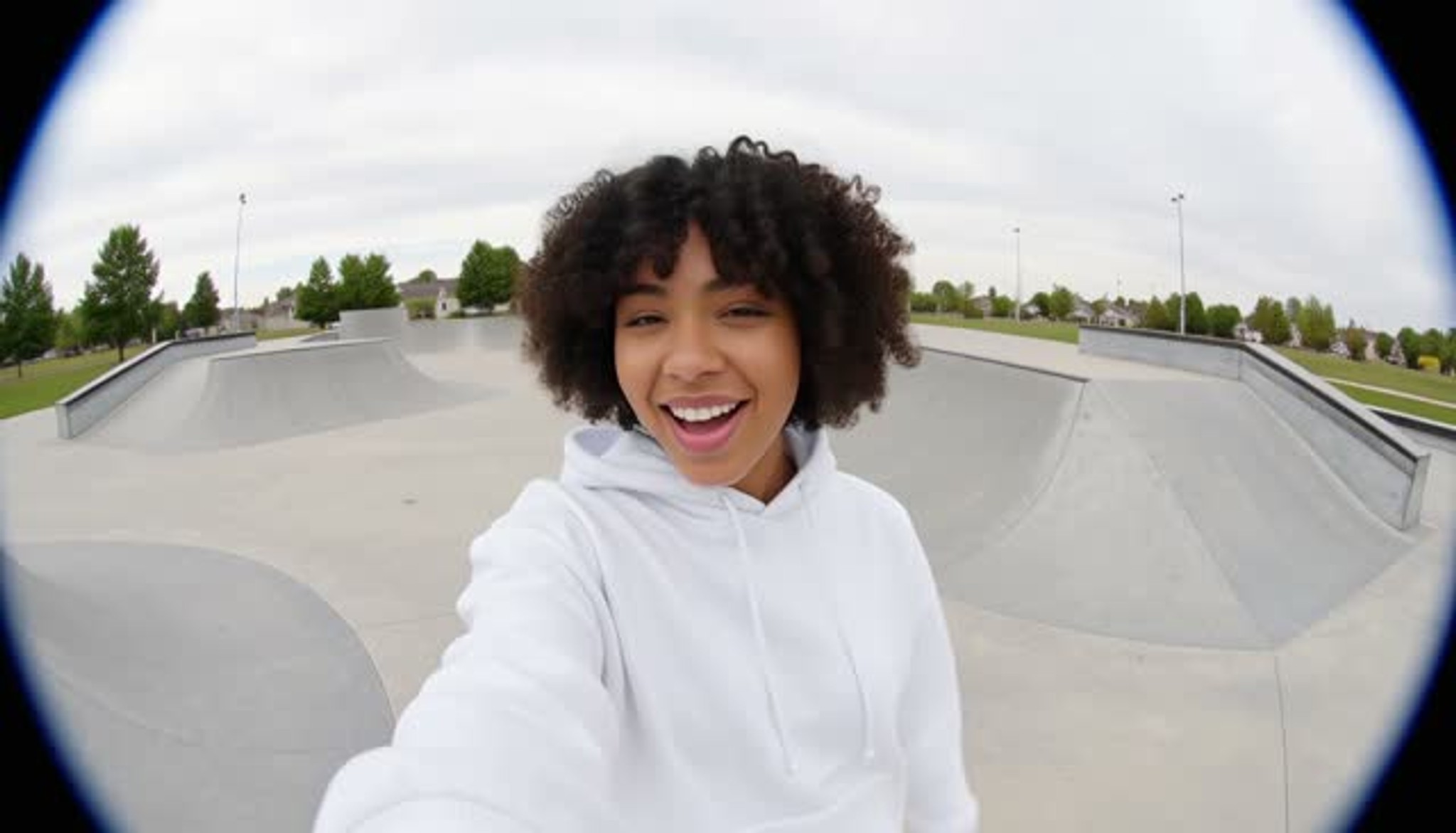
Create production-quality videos every day without filming. Write a hook, choose a style, and the AI tool creates vertical video clips for Instagram Reels, TikTok, and YouTube Shorts, helping creators post consistently.

Product and commerce reels for your brand
Add a product URL, and the AI reel maker gathers images, builds product demos, and creates shoppable brand videos. Create ad clip variations with the promo video workflow for paid social and brand campaigns.

Content and commentary without appearing on camera
Run a faceless brand or commentary channel and create reels without a camera. HeyGen pairs a cloned voice with B-roll clips, animated text, and stock footage to turn your script into a polished video that fits current trends.

UGC ads and A/B testing for ad creative
Create reels at scale and turn a script into dozens of creator-style UGC videos with realistic AI presenters. The AI ad maker generates batches of variations for split testing on Meta, TikTok, and Reels, without the need to book creators.

Bite-sized learning content and tutorials
Turn lessons, tutorial videos, and how-to guides into captioned reels for Instagram Reels or Shorts. Create reels from long lectures, generate narration, and localize each video for global audiences in any language.

Music promotions and shareable lyric reels
Upload a track, and HeyGen instantly creates audio-reactive lyric reels, with captions timed to the phrasing and dramatic visuals synced to the drop. Artists and labels can create polished release videos without hiring a video editor.
 How it works
How to create reels with AI
Go from idea to finished reel in minutes—no editing skills or timeline tools needed.

Describe or upload
Add a prompt, script, URL, photo, or audio clip. HeyGen reviews your input and prepares a video storyboard.

Select a style
Choose a visual preset and aspect ratio suited to Instagram, TikTok, or YouTube Shorts.

Refine and customize
Refine scenes, swap clips, customize captions, and adjust beats with intuitive editing prompts.

Export and publish
Generate your final reel and download it as an MP4. Share it on Instagram Reels, TikTok, or YouTube.
Common Questions
What is an AI reel generator and how does it work?
An AI reel generator turns text, prompts, audio, or links into short videos for Instagram Reels, TikTok, and YouTube. HeyGen processes your input, builds a storyboard, selects visuals, and creates captions and narration—all in one editor—to help you engage viewers in minutes.
Is there a free AI reel generator I can try without a credit card?
Yes, HeyGen's Free plan lets you create 1 to 3 reels a month, depending on your region, each up to one minute long, with captions, voiceovers, and a HeyGen watermark. No credit card is required. Paid plans start at $29 USD a month and remove the watermark, support longer videos and batch generation, and offer localization in over 175 languages.
Can I create reels from just a topic idea or a single sentence?
Yes. Describe your idea in one sentence, and HeyGen generates a script, selects visuals, and creates a complete reel. You can refine the result by editing your prompt or upload your own images and clips to create a new version without starting over.
How long does it take to generate one reel in minutes with this AI tool?
Most AI reels are generated in two to five minutes, depending on length and effects. Batch generation through the API lets teams create dozens of AI video ads in parallel for paid social testing or brand launches across multiple markets.
Can I make Instagram reels without showing my face on camera?
Yes. The AI reel maker supports faceless reels, voiceover-only videos, animated B-roll, or realistic AI presenters that read your script. Many creators pair a cloned voice with generated visuals to maintain a consistent identity.
Does the AI reel generator add captions automatically?
Yes. HeyGen automatically transcribes voiceovers and embeds animated captions and on-screen text in every reel in seconds. Customize caption styles, fonts, and animations to improve accessibility and engage viewers scrolling without sound on mobile.
Can I localize one reel into multiple languages for global launches?
Yes. HeyGen translates the text script, regenerates voiceovers, syncs lips, and rebuilds captions in 175+ languages while preserving timing. Create one brief and HeyGen generates localized reels for every market in hours.
Can I use my own product photos, footage, or audio inside the reel?
Yes. Upload your own images, clips, logos, fonts, or music and sound effects, and the AI reel maker stitches them into the storyboard. Product photos slot into shoppable reels alongside AI-generated scenes in the same edit.
How do I make an AI reel feel more professional and polished?
Open with a hook in the first two seconds, keep cuts quick, and burn in captions to engage viewers scrolling without sound. HeyGen handles pacing, dynamic transitions, and platform aspect ratios, turning a one-line prompt into a video where every transition feels deliberate.
Does the Instagram algorithm favour AI-generated reels?
Instagram ranks AI reels by watch time, completion, shares, and saves, not by how a video is made. AI reels that hook viewers and feel native perform like any other reel, and HeyGen is built to maximize those engagement signals.
Can I cross-post one reel to TikTok, Instagram, and YouTube Shorts?
Yes. HeyGen exports platform-optimized files for each destination in a single render. Create your video once, and aspect ratios, safe zones, and caption sizes adjust so you can share the same clip everywhere without re-editing.
How can I scale up paid social ad testing with AI reels created in batches?
Batch generation creates dozens of video clips from a single brief, so teams can produce variants for split testing on Meta, TikTok, and Instagram Reels. HeyGen's AI video ad workflow tests hooks and CTAs in parallel and scales up the best-performing ads.
How does HeyGen compare to other AI reel generator tools?
Other AI reel generator tools stop at templated clips or trending overlays. HeyGen pairs realistic AI presenters, voice cloning, audio-reactive video editing, and localization in over 175 languages in one workflow, so a single brief becomes a creator post, a brand video, and a paid ad.
What results are creators seeing with HeyGen reels?
Course creator Anton Voroniuk reports saving 15.5 hours a week and producing video at one-fortieth the cost with HeyGen while reaching over 1 million students (customer story). Creators who post daily use the same workflow to maintain a consistent reel schedule without filming.
Can I turn a podcast into a short promotional reel?
Yes. Add podcast audio or a link, then use HeyGen to create a captioned vertical reel with visuals and narration. If you need to create the full episode first, the AI podcast generator can turn text, a PDF, or a URL into an audio or video podcast.
Can ChatGPT make a reel?
ChatGPT can write a reel script and, through OpenAI's Sora model on eligible plans, generate short clips, but it does not assemble an edited, captioned reel. HeyGen's plugin for ChatGPT closes that gap by turning a prompt into a vertical video with a presenter, voiceover, and captions inside the chat.
Discover more AI-powered tools
Bring any photo to life with lifelike voice and movement using Avatar IV.
Start creating with HeyGen today
Turn any idea, script, or audio into an attention-grabbing AI reel for Instagram, TikTok, and YouTube Shorts.

