Turn a photo into an AI talking photo online
Talking photo AI lets you create realistic talking photos that speak more than 175 languages and dialects. Generate unlimited AI photo avatars of yourself in a single click for LinkedIn headshots, holiday content, travel scenes, or even fantasy worlds.
- No credit card
- AI Voice Clone
- 175+ languages and dialects
- 182,350,931 Videos generated
- 157,847,846 Avatars generated
- 26,973,782 Videos translated


Meet talking photo AI
Create an AI talking photo avatar that works as hard as you do. Use your photo to picture yourself in any setting. HeyGen’s AI photo avatars bring your vision to life, whether in a professional office, on a luxury holiday, or in an imaginative fantasy world. With natural movement, lifelike gestures, and custom styles, your avatar helps you stand out in your industry.

Create AI photo avatars from prompts
Use text-based instructions to define your AI photo avatar’s look. This realistic avatar creator produces images tailored to your needs, whether it’s a corporate headshot, a casual portrait, or a cinematic composition. Our approach combines personalization with a thoughtful balance of ethics and privacy.

Create new looks for your AI avatar
Give your AI avatar a new look for any occasion. Use our avatar creator app to change outfits, adjust expressions, or switch backgrounds to suit your theme.

Find the right style for every story with preset look packs
Speed up customization with look packs. Apply professional, lifestyle, holiday, or fantasy styles to your AI photo avatar in a single click. Explore improved options for generating an avatar from a photo, making it easy to create your own.

Features and benefits of talking photo AI
HeyGen’s talking photo AI gives you full control to create realistic avatars from any image. Whether you want to try different looks, generate avatars from prompts, or customize styles with a click, our platform makes it easy to create expressive, animated AI avatars that suit any scene, theme, or audience.

Avatar 6
Turn a single image into a complete video with naturally synchronized speech, expressive facial movements, and lifelike hand gestures.

Easy customization with a single click
Skip the fine-tuning. With one click, give your photo avatar the right look for any scene, purpose, or mood. Switch styles or settings instantly to keep your content fresh and in line with your creative goals.
Create a talking photo

Generating video
Upload a photo

Uploading
Enter your script
Type your script here...

Create AI avatars from prompts
Describe the scene, outfit, or pose you want with simple text prompts. HeyGen's AI effortlessly transforms your photo into realistic AI images of you. Choose any setting or style, from business and casual to themed and beyond. See how computer vision brings your avatar transformation to life.

Natural movement and expressions
Bring your talking photo AI to life with natural blinks, eye movement, and nuanced micro-expressions. HeyGen captures pauses and emphasis so delivery feels human, not robotic. Add emotion presets or fine-tune intensity to match the tone of your script across languages, scenes, and styles.
Bring photos to life with animated AI avatars
Turn a static image into an expressive AI-generated avatar with movement and voice. Connect with your audience through a natural-feeling AI video that brings your photo avatar to life.
Talking photo avatar
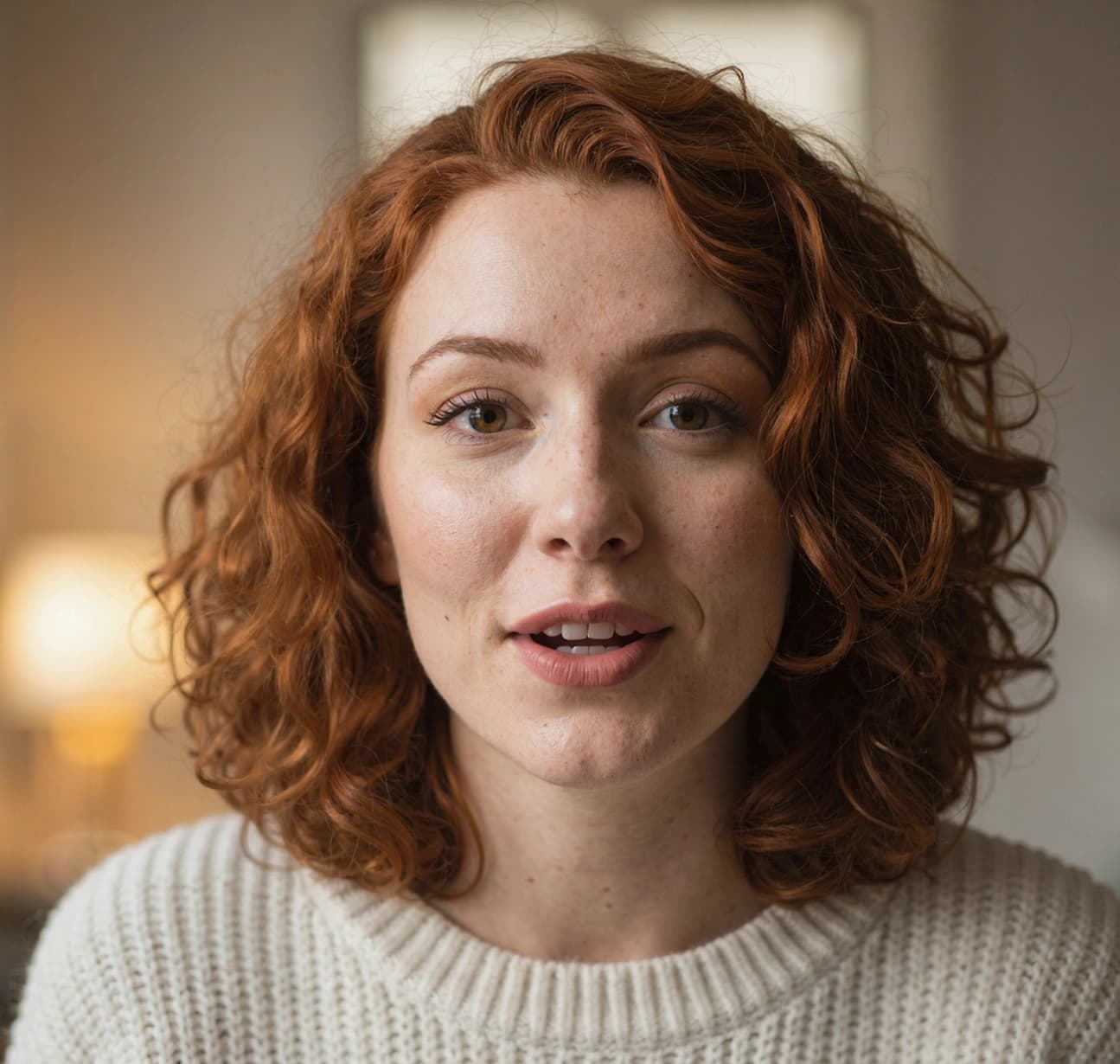

Begin with your avatar
Upload a photo for the best accuracy, or skip it and let your imagination take over by generating an avatar from your picture ideas.

Generate using text prompts
When your imagination outpaces the presets, use text prompts to craft something uniquely yours. Describe the outfit, environment, or atmosphere you’re dreaming up, and HeyGen will manage the rest as your AI avatar creator, blending realism and personalization.

Explore look packs
Explore a curated library of preset styles, from bold business attire to mythical adventurers. Look packs give you instant access to polished looks for specific themes and occasions, helping you customize the avatar you create from a photo.
Create your AI talking photo in 4 simple steps
Be the face of your digital world. Your AI-generated avatar reflects your personality, expressions, and movements, helping you connect with your audience.


Photos that talk back
Be the face of your digital world. Your AI-generated avatar captures your personality, expressions, and movements, helping you connect with your audience.


Have questions? Find answers here
What is Talking Photo AI?
Talking Photo AI uses AI to create a realistic digital image or video of a person. It brings your photo to life by making it talk, move, and express emotion—ideal for creating content, communicating virtually, or simply having fun.
How do I create an AI talking photo avatar with HeyGen?
Upload your photo, use text prompts to describe your vision, and HeyGen will generate a realistic AI avatar for you.
What types of avatars can I generate using HeyGen?
HeyGen lets users create photo avatars, video avatars, and an interactive AI avatar for a range of uses and platforms. You can explore its features by getting started for free here.
Is it possible to animate my AI-generated avatar?
Yes, HeyGen lets you add movement and voice to your avatar to make it more dynamic and lifelike. Learn more about these features here.
Can I customize the appearance of my AI avatar?
With HeyGen, you can customize clothing, expressions, and backgrounds using text prompts and Look Packs for a tailored experience here.
What are Look Packs in HeyGen, and how do they work?
Look Packs provide instant customization with predefined styles like professional, lifestyle, and fantasy looks. Explore how they can enhance your avatars here.
What are AI Avatars used for?
AI avatars are used to create videos, social media profile pictures, and branding materials. Learn how to get started here.
Create your first AI video
See how businesses like yours expand content creation and support growth with advanced AI video.

