


 for Travel
Sell the trip. Skip the filming.
Name a destination or paste the booking link. HeyGen drafts the script, you approve every line, and a video featuring your own likeness and voice does the selling.

This week’s post
We draft the script around the place, the season, and the traveller. You read every line before anything renders. You sign up first. The same card opens in HeyGen.
Three videos that turn browsers into bookers
Start from a destination, a booking link, or your profile. Each one opens as its own card in HeyGen after sign-up.
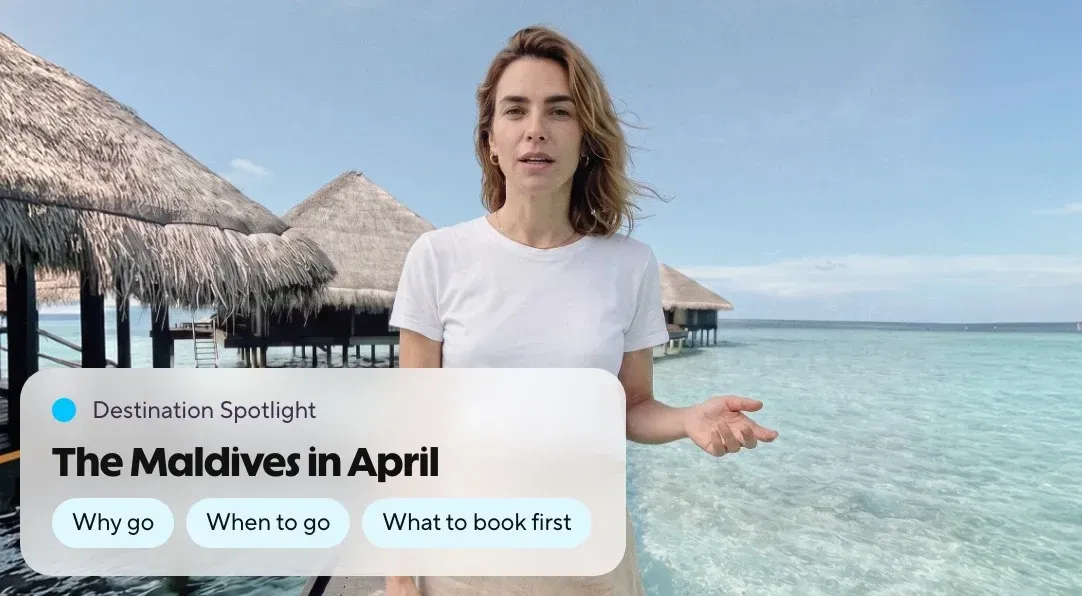
The place you are selling this week, presented by you.
You bring
- A destination, or a hotel or resort link.
- The season and the traveller it suits.
You get
A short reel in your voice: why go, when to go, what to book first. Posted before the weekend.
Go from booking link to video
Paste it
Add a destination, a booking link, or your profile. HeyGen uses it to draft your script.
Read it
Change any line. Nothing renders until you approve the script.
Be the voice
Record one consent video. Only your account can render with your likeness.
Post it
Download the MP4 and the script, add the caption lines, and post where your travellers already are.
One travel ad across 30 markets, all at once
The same avatar and voice in 175+ languages and dialects.


- 30markets localized
- -50%post-production time
We did tests with other companies and HeyGen was always on top for quality.
João LaureanoCreative Director, trivago
Read the story: João LaureanoThree things every travel caption needs
They cover the most common requirements for travel ads in the markets you sell to. Every script is drafted with these requirements in mind.
Your registration number
California, Florida, and other seller-of-travel states require it on your advertising, video included. Add it to the caption or the lower third.

The whole price, or no price
Airfare ads must show the total with taxes and fees. These examples lead with dates and inclusions and leave pricing to your booking page.
That the presenter is your avatar
One line tells travellers it’s your avatar and protects the trust you built in person.
What you keep
Every line of the script, approved before rendering. A consent video that only your account can use to render. The MP4 and script for your records. SOC 2 Type II, GDPR, and CCPA.
Security details
Before you post the first one
What makes a good Meet the Advisor video?
The same things as a good profile: the destinations you know first-hand, the travellers you plan for, one specialty, and how to reach you. The script takes those from your public profile link; you edit the rest.
Do I have to show my seller-of-travel number in a video?
If your state requires it on advertising, yes. California asks for the CST number on all advertising including electronic media, Florida for its ST number on each ad. Put it in the caption or the lower third and check your own state.
Can I make a destination video without filming there?
Yes. Name the destination or paste the hotel link, read the script, and your avatar presents it. Use footage and photos you have the rights to, and say which season and traveller it suits.
How do I disclose that the presenter is an AI avatar?
One plain line in the caption or the first seconds, for example "Presented by my AI avatar." The FTC’s Endorsement Guides apply to virtual presenters, so disclose clearly.
Can I put the price in a Deal of the Week?
You can, as long as it is the full price. US airfare advertising must show the total, including taxes and fees, so most advisors list the dates and what is included, then direct people to the booking page for the price.
What does it cost?
You can sign up and draft for free. Plans and limits are on the pricing page.
Your next trip deserves a video. Create it today
Name the destination, read the script, and send it in your own voice.