HeyGen,
inside your chat.

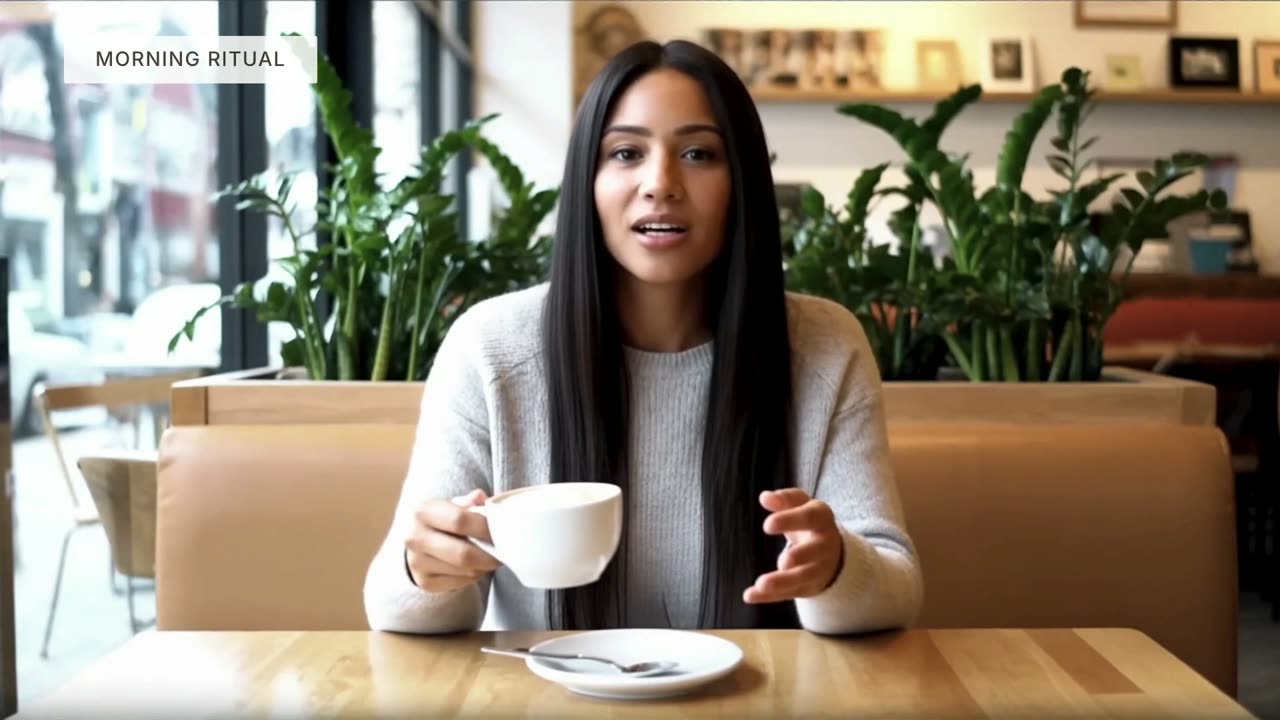
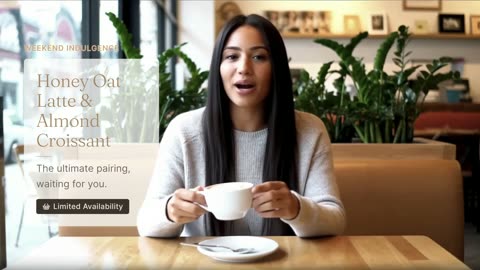
ChatGPT chat. Prompt: “@HeyGen make a 30 second promo for my coffee shop’s weekend special. A few scenes, B-roll, music.” HeyGen replies with the finished video: four scenes, B-roll, captions and music.

Ask any AI agent for a video, an avatar or a voice. It comes back finished, in the same thread.

Everything HeyGen makes, from one sentence.

What you can ask for

Everything HeyGen makes, from one sentence.

  1. Video Agent
  2. Avatars and twins
  3. Voices
  4. Translation and lipsync
  5. AI clipping
  6. Looks
  7. Templates and batch
Make a 30 second promo for my coffee shop’s weekend special. A few scenes, B-roll, music.
Script Scenes B-roll Captions Music
0:30
Warm acoustic
B-roll
Presenter

One prompt. A whole video.

Script, scenes, B-roll, captions and music, from a single sentence in your chat.

“Make a 45s explainer for our new app”
Use my twin for the welcome video.
HeyGen
Your twin is ready. Or pick any presenter.
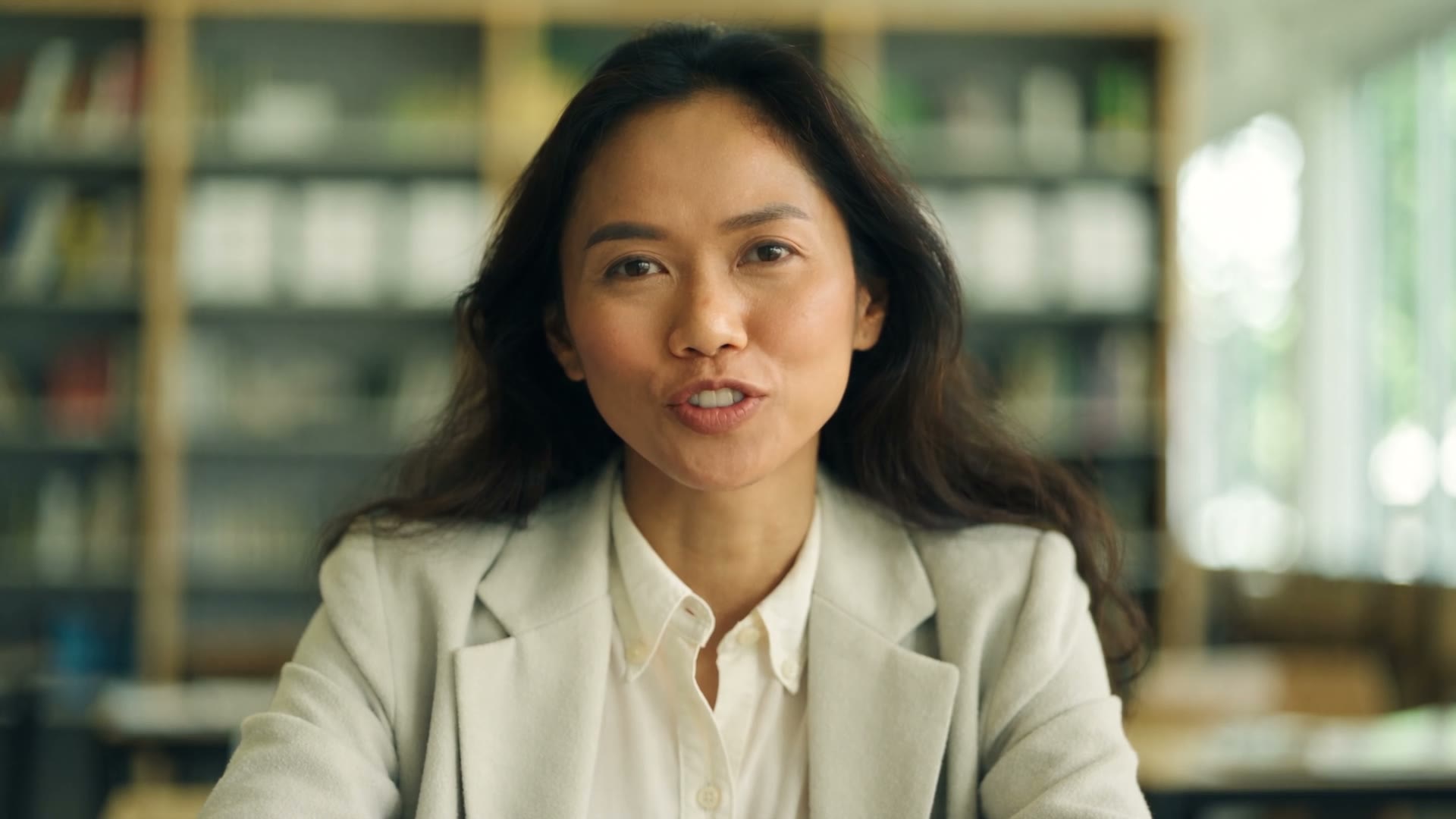
Presenter in a grey blazer in front of market screensYour twin
Doctor in a white coat with a stethoscopeStock presenter
Man with glasses in an architecture studioPhoto avatar
Consent on file for your twin

Any presenter. Or you.

Stock presenters, photo avatars, or your own digital twin, with consent on file.

“Use my twin”
A warm, confident narrator for the open house tour.
“Welcome to the open house on Maple Street.”
CerysBright · English
OrsonFirm · English
ReinholdSoothing · English
MarenCalm · French
Clone your own30 seconds of audio

Say it in any voice.

Browse hundreds of voices, design a new one or clone your own. Speech on demand.

“A warm, confident narrator”
Translate the listing tour into Spanish and Japanese. Keep my voice.
Lips matched
ENWelcome to the open house on Maple Street.
ESBienvenidos a la casa abierta en Maple Street.
JAメープル通りのオープンハウスへようこそ。
Same voice on every line

Same voice, new language.

Translate a finished video. The voice stays yours and the lips follow.

“Translate to Spanish”
Cut three clips from the webinar for LinkedIn.
Webinar recording58:12
0:34The one thing most teams miss
0:41Why batch beats one-off
0:28Our favourite prompt
Three vertical clips, captioned, 9:16

Long recording in. Short clips out.

Hand over an hour. Get back the moments, cut and captioned for every feed.

“Cut 3 clips for LinkedIn”
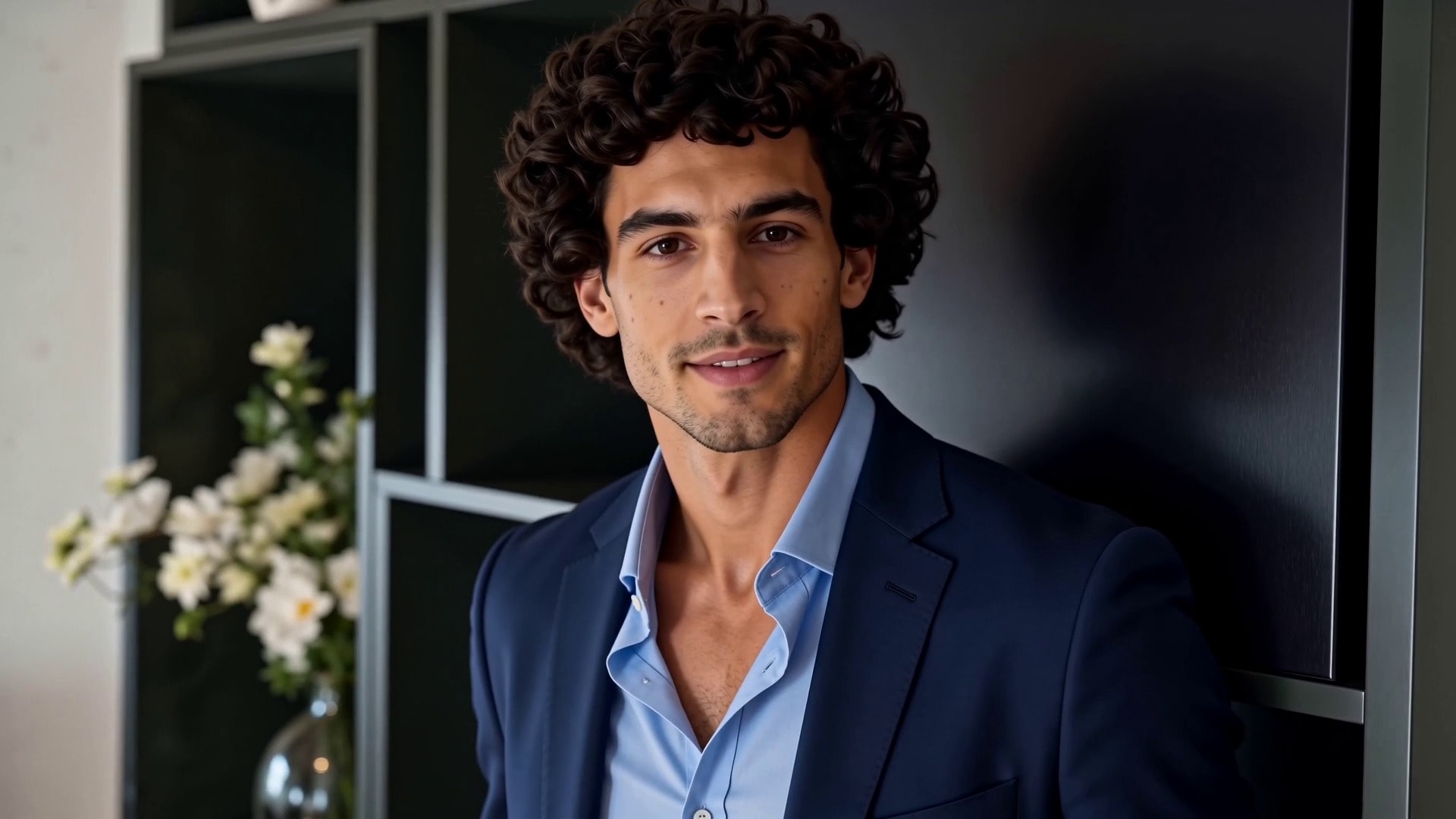
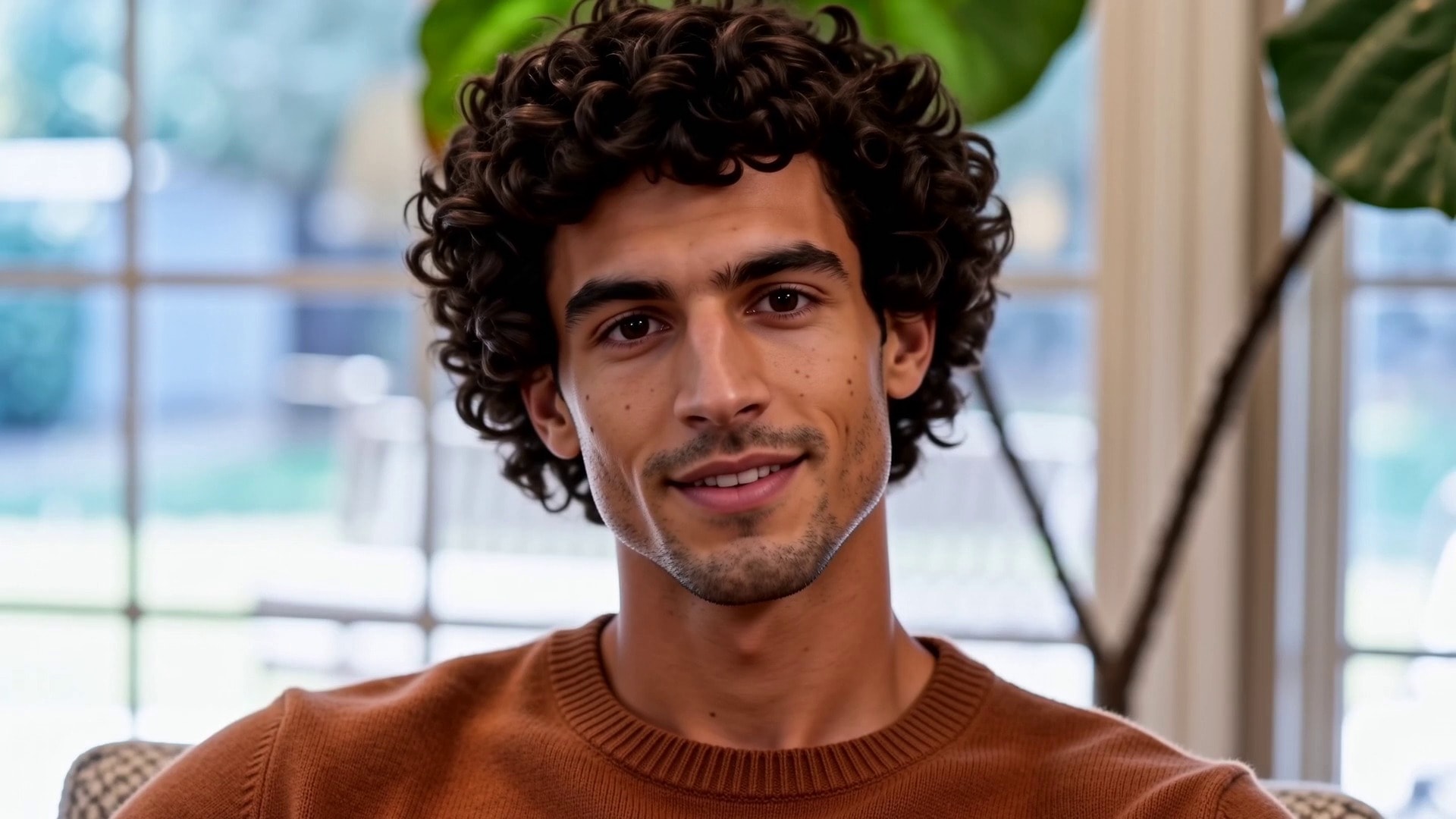
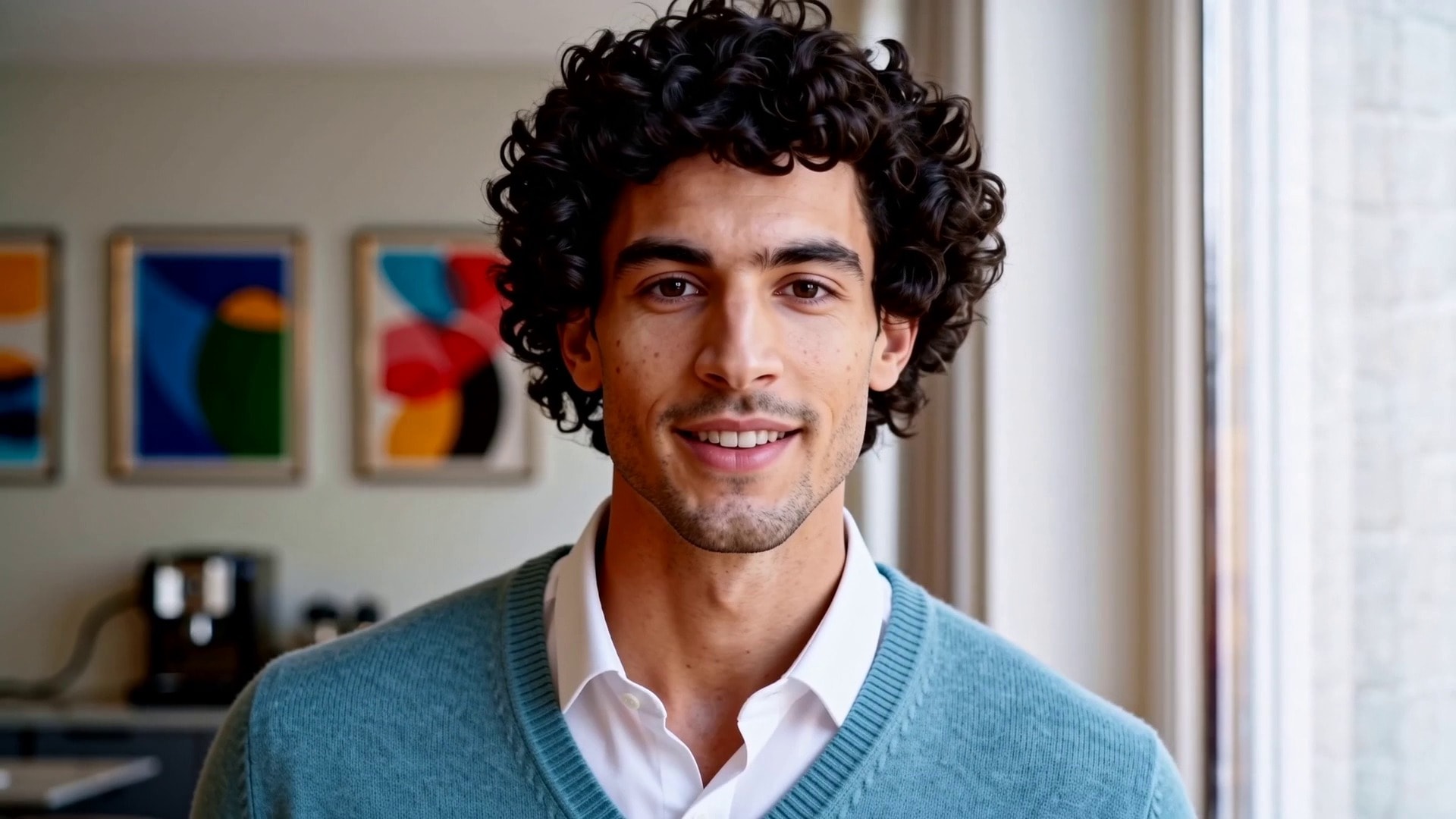
Put Dante in a kitchen. And a studio.
Dante in an officeOffice
Dante in a living roomLiving room
Dante in a kitchenKitchen
Dante in a studioStudio
Dante in a loungeLounge
Dante at a deskDesk
Same face, same voice, any setting

Same person, any room.

Put one avatar in a kitchen, a studio or a boardroom. The face never changes.

“Put Dante in a kitchen”
One per customer on this list.
Hi {{first_name}}, your {{plan}} plan renews on {{date}}. Here’s what’s new.
AvaProOct 14
NoahTeamOct 16
MiaProOct 20
+ 245 more rows
Personalised video for AvaAva
Personalised video for NoahNoah
Personalised video for MiaMia
Personalised video for LeoLeo
Personalised video for ZoeZoe
Personalised video for KaiKai
Personalised video for IvyIvy
Personalised video for MaxMax
248 rendering · 212 done

Fill it in. Render them all.

Set the variables once, pass a list, and get one video per row.

“One per customer on this list”

On brand, every time

Set it once in HeyGen. Every render from any agent follows it.

Brand kit

Logo, colours and fonts land on every scene, from any agent. Nothing to re-explain in the prompt.

Weekend specialSat · Sun, 8am to 2pm
Brand kitLogo · 4 colours · Solar Display

Brand glossary

Names said right and terms kept as they are, in every language you translate into.

Translate the Nuvia launch video into Spanish.
Done. Nuvia is read noo · vee · uh, SKU-42 stays as is.
Glossary
HeyGenhey · jen
Nuvianoo · vee · uh
SKU-42keep as is

Your digital twin

Your face and voice, only with your recorded consent. Any agent can use it, nobody else can.

Your twinFace and voice
Studio lookOffice · Kitchen · Desk
Voice cloneEnglish · Spanish
Consent recorded 12 Sep 2026
Consent on fileRequired for every twin render
Prompts to try

Say it like you’d say it to a colleague.

Marketing · 01 / 10

Scroll to browse

Marketing

Weekend promo

@HeyGen make a 20 second vertical promo for my coffee shop’s weekend special. Upbeat music, captions, end with our address.

Marketing

Listing tour

@HeyGen make a 30 second listing tour for a 3 bed home with a garden. Warm presenter, end with a call to book a viewing.

Training

Onboarding

@HeyGen turn this policy summary into a 1 minute onboarding video with a friendly presenter and captions.

Training

Course lesson

@HeyGen make a 2 minute lesson that explains compound interest with a teacher avatar and simple B-roll.

Sales

Personal outreach

@HeyGen create a 30 second video for each prospect on this list, greeting them by name and company.

Sales

Product update

@HeyGen record a 45 second product update for customers with my digital twin and our brand kit.

Social

Clips from a webinar

@HeyGen cut this webinar recording into three 30 second vertical clips with captions for LinkedIn.

Social

New presenter

@HeyGen create an avatar of a friendly chef in a warm kitchen, then make a 15 second recipe teaser with it.

Global

Translate a video

@HeyGen translate my latest product video into Spanish, French and Japanese with lip-sync.

Global

Pick a voice

@HeyGen show me five warm narrator voices, then use the second one for a 30 second explainer.

Connect in two clicks

Sign in with HeyGen. No API key, no install.

Claude

  1. 1Add a custom connector
  2. 2Paste the HeyGen URL
  3. 3Connect and sign in
Claude guide

Claude Code

  1. 1Run one command
  2. 2Sign in with HeyGen
  3. 3Ask for a video

Codex

  1. 1Run one command
  2. 2Sign in with HeyGen
  3. 3Ask for a video

Cursor

  1. 1Add to mcp.json
  2. 2Sign in with HeyGen
  3. 3Ask for a video

Gemini CLI

  1. 1Add to settings.json
  2. 2Sign in with HeyGen
  3. 3Ask for a video

Grok

  1. 1Add an MCP server
  2. 2Paste the HeyGen URL
  3. 3Connect and sign in
Grok guide

Lovable

  1. 1Add an MCP server
  2. 2Paste the HeyGen URL
  3. 3Connect and sign in
Lovable guide

Manus

  1. 1Add an MCP server
  2. 2Paste the HeyGen URL
  3. 3Connect and sign in
Manus guide

Superhuman

  1. 1Add an MCP server
  2. 2Paste the HeyGen URL
  3. 3Connect and sign in
Superhuman guide
Signed in as you

Sign in, no keys

OAuth with your HeyGen account. Nothing to paste, nothing to rotate.

Credits used620 / 1,000
Same balance in HeyGen and your chat

Your plan, your credits

Every render from any agent draws on the balance you already have.

Consent first

A digital twin only works with the person’s recorded consent on file.

Building at scale? Use the API.

Same models, built into your product. Higher limits, API billing.

Want HeyGen MCP in your marketplace? Contact us

Have questions? We’ve got answers

Do I need an API key?

No. Remote MCP uses OAuth authentication tied to your HeyGen account (Web Plan). No API key is required.

Does HeyGen’s MCP cost extra?

No. Video generation uses the premium credits included in your existing HeyGen plan. There are no separate API charges or additional billing.

Which HeyGen plans support MCP?

MCP is available on all HeyGen plans. For heavier usage, upgrading to the Creator plan or higher is recommended.

Can I use my custom avatars and voices?

Yes. Any avatar or voice available in your HeyGen account, including custom-built assets, is accessible through HeyGen MCP.

What's the difference between this and the HeyGen API?

The HeyGen API gives you direct REST endpoints for programmatic control. Remote MCP wraps those capabilities so AI agents can use them conversationally without you having to write integration code.